9 Dentist element and instrument functions Sirona Dental Systems GmbH
9.3 General instrument functions C3
+
59 06 404 D 3390
50 D 3390.201.01.18.02
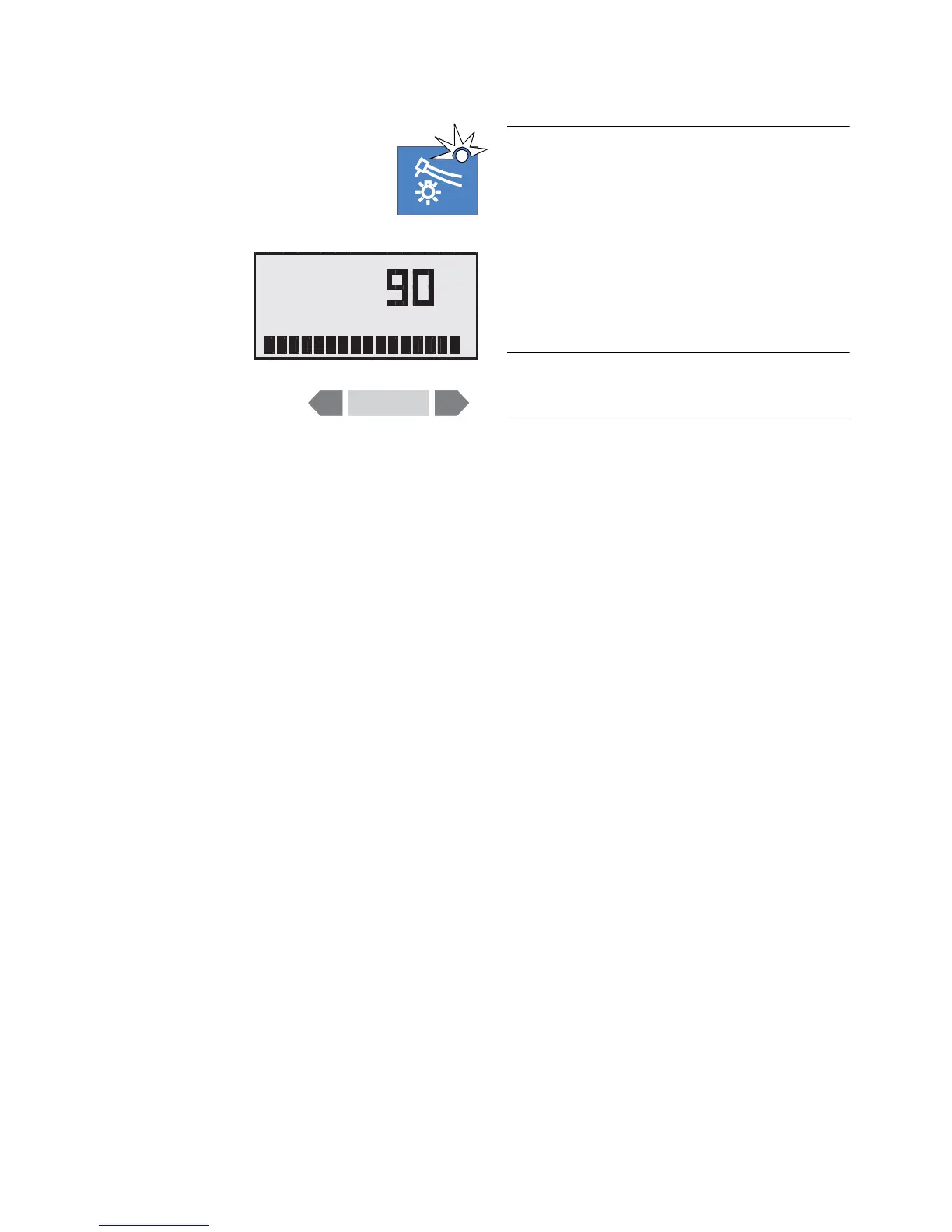
Instrument light ON / OFF
With this key on the dentist element control panel, you
preset the instrument light for the picked-up instru-
ment.
If light ON is preset, the green LED in the key is lit.
When you press the key for more than 3 seconds, the
INSTR. LIGHT settings dialog is displayed. Here you
can set a light intensity between 60 % and 100 % with
the – / + keys.
If more than one instrument is picked up, only the instru-
ment which was picked up first is operative.













 To Next Page