Sirona Dental Systems GmbH 14 SIVISION 3 / SIROCAM 3 / SIROCAM C
C3
+
14.5 Operating modes of SIVISION 3
59 06 404 D 3390
D 3390.201.01.18.02
91
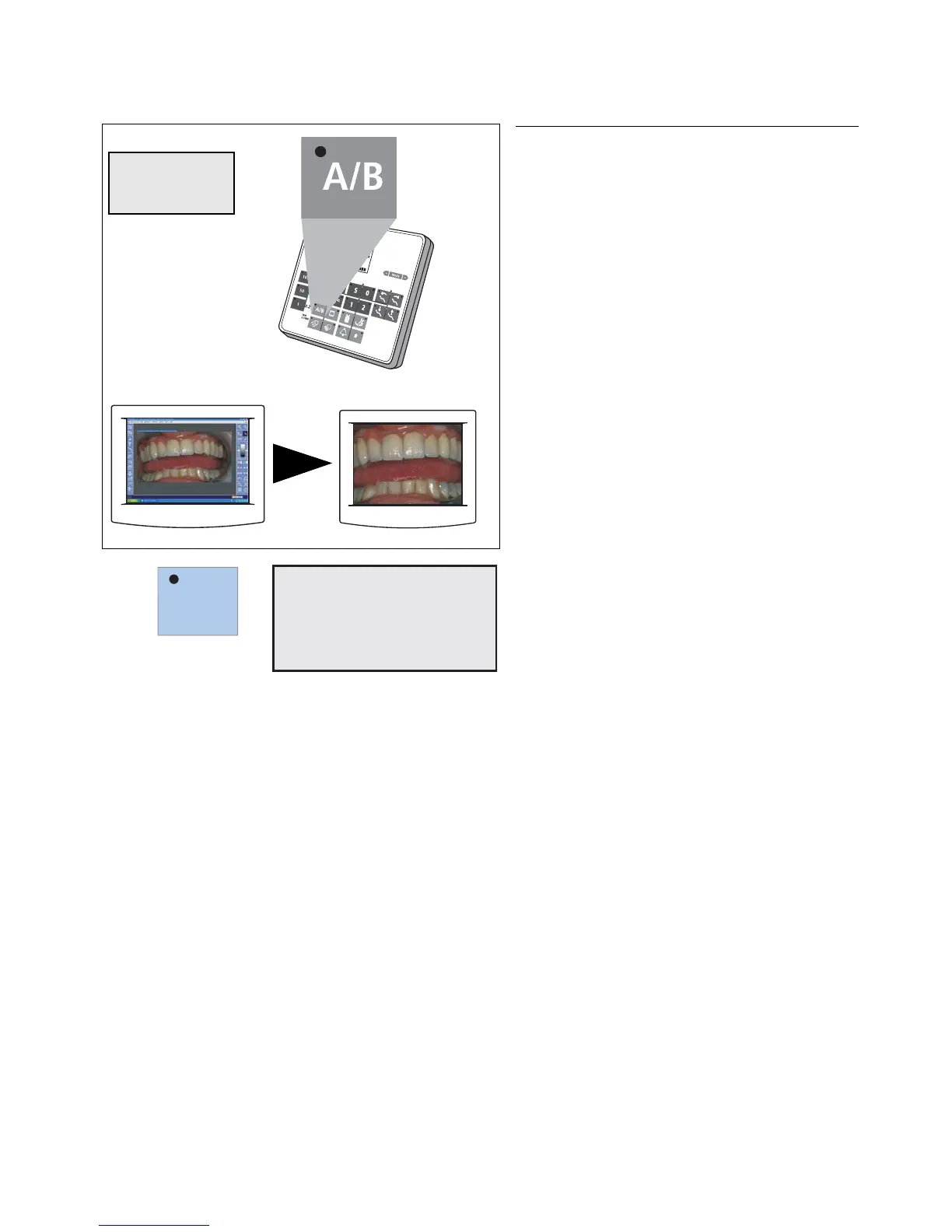
SWITCHING TO VIDEO MODE
A/B key on the control panel
Only for:
• camera picked up and activated,
• manually or by cursor (using the foot switch),
"VIDEOCAM" and the operating mode "VIDEO
MODE" now appear on the display.
The SIVISION monitor displays the camera image.
This mode remains active even after you switch the
treatment center OFF and back ON.
This toggling function of the "mode switchover" key can
be disabled in the section "Mode: A/B VIDEO MODE ON
– OFF" on page 73 to prevent inadvertent switchover.













 To Next Page