Configuring Your SmartRG™ - Common Use Cases
S m a r t R G © 2 0 1 2 C o n f i d e n t i a l P a g e | 25
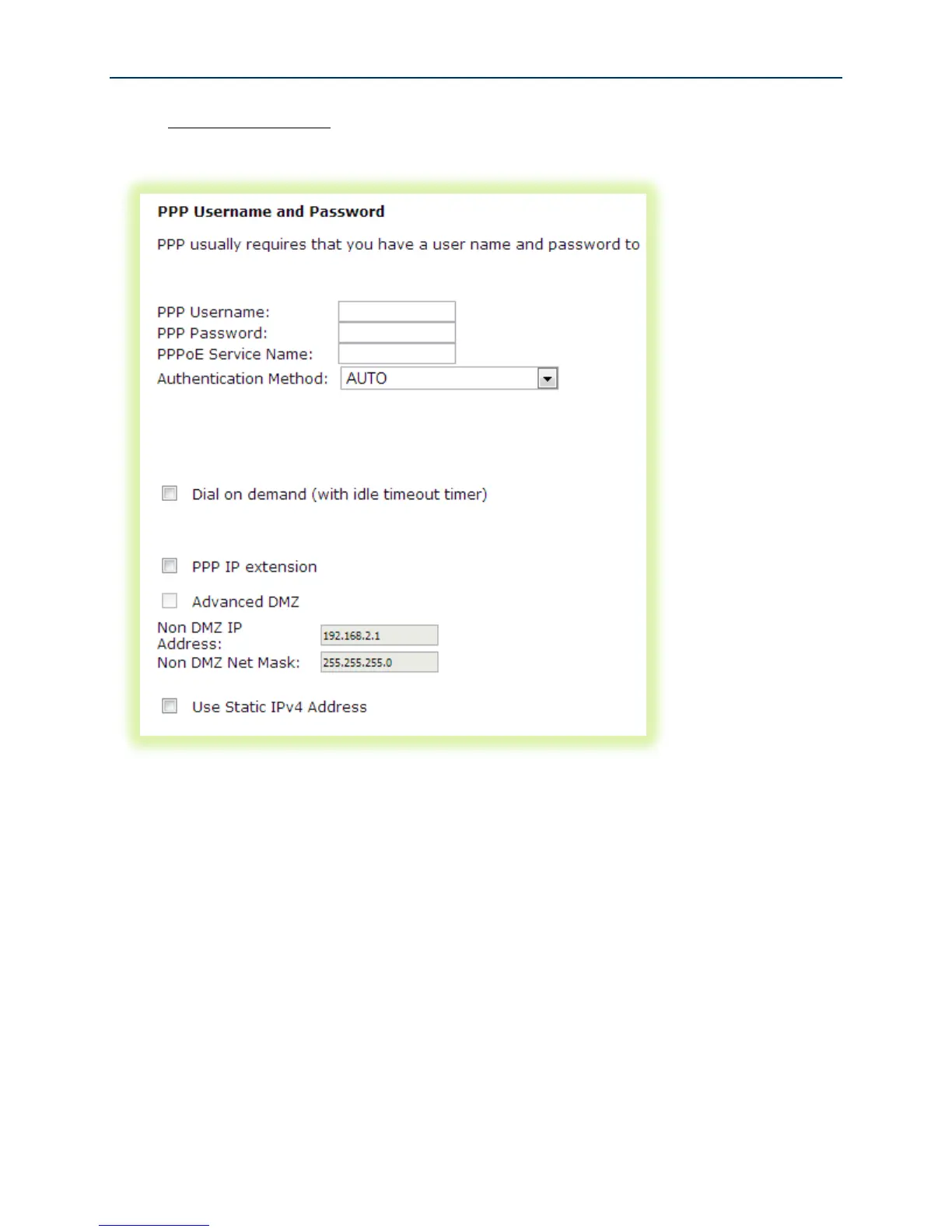
5. For PPP WAN services enter the “PPP Username” and “PPP Password”. If desired, enable
the firewall, NAT and IGMP Proxy. Click Next.
Figure 16 PPP Username and Password
-OR-



 To Next Page