Configuring Your SmartRG™ - Common Use Cases
S m a r t R G © 2 0 1 2 C o n f i d e n t i a l P a g e | 27
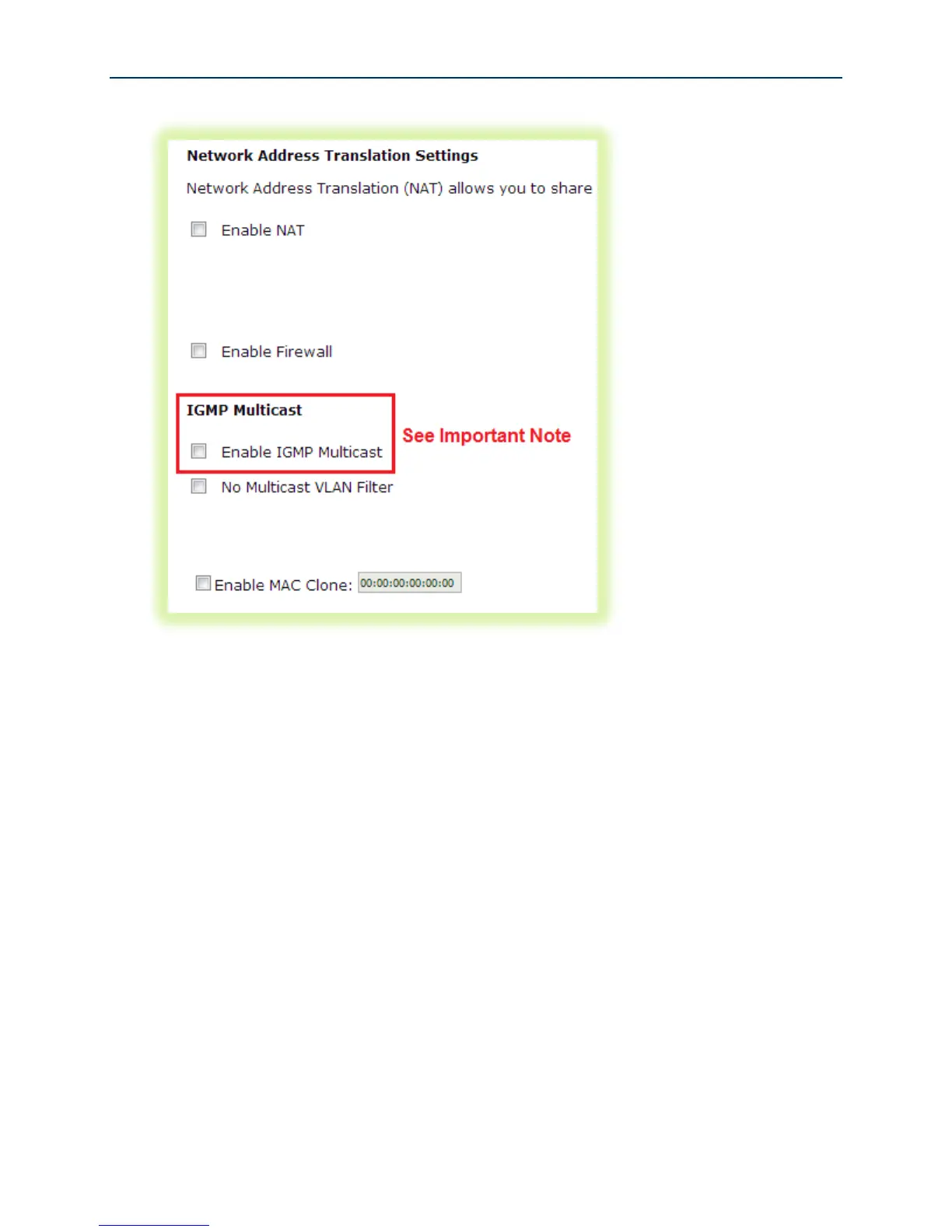
Figure 18 WAN NAT, Firewall and IGMP Settings
8. Select the WAN interface to be used by this WAN service. Click Next.
9. Select “Obtain DNS info from a WAN interface” and select the desired WAN interface from
the drop down list (a single WAN interface is common unless you are creating bridged IPTV
configurations) –or- select “Use the following Static DNS IP address” and enter the IP
addresses of your network’s primary and secondary DNS servers. Click Next.
10. Review the WAN service summary. If you are satisfied click Apply/Save.



 To Next Page