SmartRG™ Residential Gateways
P a g e | 38 C o n f i d e n t i a l S m a r t R G © 2 0 1 2
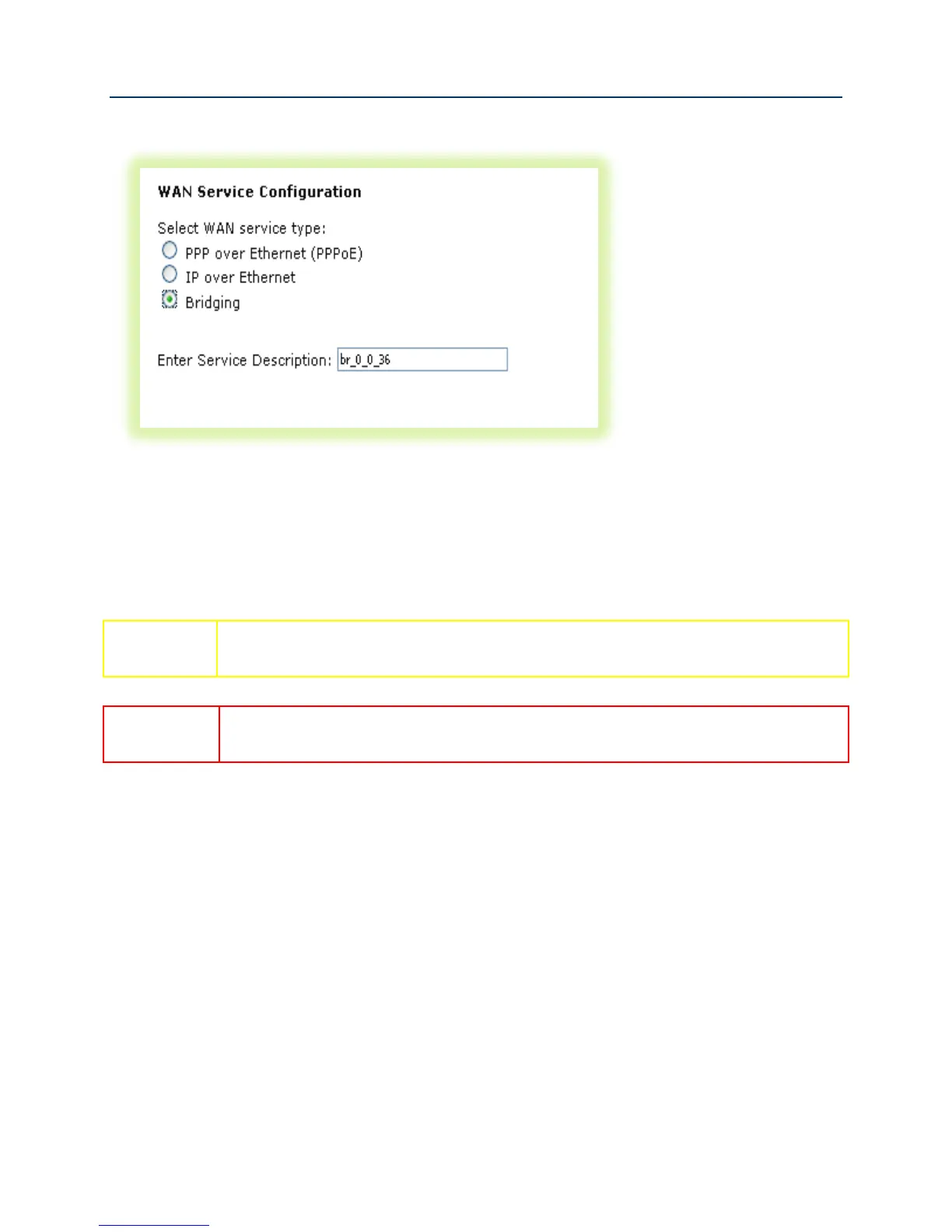
4. Select “Bridging” and click Next.
Figure 29 Creating a Bridged WAN Service
5. Review the bridged WAN service summary and click Apply/Save if you are satisfied.
6. Repeat steps 1-5 as necessary to support your particular IPTV configuration (i.e. single or
multi-WAN connection).
Some DSLAMs require multiple WAN connections to support IPTV services. Contact
your DSLAM vendor for IPTV configuration details.
The IGMP bridged WAN connection MUST be the last bridged WAN connection
created.
7. Ensure “IGMP Snooping” has been enabled on the LAN as detailed in the “Use Case: Setting
Up the LAN” section.
8. Check “LAN(1-4)” – (This segments the four LAN ports into separate interfaces instead of a
single switched block of ports).
9. Click Apply/Save.



 To Next Page