Troubleshooting
S m a r t R G © 2 0 1 2 C o n f i d e n t i a l P a g e | 63
Troubleshooting
Accessing System Logs
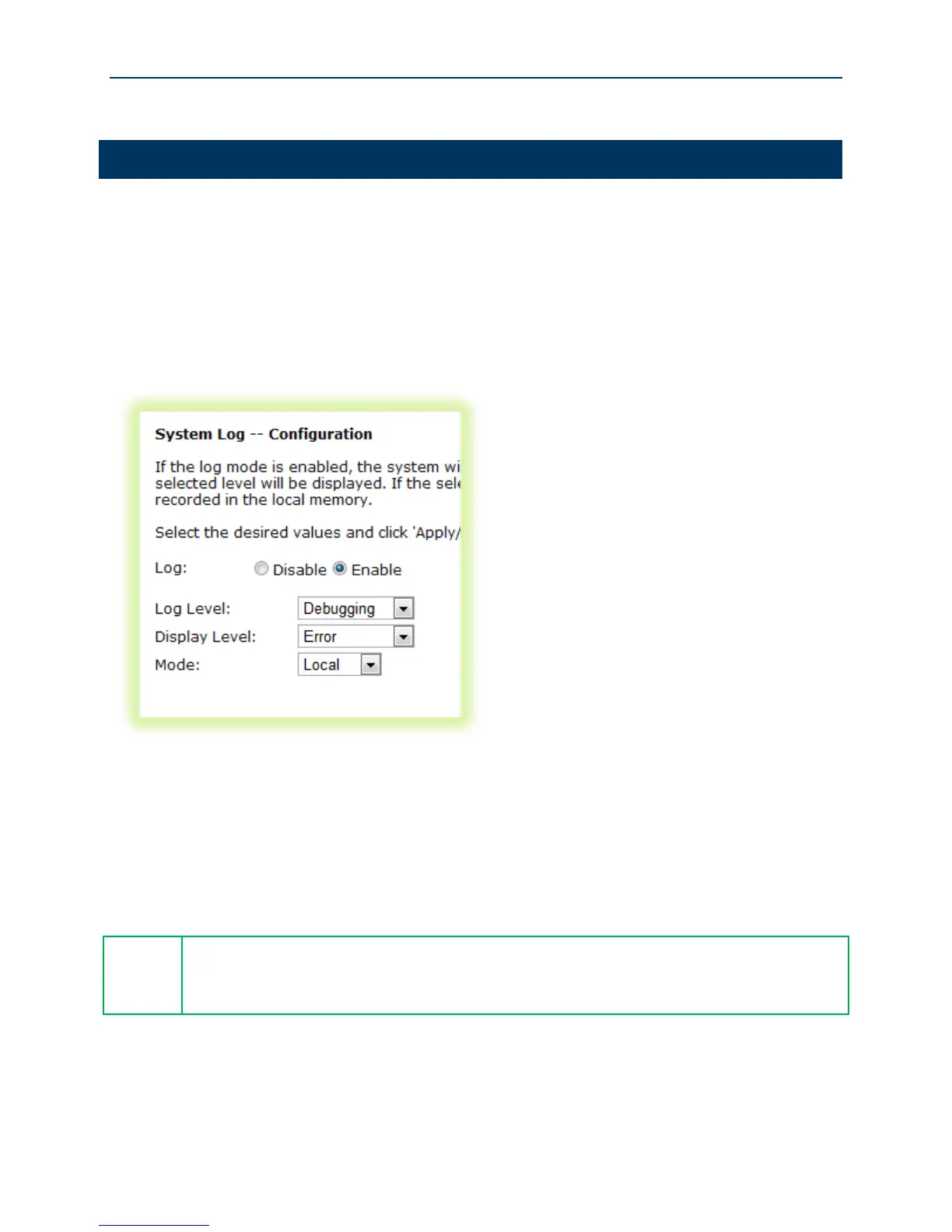
To configure the System Log for use during troubleshooting efforts:
1. Select Management -> System Log.
2. Click Configure System Log.
Figure 48 Configuring the System Log for Use In Troubleshooting
3. Select the “Log Level” from the drop down list. “Debugging” provides the greatest level of
log detail.
4. Select the “Display Level” from the drop down list. “Debugging” provides the greatest level
of display detail.
5. Click Apply/Save.
Gateway logs can be sent to a remote server for storage. To configure the remote
“Mode” select “Remote” from the drop down list and configure the remote server’s IP
address and UDP port number.



 To Next Page