SmartRG™ Residential Gateways
P a g e | 64 C o n f i d e n t i a l S m a r t R G © 2 0 1 2
Executing Diagnostics
To execute the SmartRG’s interface diagnostics:
1. Select Diagnostics.
Monitoring Traffic on the WAN Interface (Port Mirroring)
Monitoring traffic on the WAN interface can be difficult as intervening equipment between the
access gear and the gateway is necessary to provide a monitoring point for your work station. To
simplify WAN traffic monitoring SmartRG gateways provide the capability of “mirroring” WAN traffic
to any of the gateway’s Ethernet LAN ports.
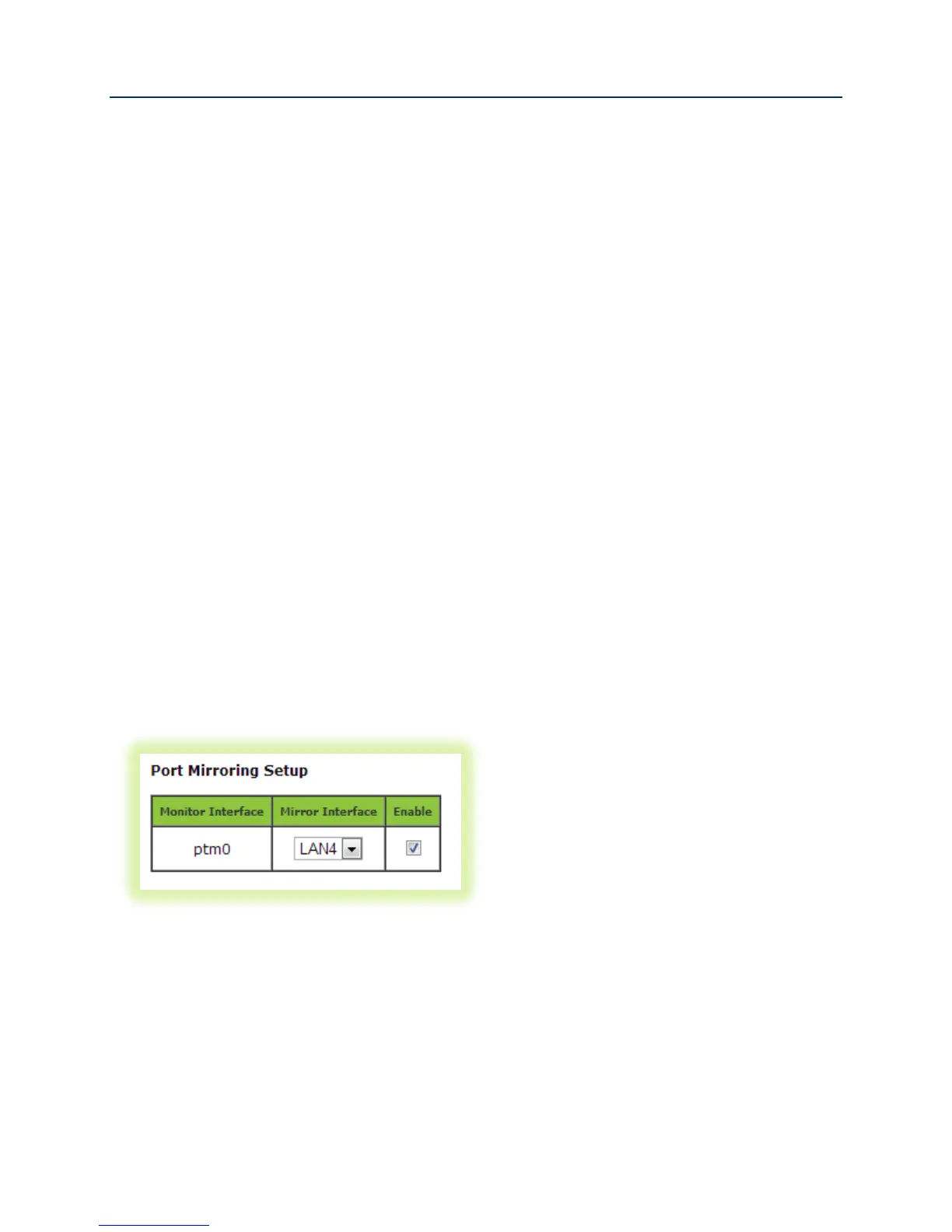
To configure the SmartRG gateway for port mirroring:
1. Enter the URL for the “Port Mirroring” hidden page into your browser: <LAN IP
Address>/admin/engdebug.cmd.
2. Click the Enable check box.
3. Select the target LAN port from the Mirror Interface dropdown box.
4. Click Apply/Save.
Figure 49 Configuring Port Mirroring to Monitor WAN Interface Traffic



 To Next Page