Configuring Your SmartRG™ - Common Use Cases
S m a r t R G © 2 0 1 2 C o n f i d e n t i a l P a g e | 37
Creating Bridged WAN Connections
To configure the SmartRG for bridged IPTV service deployments (with one or more WAN
connections) start by creating the bridged WAN connections:
1. Create a Layer 2 interface following the instructions detailed in:
a. “Configuring the Layer 2 Interface (Ethernet)”
b. “Configuring the Layer 2 Interface (ADSL)” or
c. “Configuring the Layer 2 Interface (PTM – Supported on ADSL and VDSL)”
as appropriate for your particular SmartRG (Ethernet or DSL).
2. Select Advanced Setup -> WAN Service.
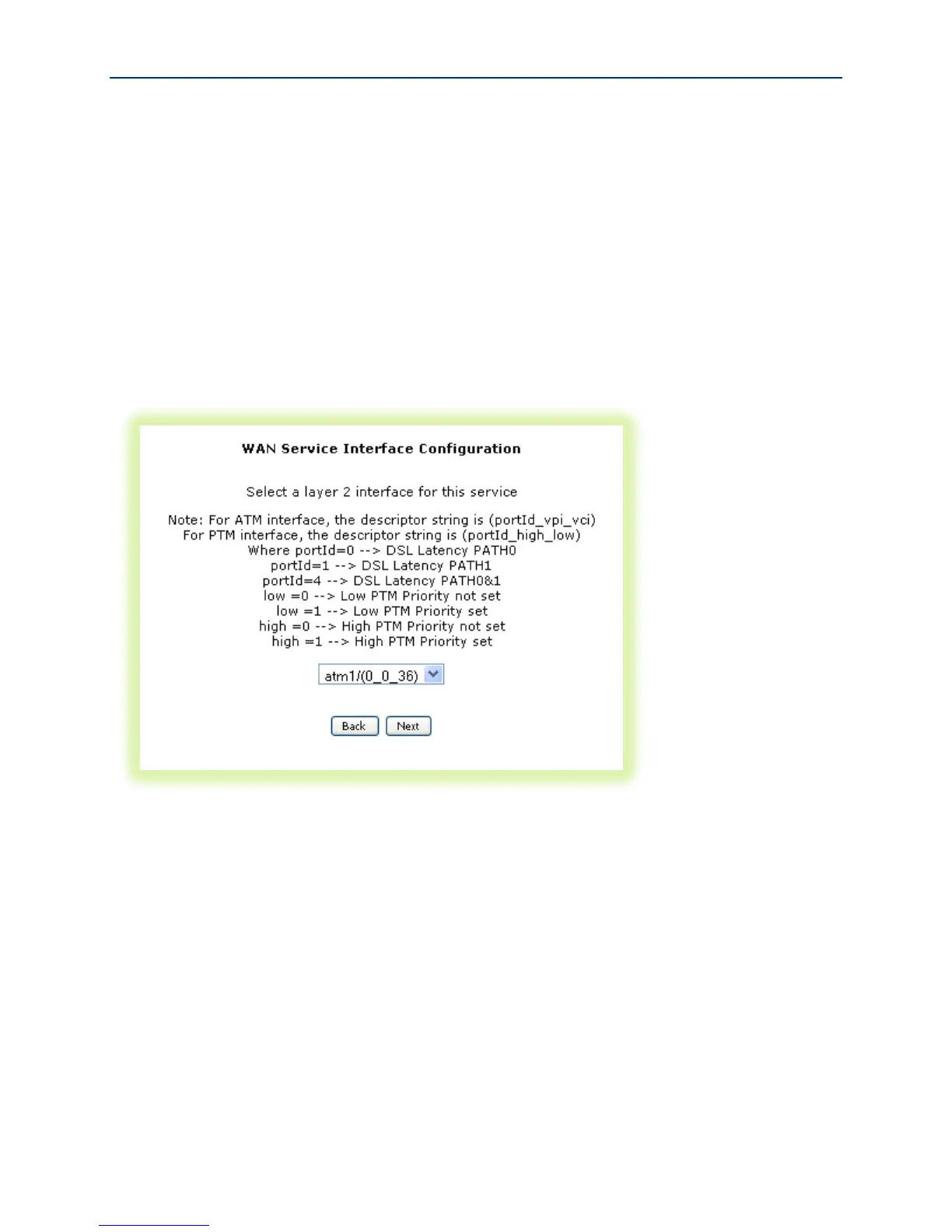
Figure 28 Selecting a Bridged WAN Service’s Layer 2 Interface
3. Select the Layer 2 Interface (created in step 1 above) from the drop down list and click
Next.



 To Next Page