SmartRG™ Residential Gateways
P a g e | 60 C o n f i d e n t i a l S m a r t R G © 2 0 1 2
Configure Access Controls (HTTP, Telnet, SSH, etc.)
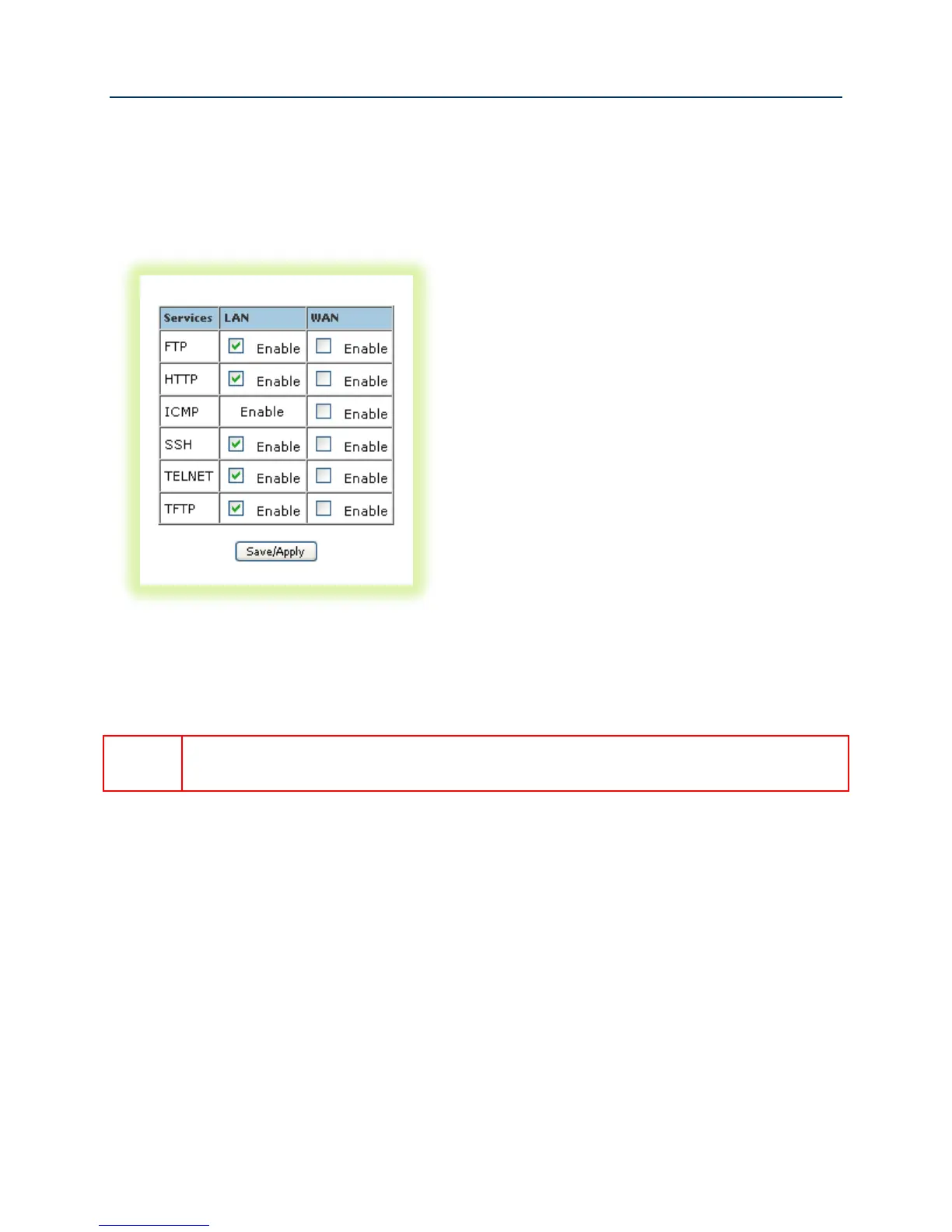
To enable/disable gateway management services such as HTTP, Telnet and SSH:
1. Select Management -> Access Control -> Services.
Figure 47 Enabling/Disabling HTTP, Telnet, SSH... Access
2. Enable/disable LAN and/or WAN access to the various management services as desired .
3. Click Save/Apply.
For security reasons it is strongly recommended that WAN access to all services be
disabled accept during deployment or when troubleshooting.



 To Next Page