SmartRG™ Residential Gateways
P a g e | 50 C o n f i d e n t i a l S m a r t R G © 2 0 1 2
11. Leave the “DSL Latency” value set to Path0 and Click Apply/Save.
The default data queue depicted in the QoS architecture diagram above does not need
to be specifically created.
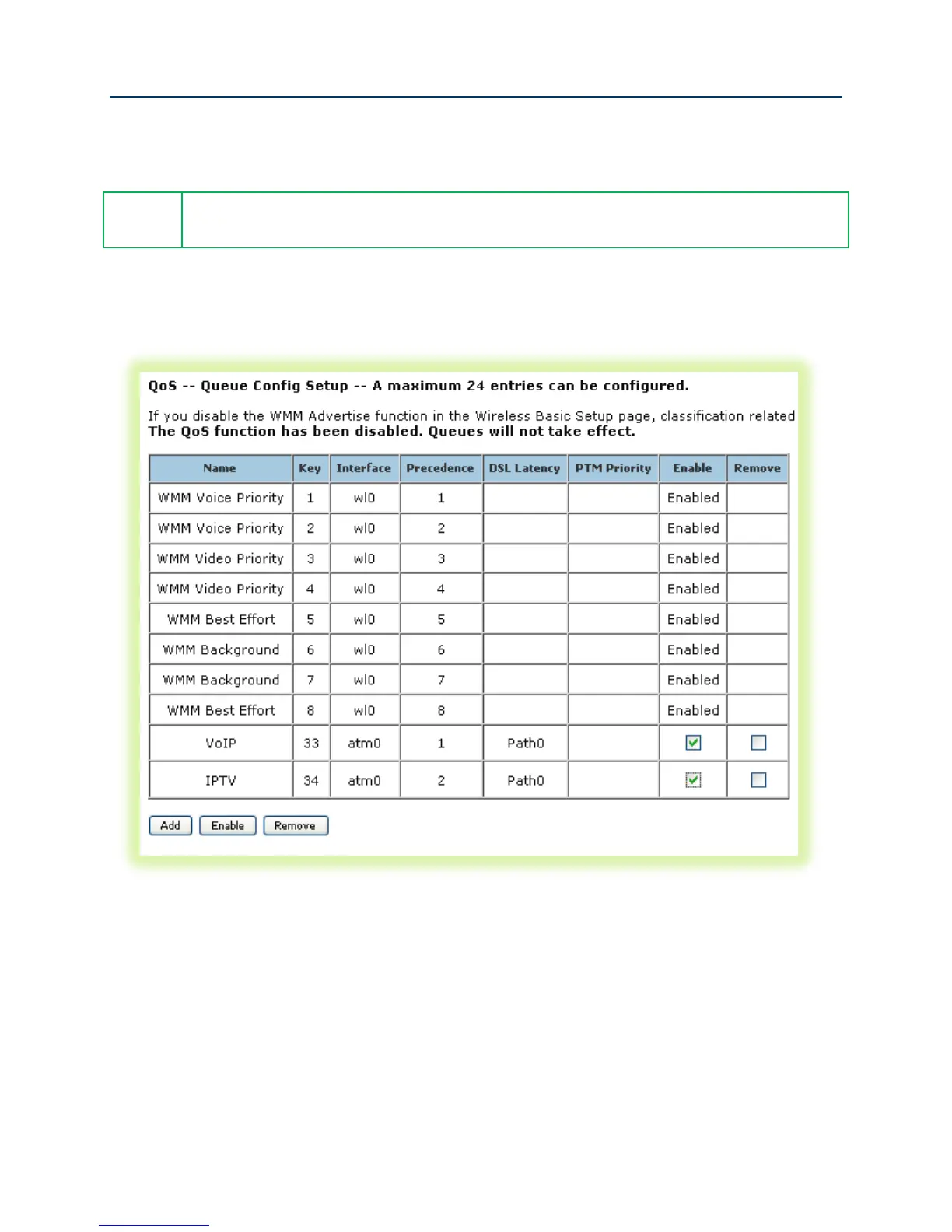
12. Enable the newly created queues by selecting Advanced Setup -> Quality of Service -> QoS
Queue Config, check the “Enable” boxes for the new queues and click Enable. The correct
queue configuration for VoIP and IPTV services should look like:
Figure 42 QoS Queue Enable



 To Next Page