19
D712/710 User Manual Getting to Know Your Phone
Hard keys
Freely programmable function keys with LEDs
These are freely programmable function keys that can be programmed on the Function Keys page of
the phone's web interface, keys P1 - P5. For information on how to map functions onto these keys,
see "Configuring the function keys" on page 58. The factory default setting is "line".
Context-sensitive, programmable function keys
These are context-sensitive, programmable function keys. The functions available on the idle
screen can be programmed on the "Function Keys" page of the phone's web interface. For further
information, see "Configuring the function keys" on page 58.
You cannot change the functions that are available when the phone is active, for example when you
are in a call, when the phone is ringing, etc. Depending on the activity, dierent functions will be
available.
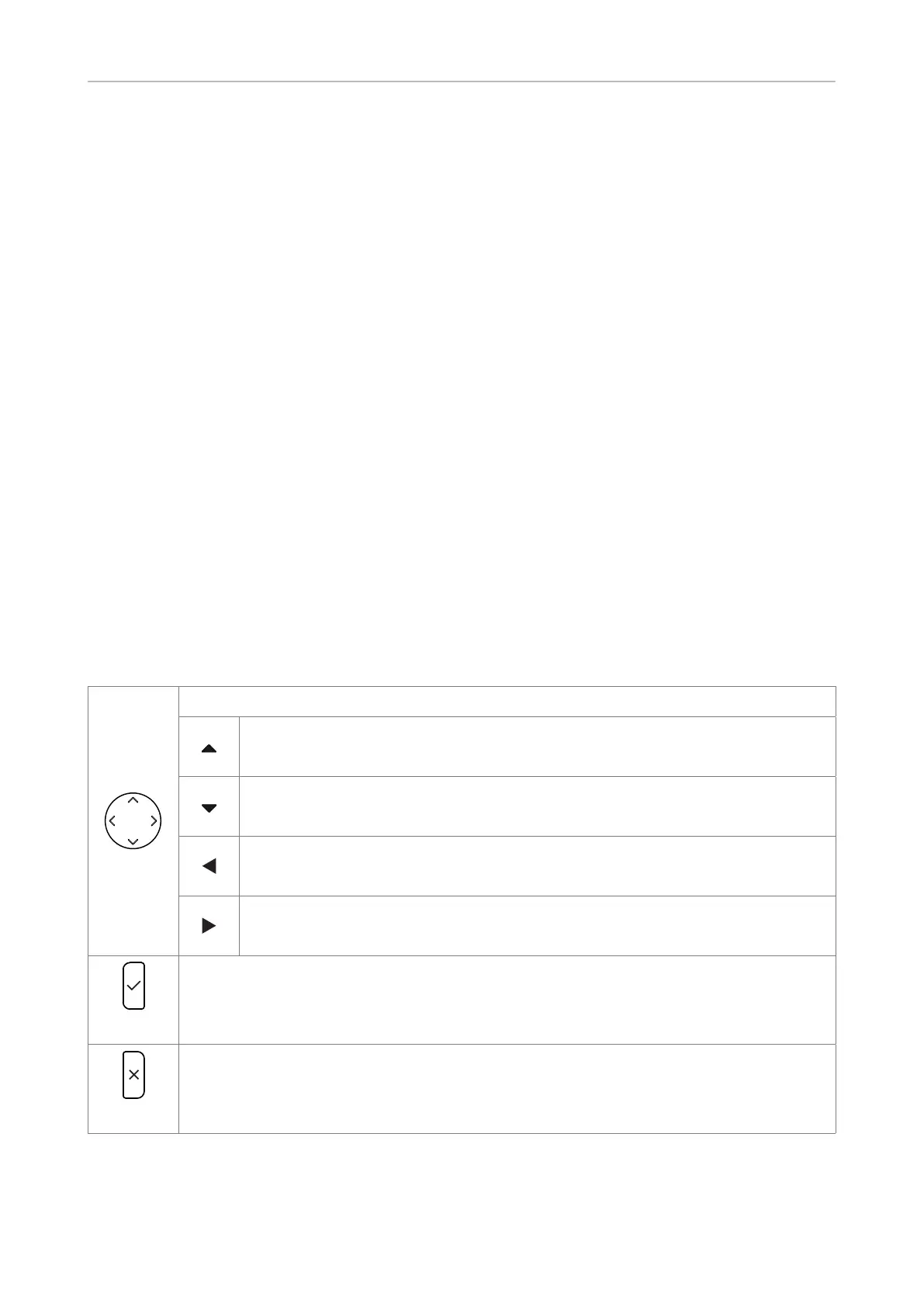
Navigation, confirmation, and cancel keys
can be programmed with the key events available in their drop-down menus on the "Function Keys"
page of the phone's web interface. See "Configuring the function keys" on page 58 for further
information. The factory settings are:
Navigation key
• On idle screen: Open the Settings menu
• In other contexts: Moving up lists one item/button at a time
• On idle screen: Press to select identity for outgoing calls
• In other contexts: Moving down lists one item/button at a time
• On idle screen, press to open list of received calls.
• In text fields, press to move the cursor to the left one character at a time.
• On idle screen, press to open the list of missed calls.
• In text fields, press to move the cursor to the right one character at a time.
• Press to accept calls on speakerphone and in headset mode.
• Press to confirm actions/settings and return to preceding screen.
• On idle screen: Redial.
• Press to terminate calls on speakerphone and in headset and handset modes.
• Press to cancel actions and return to preceding screen.
• On idle screen: Press to turn o LED indicating missed call(s).



 To Next Page