47
D712/710 User Manual Using the Phone
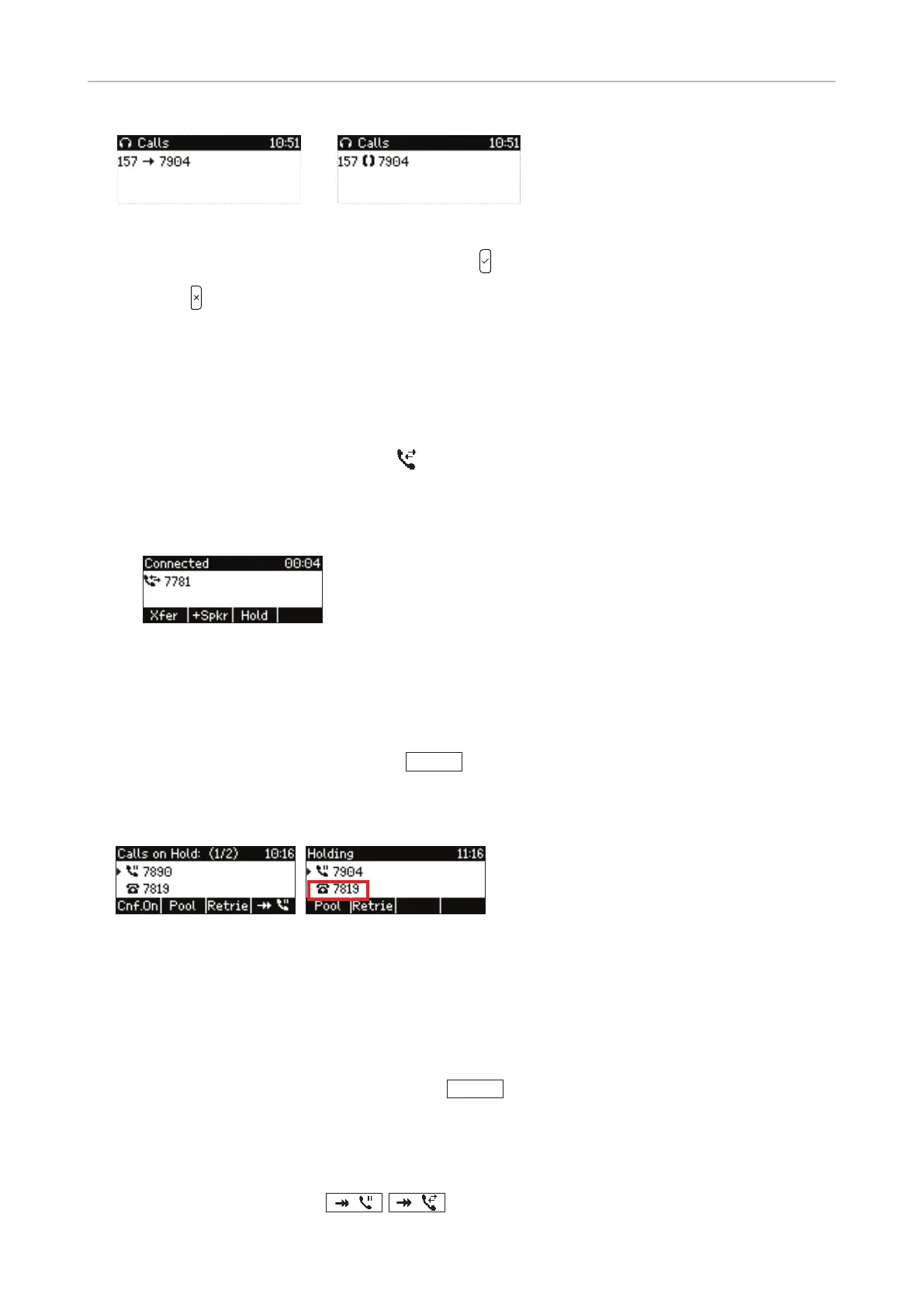
Monitored extension ringing
Monitored extension busy
◦ When a call is ringing on the extension, press to pick it up on your phone.
◦ Press
to close the details screen and return to the idle screen.
Active calls
Connected call
The connection is indicated by the symbol , followed by the caller or callee ID, if transmitted. The
default setting for the presentation of caller ID on the display is Name. You can select a dierent
setting (Full Contact, Number, Name+Number, Number+Name) on the phone's web interface (see
"Number display style" on page 66.
Hold
One call on hold
• Putting the ongoing call on hold: Press
Hold
or the line key. Held calls are indicated threefold:
◦ By the text on the display (Fig. 1). If there is more than one active identity on the phone, the
identity holding the call is also shown (Fig. 2).
Fig. 1 Fig. 2
◦ By the slowly blinking line key (green LED)
◦ By the glowing call indication LED (red LED)
You can now receive and make calls and put other calls on hold. If the other party hangs up while
on hold, the "held call" indicators on your phone are turned o.
• Picking up the held call: Press its line key or
Retrie
.
Holding multiple calls
If you are in a call with one party and have one or more calls on hold or if there is more than one call
on hold, you will see the symbol
/
, respectively, in the function key line. Press the



 To Next Page