38
D712/710 User Manual Directories
Output when US Date Format setting is
Date Input On O
March 5, 1980 5.3.80 or 3/5/1980 3/5/80 5.3.80
March 12, 1980 12.3.80 or 3/12/1980 3/12/80 12.3.80
October 5, 1980 5.10.80 or 10/5/1980 10/5/80 5.10.80
October 12, 1980 12.10.80 or 10/12/1980 10/12/80 12.10.80
◦ Favorite: Tick box to add entry to "Favorites" list.
2. Click on "Add/Edit" to save new entry to directory.
Editing an entry
When you open an existing entry, the current information is displayed in the text fields of "Add or Edit
Entry" and two additional buttons, "Add Sub" and "Change", are available.
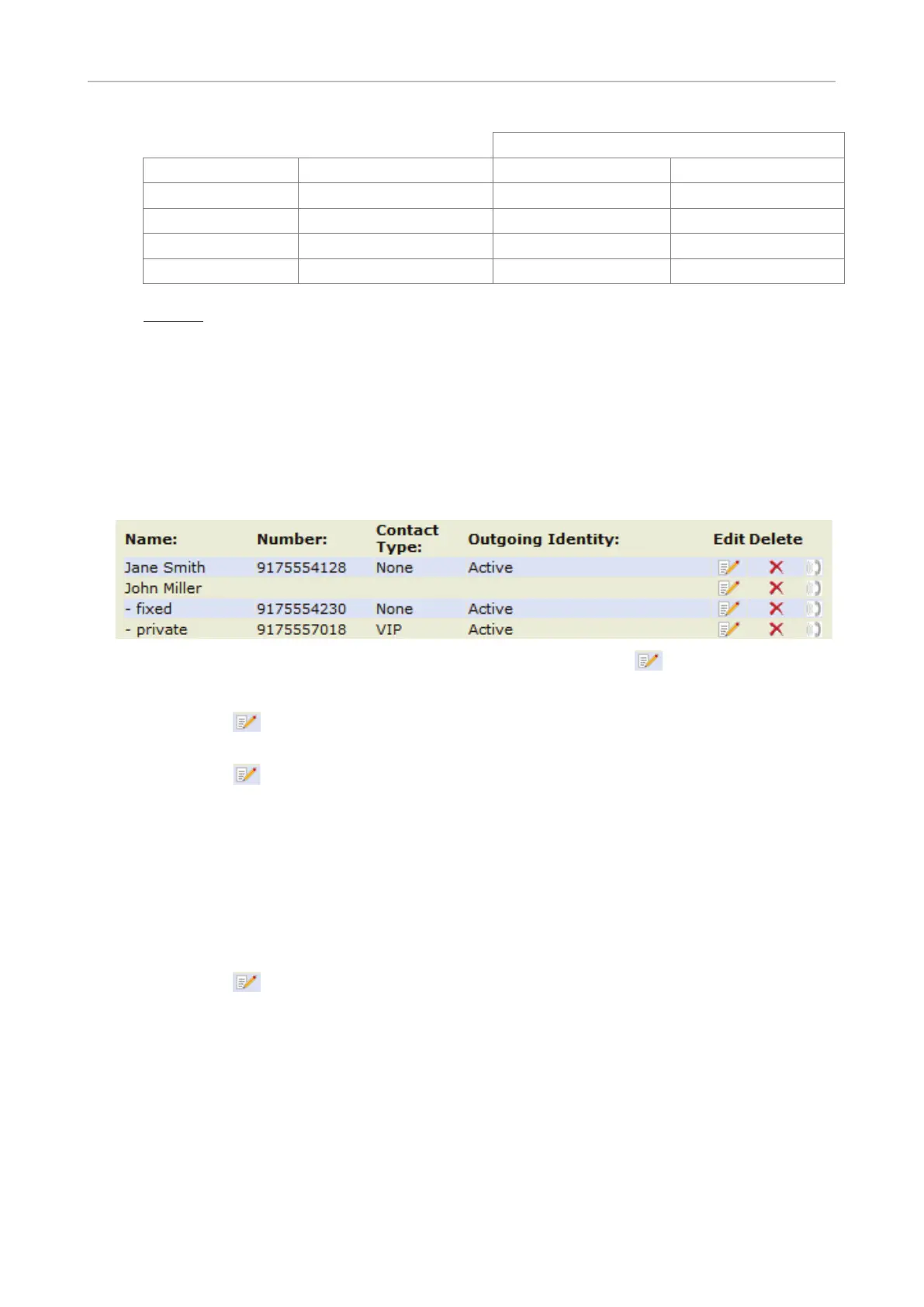
• Editing.
◦ If there is only one phone number associated with a name, click on in the entry's line.
◦ If there are two or more phone numbers associated with a name:
- Click on
in the name's line if you want to edit the first or last name, the date of birth, or
any of the data in the blue area applicable to the master record.
- Click on
in a phone number's line if you want to edit the subentry`s data (phone
number, number & contact type, outgoing identity, and any blue area data applicable to this
subentry only).
Make changes as necessary and click on "Change".
• Adding additional phone number(s) (subentries) to an entry
◦ Jane Smith's entry has only one phone number, her SIP phone number. In this example, the
phone number of Jane Smith's landline will be added to the directory.
1. Click on
in Jane Smith's line. Current data is shown in "Add or Edit" area (Fig. 1).



 To Next Page