89
D712/710 User Manual Appendix 1
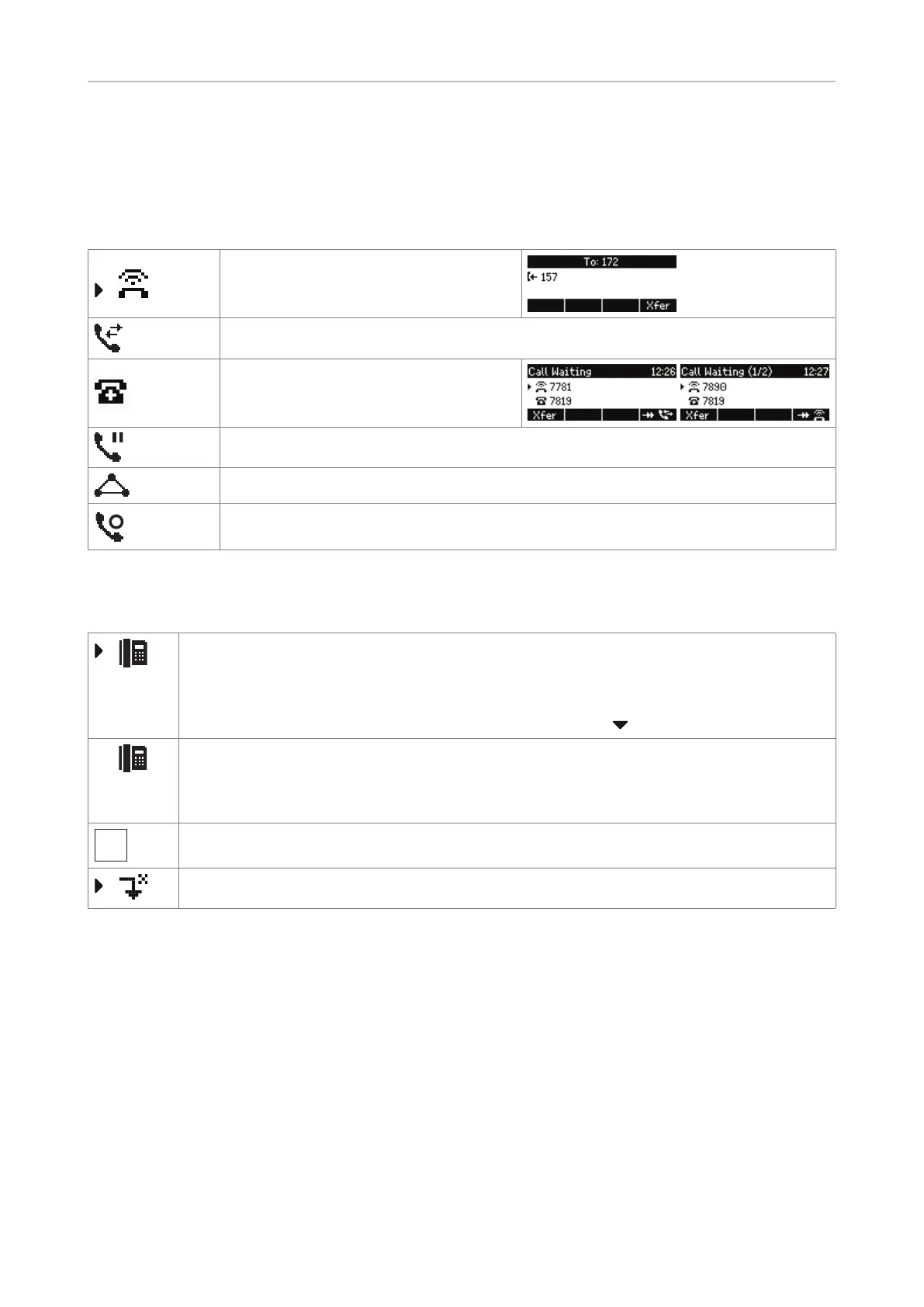
Display indications
On activity
First line in context area:
Incoming call ringing
Connected
Call waiting screen when more than
identity on phone: The second line
shows which identity is being called.
Call on hold
Conference (i.e., the conference as a whole)
Conference participant (i.e., one individual participant)
On idle screen
Outgoing identity
• The current outgoing identity is indicated by the right arrow pointing towards it.
When you call someone, this is your identity for the call.
• Select a dierent identity for the next call by pressing
on the navigation key.
Active identity
• Can be called
• Can be selected as the outgoing identity for making calls
Identity not properly registered
Forwarding all incoming calls for the selected outgoing identity.



 To Next Page