32
D712/710 User Manual Getting to Know Your Phone
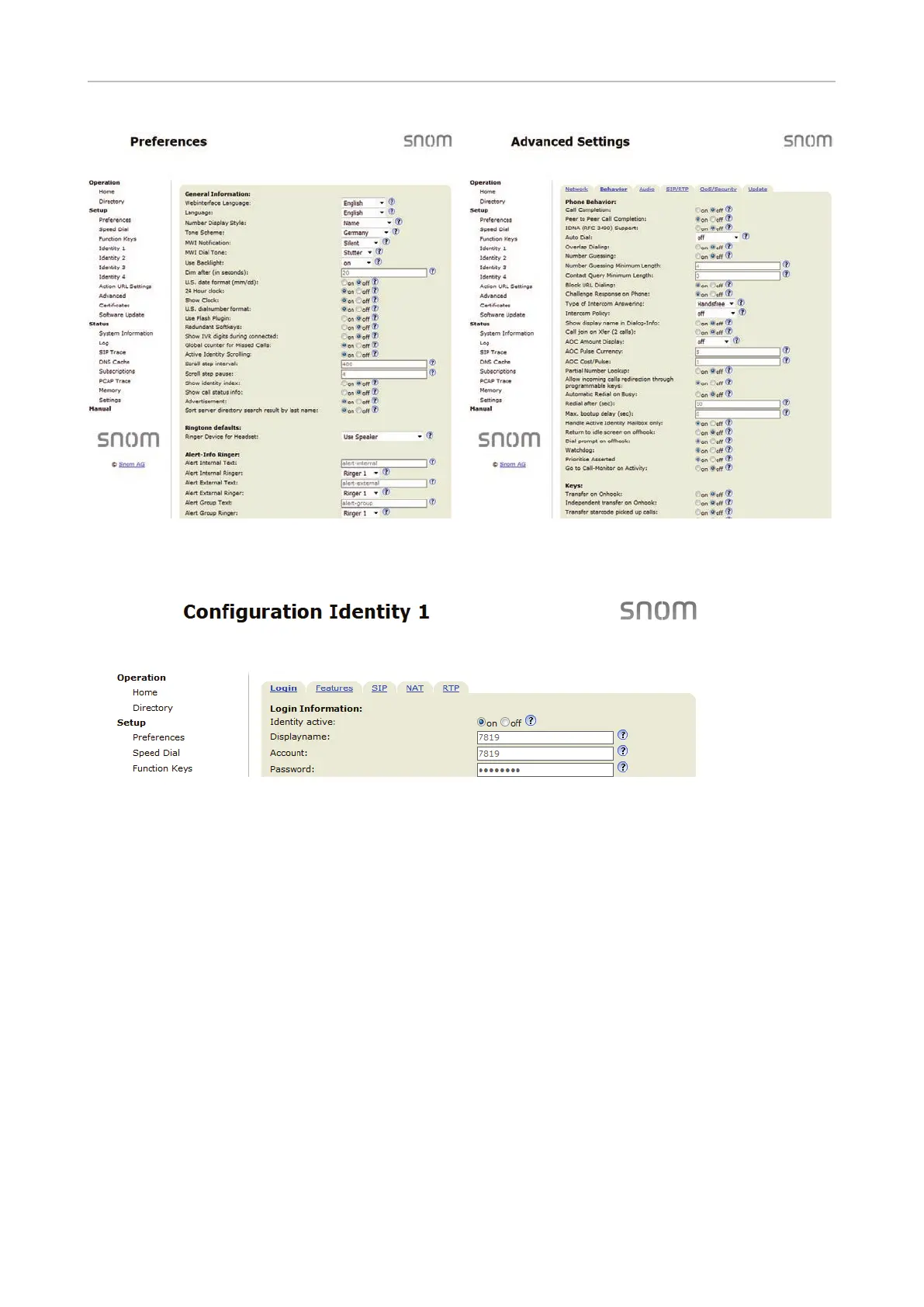
• If a window contains several pages, click on the tab at the top to open the page. The font weight of
the characters on the tab of the visible page is bold.
• Any changes you make will not take eect until you click on "Apply". Changes will be lost if you
open another page of the web interface or if you close the web interface without first clicking on
"Apply".
Note: Whenever you click on "Apply", the "Save" button will appear at the top of the page.
Click on "Save" to save the changes permanently. Changes that have not been saved will
be lost if and when the phone loses power or is disconnected from its power source.



 To Next Page