59
D712/710 User Manual Configuring the Function Keys
The default setting is "Active", which means that the identity selected as the phone's outgoing
identity at any given time will be used.
◦ Type
Select the type of functionality from the drop-down list. If you select "Key Event", a drop-
down list with the available key events will replace the text field under "Number". The default
setting is "line".
◦ Number
Enter one phone number or value for the function or, if the function is key event, select an
event from the drop-down list. Enter phone numbers exactly the way they need to be dialed,
i.e, type the number without spaces or punctuation marks between the digits. For example, a
number with an area code that might conventionally be notated as (916) 555-1234 should be
entered as 9165551234.
◦ Short Text
This entry is optional. It can be used to enter the name associated with the phone number or
other descriptive text.
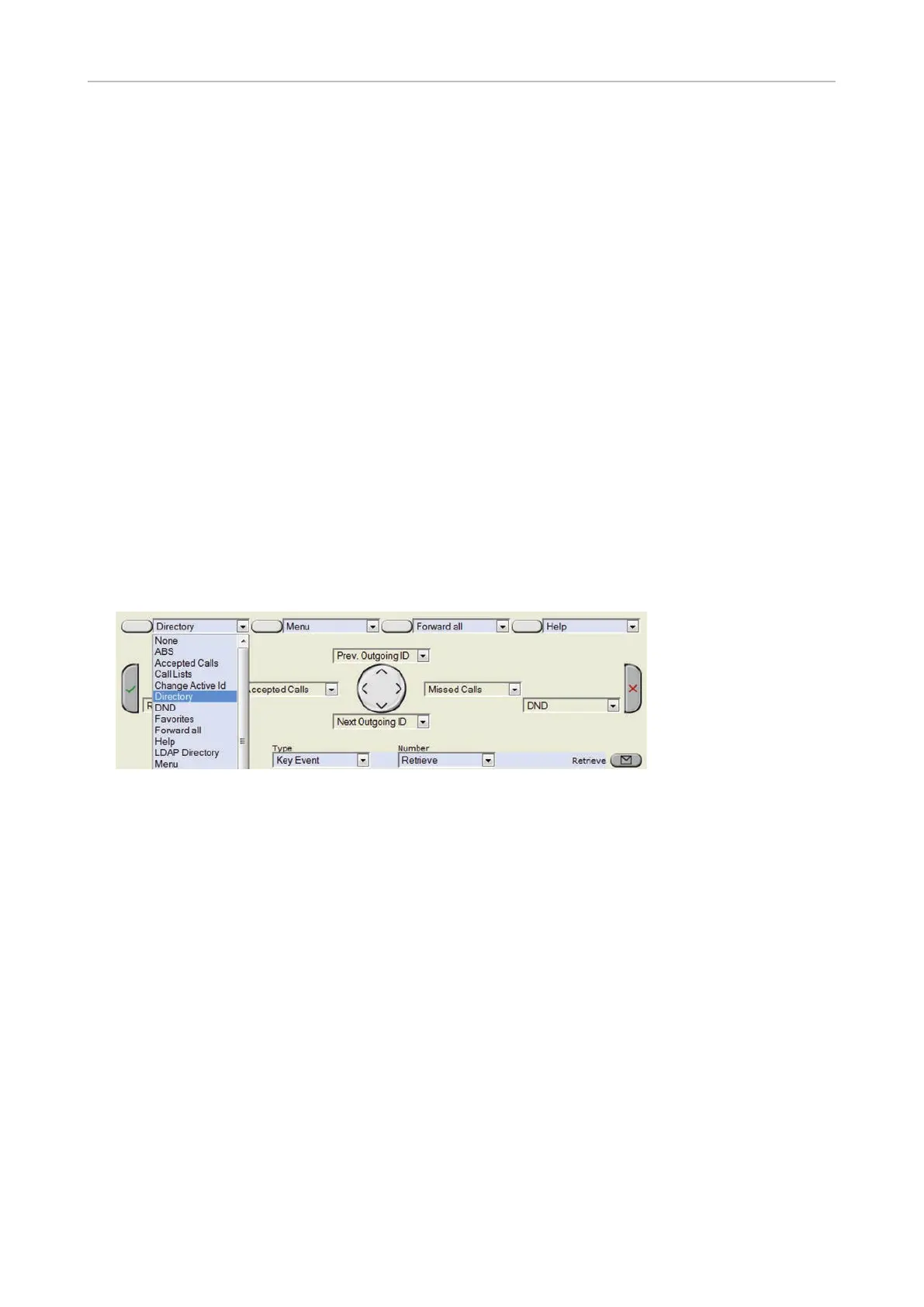
• Context-sensitive, programmable function keys. For the default settings, see "At a glance" on page
16. Other key events can be programmed onto these keys.
Note: These programmable key events are available when the phone is idle. You cannot
change the functions that are available when there is activity on the phone. For example:
When you are dialing, the available function keys are input mode selection, backspace,
directory access, and redial.
• Navigation, confirmation, and cancel keys. For the default settings, see "At a glance" on page 16.
Other key events can be programmed onto these keys.
Note: These programmable key events are available when the phone is idle. You cannot
change the functions that are available when there is activity on the phone. For example:
When you are dialing, the available function keys are input mode selection, backspace,
directory access, and redial.
• Message key. Other key events and a selected number of other functionalities can be
programmed onto the message key.



 To Next Page