Paramount GEM User Guide
110 | P a g e
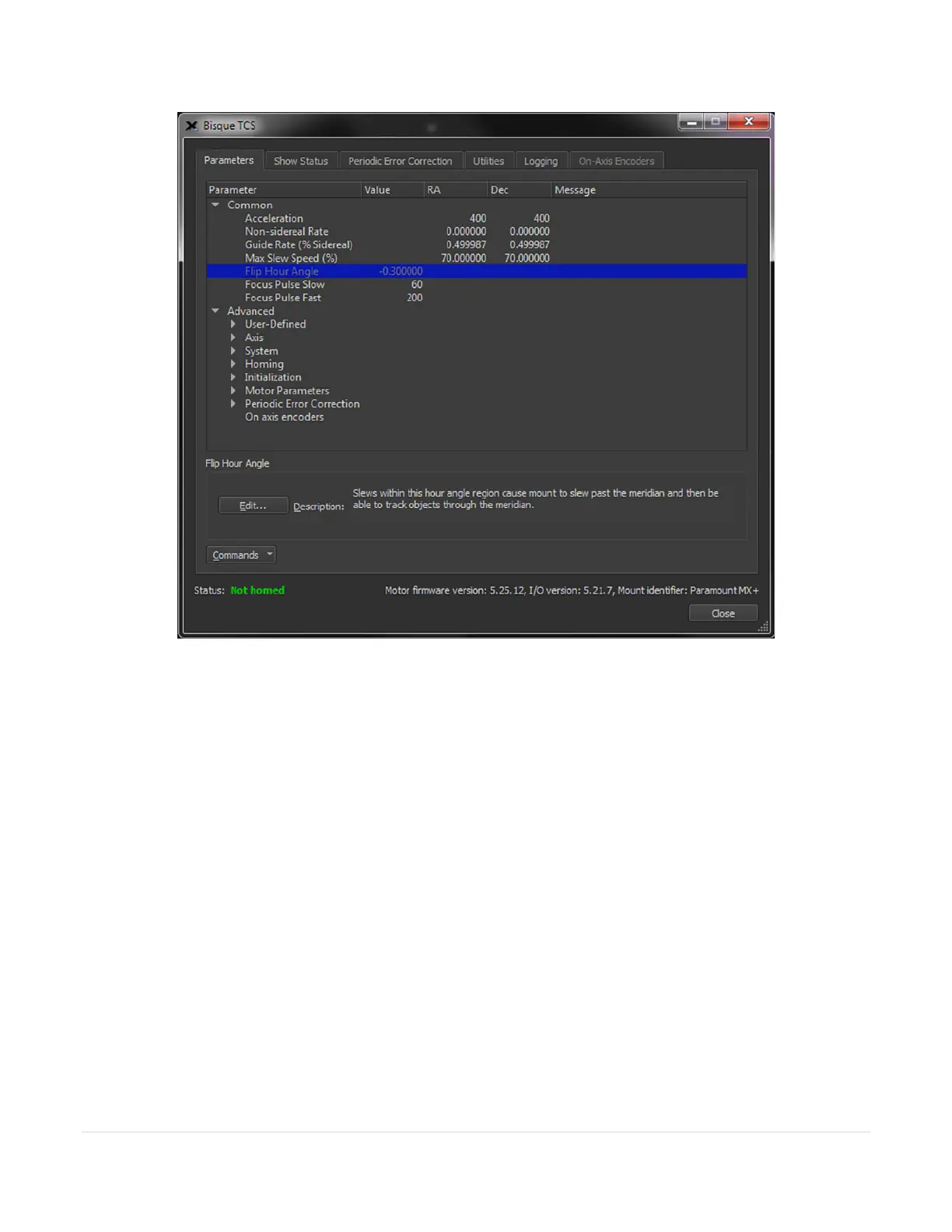
Figure 55: The Parameters tab of the Bisque TCS window.
The Bisque TCS window includes the Parameters, Show Status, Periodic Error Correction, Utilities and Logging
tabs.
Status Messages (Status Text)
The always visible Status message on the bottom of the window shows color-coded text about the mount’s
current state. (Mount status messages are repeated on the Telescope window.) See “Mount and Status” in TheSky
Professional User Guide’s Telescope documentation for a detailed explanation of each status message.
Firmware Version and Mount Identifier
The bottom right side of the Bisque TCS window shows the current firmware version of the Bisque TCS, as well as
the mount identifier: Paramount ME, Paramount ME II, Paramount MX, Paramount MX+, Paramount MYT,
Paramount Taurus, or Bisque TCS.
Parameters Tab
The Parameters tab shows the various Bisque TCS settings that can be modified. Parameters are divided into
Common and Advanced categories. The common parameters, such as the mount’s acceleration, are commonly



 To Next Page