Paramount GEM User Guide
36 | P a g e
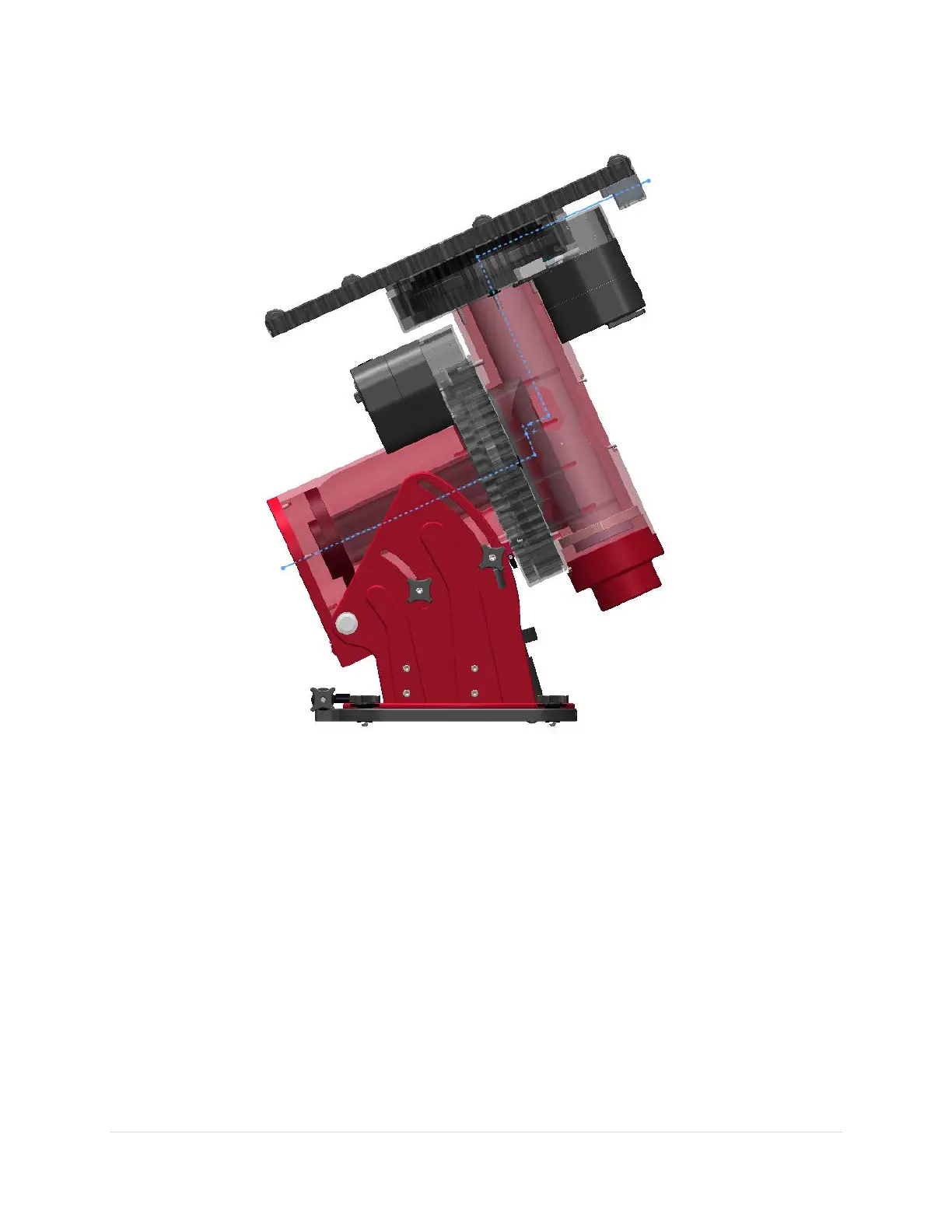
Routing Cables through the Paramount ME
Figure 8: Paramount ME cross section showing path of cable through the mount.
Routing custom cables through the Paramount ME is a relatively straightforward procedure.
1. Remove the RA Rear Cover (Figure 14) by hand-loosening the two knobs that hold the cover in place.
2. Remove the Cable Conduit Cover (Figure 33) using a 3/32-inch hex wrench to remove the two mount
mounting screws.
3. Attach the supplied cable tie to the end of the cable to be installed.
4. Insert the pointed end of the cable tie into the hour angle axis cable conduit and continue threading
the cable upward, through the access hole in the declination axis until the cable tie can be grasped by
hand, or by a flexible wire grabber inserted into the cable conduit access hole on the declination axis
housing.
5. Pull the cabling up and into the declination axis.



 To Next Page