Paramount GEM User Guide
77 | P a g e
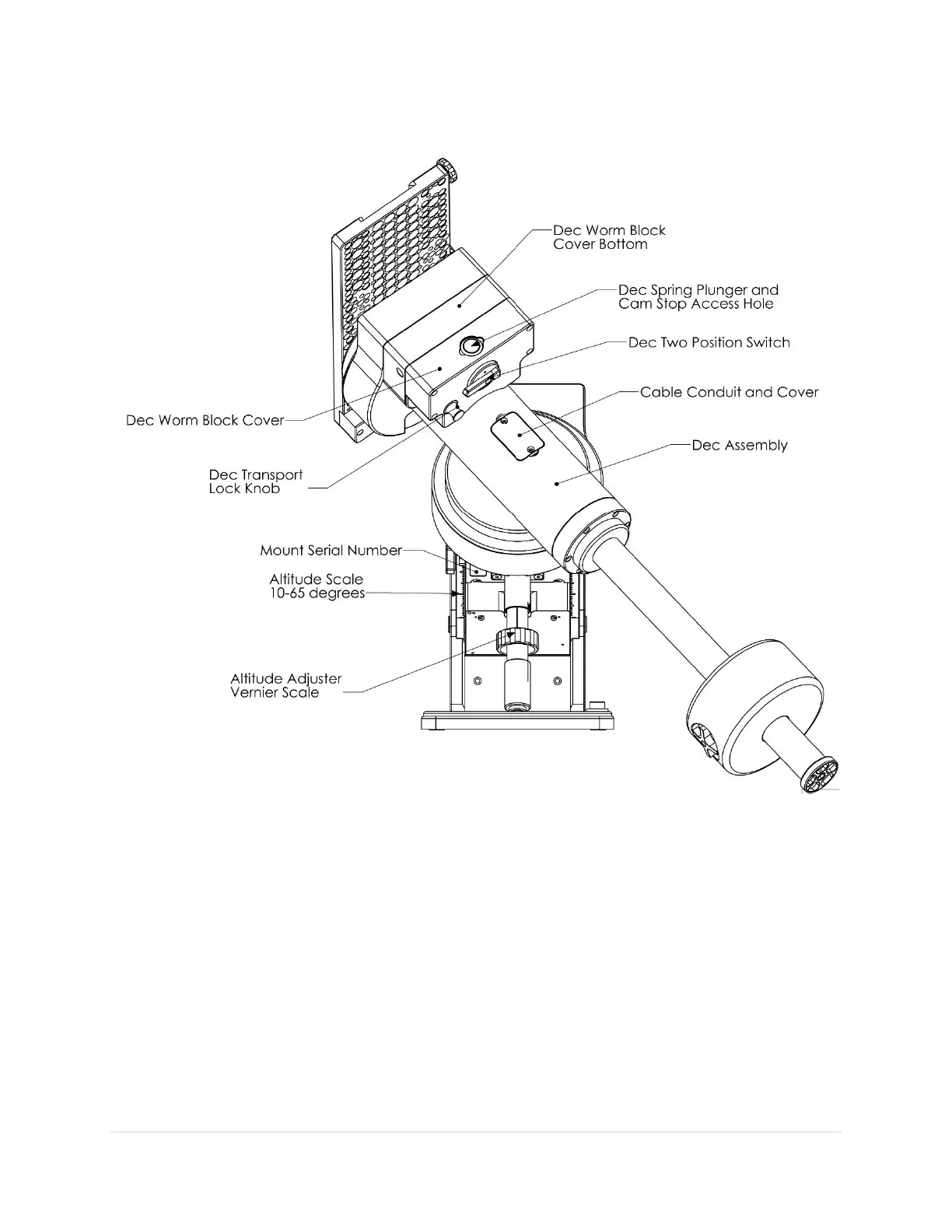
Paramount MX Rear View
Figure 34: The rear view of the Paramount MX.
Declination Carrying Handle (Paramount MX Only)
Use the integrated carrying handle (located above the Declination Three Position Switch) to lift the mount.
Remember to always place both Three Position Switches in the Lock position before lifting the mount
(page 63).
Declination Axis Two-Position Switch
See the “HA Worm Block Switch” description on page 63 for details about using this component.



 To Next Page