Paramount GEM User Guide
37 | P a g e
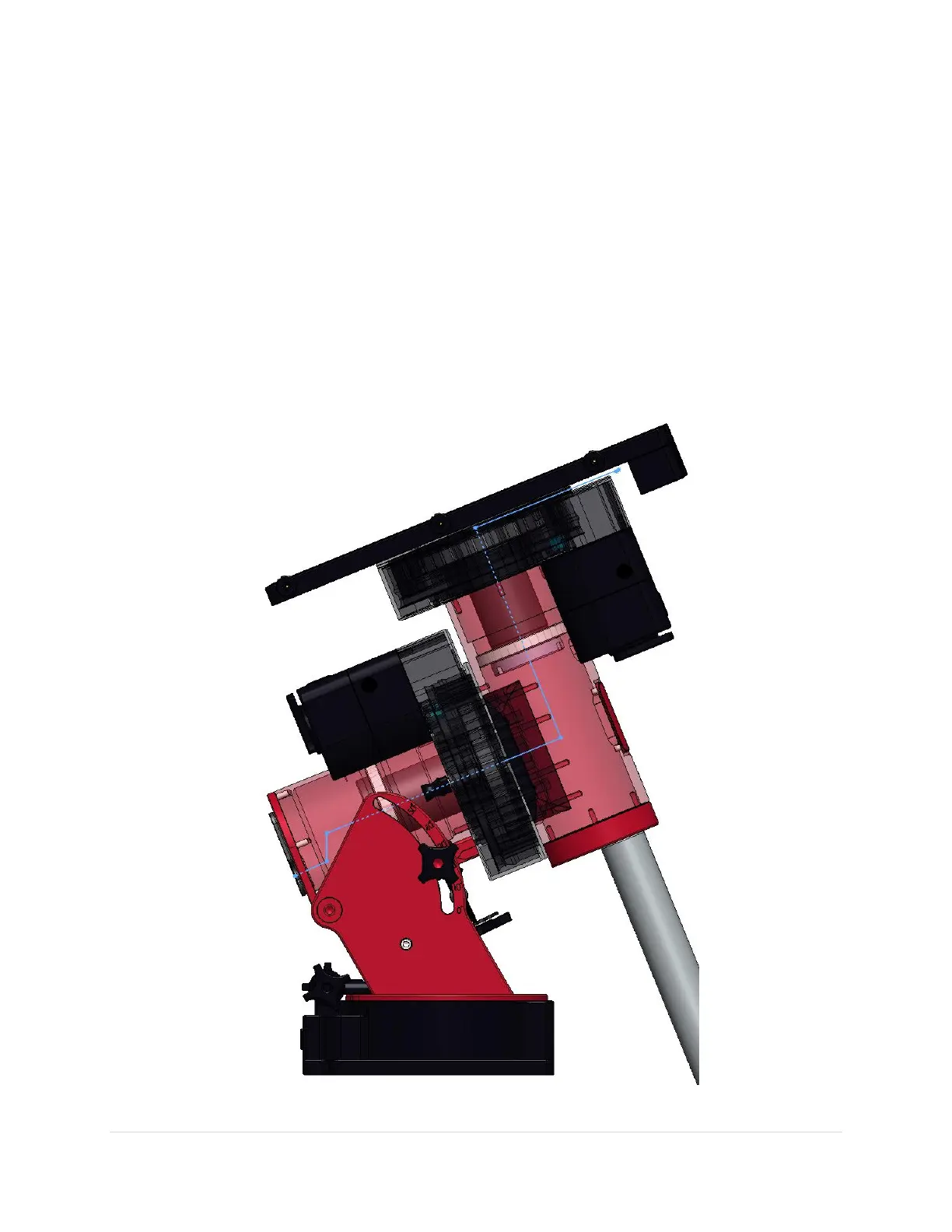
6. Thread the cable tie up the declination shaft until it exits the top. Once the cable tie can be grasped,
gently pull it upward until the cable itself exits the top of the axis. For cables with wide ends, some
coaxing may be necessary to snake it completely through.
7. Thread the cable through the Instrument Panel access hole.
8. Once the cable has been passed entirely through the mount, make an 8-inch diameter loop in the
cable, and carefully tuck this loop inside the outer shaft of the declination assembly to allow the
declination axis to rotate completely without any interference from the cable itself. Rotating the
declination axis from hard stop to hard stop does the work for you but allowing additional slack in the
cable is recommended.
Note that this procedure can be performed with a telescope in place.
Routing Cables through the Paramount MX and MYT



 To Next Page