Paramount GEM User Guide
34 | P a g e
Variable-pitched
high-frequency
hum
After motor initialization
and whenever the mount is
powered on and tracking, or
when an external force is
applied to either axis.
When the Paramount is turned on and initialized, the
servomotors emit an audible, variable-pitched “humming”
sound.
This sound is the result of the control system checking and
adjusting the position of the servomotors at 3,333 Hz and is
normal. This sound and the pulsating TCS Status LED serve
as audible and visual “heartbeats” of the mount and means
that the electronics are powered and functioning normally.
If you push against the mount, you can hear motors react
and feel the control system pushing back in order to
maintain the mount’s current position.
Visual Control System Feedback
The three Status LEDs on the Electronics Box are illuminated based on the status of the control system.
See “Electronics Box Components” on page 67 for details.
Through the Mount Cabling
Generally, an astronomical imaging system requires lots of cabling for power and computer to device
communication. Digital imagers are familiar with the cabling “madness” that occurs when a myriad of
devices, including cameras, focusers, filter wheels, focusers, rotators, dew heaters, etc., are connected to
the telescope. The Paramount mount’s standard through the mount cabling, and through the mount
cabling conduits can be used to help tame cabling chaos.
The Paramount cable conduits are intended to house cables that
carry low voltage and relatively low direct current (DC) power,
only.
• Software Bisque recommends 12 AWG through the mount
cables that carry a maximum of +12V DC, 5.0A (60W max).
• Never install through the mount cabling that carries an
alternating current (AC) power source; for example, +120V
or greater at any amperage.
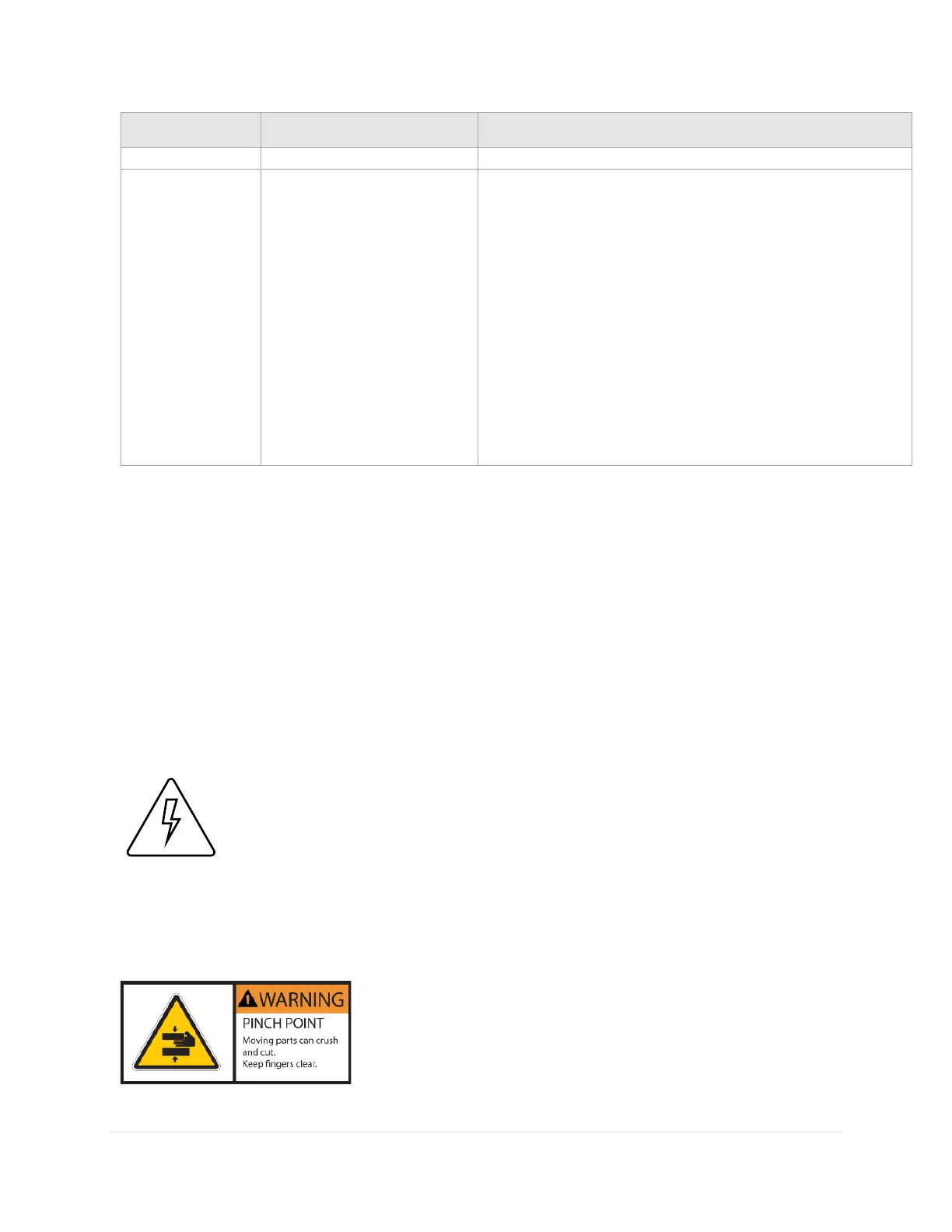
Always keep fingers clear from the cable conduit access hole!
• As the declination axis rotates, an internal shaft inside the
declination assembly is also being rotated by a high-torque
servomotor.



 To Next Page