Locating Your Serial Numbers
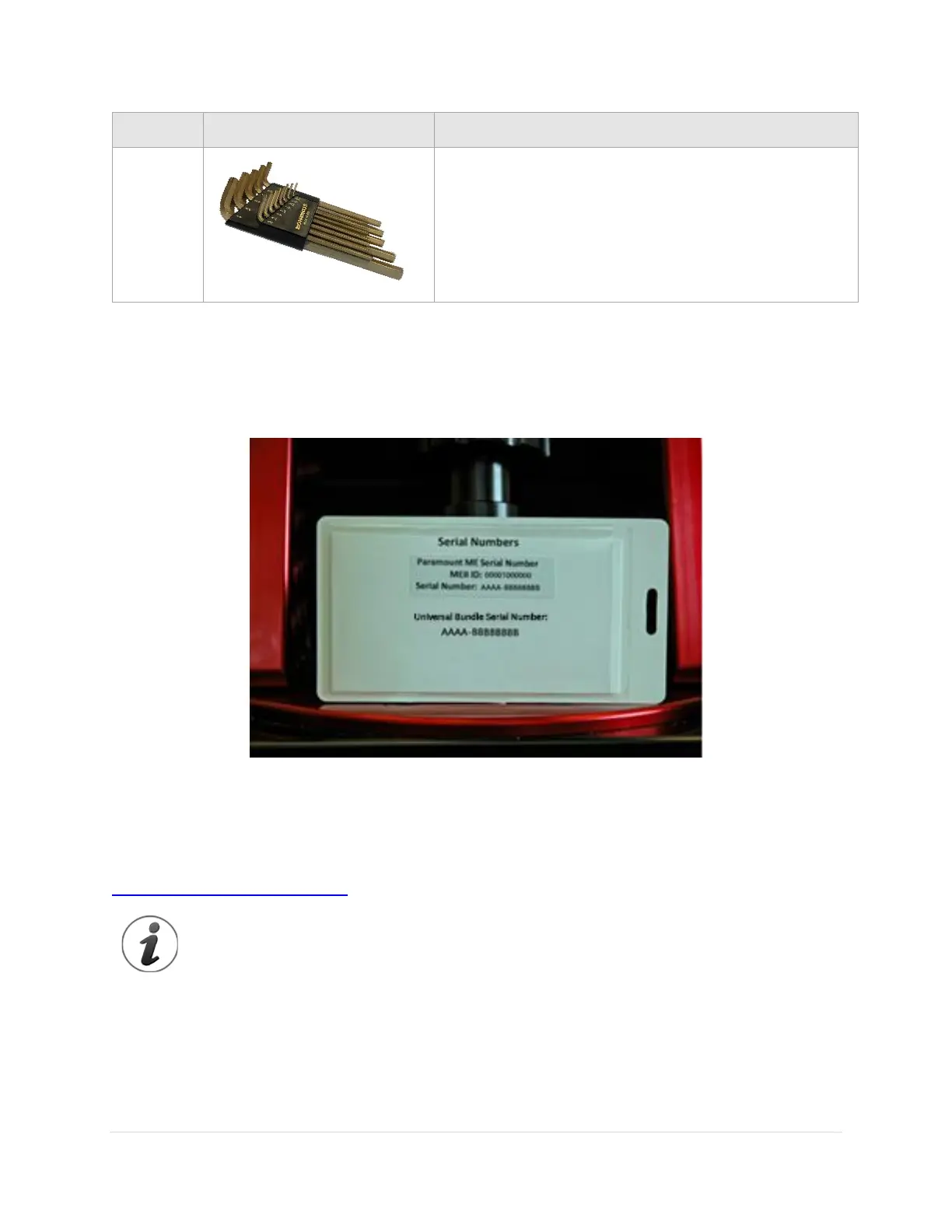
The Paramount mount and the Universal bundle serial numbers are printed on a card that is attached to
the mount’s altitude adjuster (Figure 10). Please retain this card for your permanent records. The mount’s
serial number is also affixed to the bottom of the hour angle housing.
Figure 10: The Paramount mount and Universal bundle serial numbers are attached to the altitude adjuster.
Paramount and Software Serial Number Registration
Please follow the instructions at the URL below to register your Paramount mount serial number:
https://www.bisque.com/register
Your Paramount mount serial number must be registered for warranty purposes (see page
Error! Bookmark not defined. for details).
Unboxing the Paramount
We hope you are excited to unpack and start using your Paramount as soon as possible. Please resist the
urge to simply remove everything from all the boxes, try to use the mount, and then consult the



 To Next Page