Paramount GEM User Guide
30 | P a g e
Parking the Paramount
The Park command can be issued to the Paramount from TheSky Professional to perform the following:
1. The mount is slewed to the park position, which is a user-defined altazimuth mount orientation.
Use the Set Park Position command to define the park position. See “Defining the Park Position”
below for more information.
2. Once the park position is reached, sidereal tracking is turned off.
The Park command can be issued to the mount:
• Interactively from TheSky Professional. On the Telescope window, click Shut Down, Park. By
default, when the Paramount is parked from TheSky Professional, the communication link
between the Paramount and TheSky Professional is not automatically terminated. Click
Telescope, Connect or, on the Telescope window, click Shut Down, Disconnect Telescope to
terminate the connection
• From an external script using one of the two following methods:
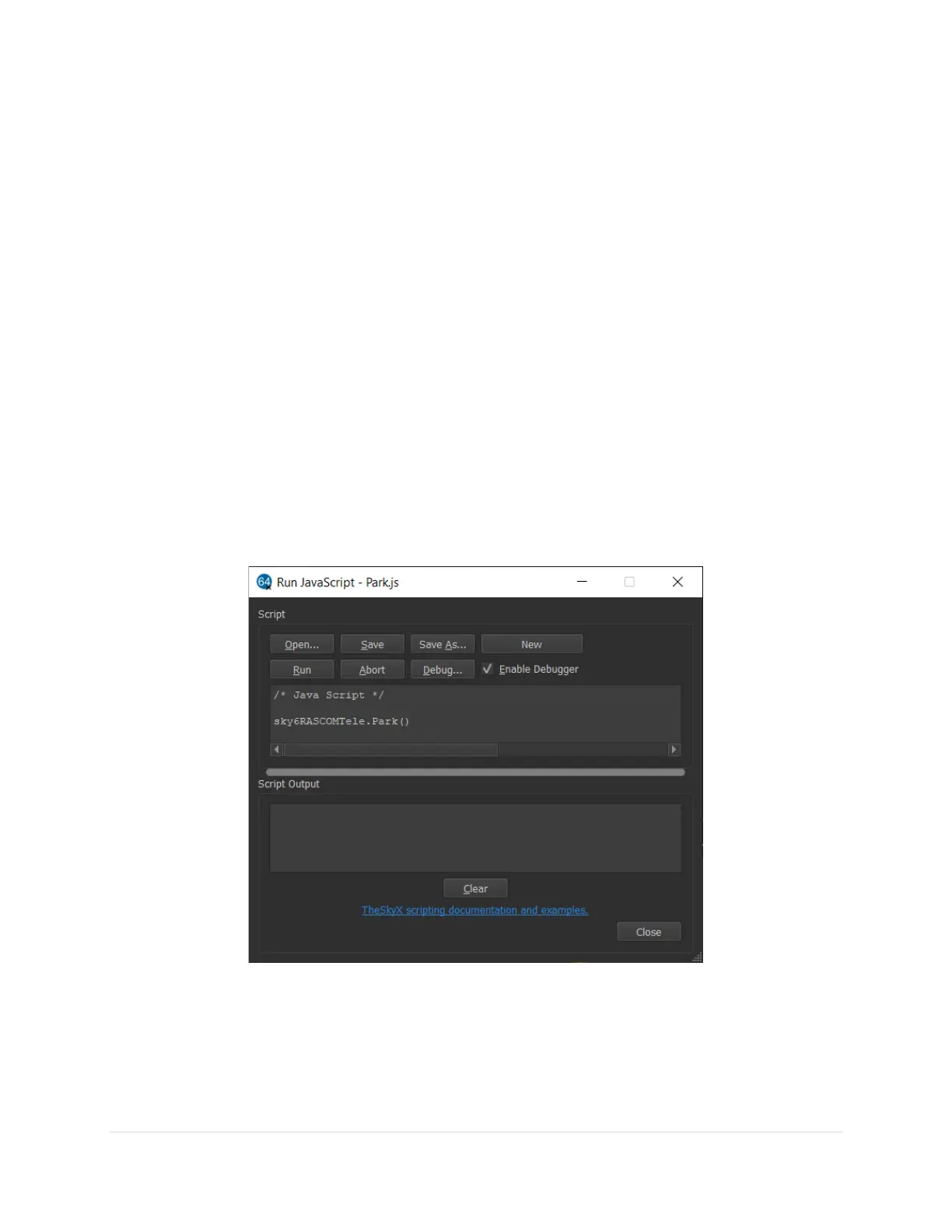
o The sky6RASCOMTele::Park() method slews the mount to the park position and
terminates communication once the mount is successfully parked.
Figure 7: TheSky’s Tools, Run JavaScript window showing a script calling the sky6RASCOMTele.Park() method.
o The sky6RASCOMTele::ParkAndDoNotDisconnect() method slews the mount to the park
position and does not terminate communication with the mount.



 To Next Page