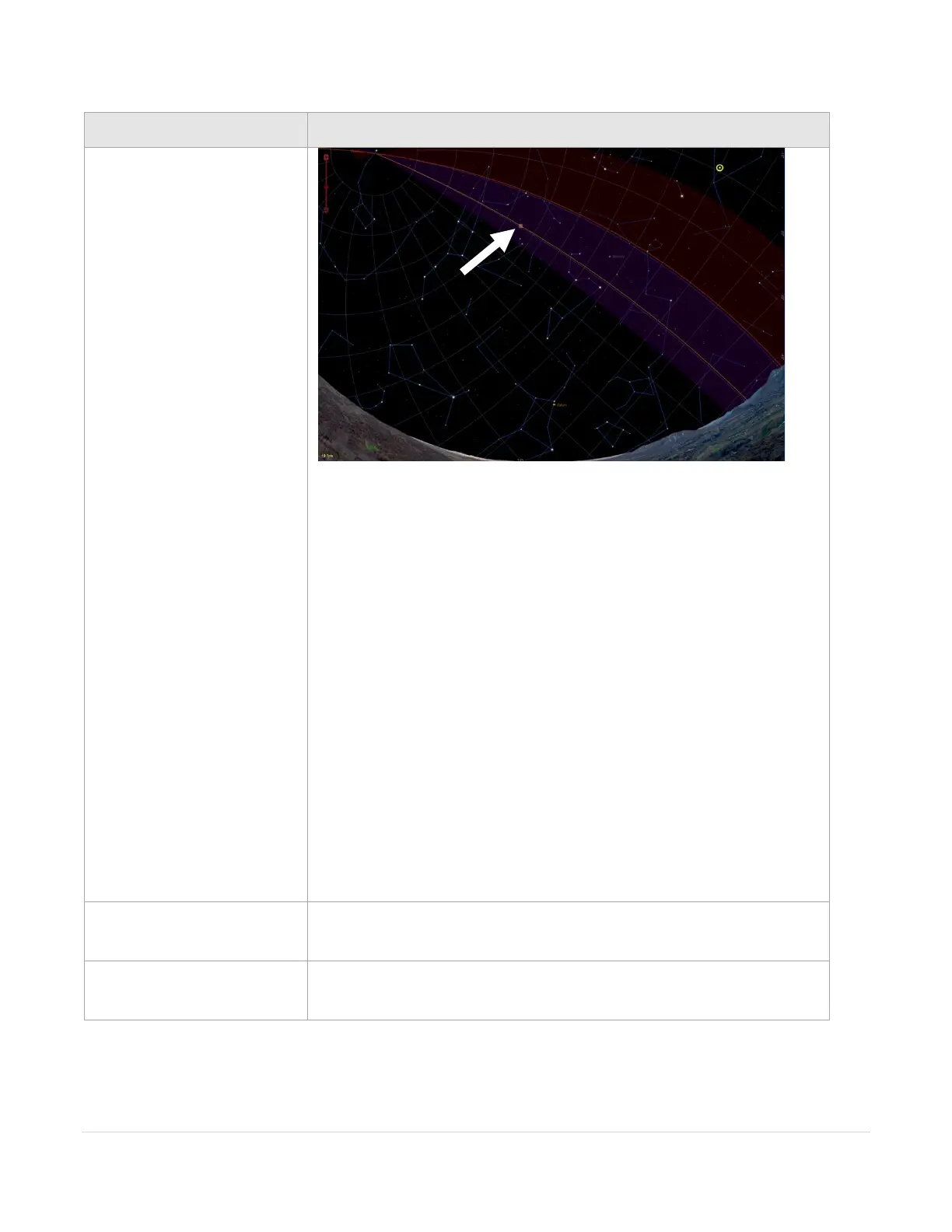
Figure 56: The orange line on the Sky Chart represents the current flip hour angle.
To dynamically change the flip hour angle, click and drag the orange
handle square on the flip hour angle line (see the white arrow on Figure
56).
• The mount automatically performs a meridian flip when the
target object is beyond this line.
• When the mount tracks to the flip hour angle, sidereal tracking
is turned off automatically. At this point, the mount is in a “wait
for the next slew” or a find home command to proceed.
• The mount does not automatically flip sides during normal
operation, unless instructed by an external automation
sequence (including an LTI dither move, command from a script
or a third-party automation software).
The default value of this parameter is –0.3 for the Paramount MYT,
Paramount MX, Paramount MX, and Paramount ME, and –3.0 for the
Paramount ME.



 To Next Page