about 1/16 of a turn (or so) more. Additional adjustment may be required to
accommodate uneven mounting surfaces. You might also want to gently lift the mount
when tightening the Micro-Levelers.
If all four Micro-Levelers are not in contact with the mounting surface, when you
attempt to loosen a Base Plate Attachment Knob, both will turn together and bind. They
cannot be turned in unison because the threads on the Micro-Leveler are larger than
the threads on the Base Plate Attachment Knob. If the two become bound, do not try
to force them apart! Instead tighten (yes, tighten) both knobs a small amount until they
are no longer bound. At this point, rotate the Micro-Leveler clockwise until it is in full
contact with the mounting surface.
Hand Controller
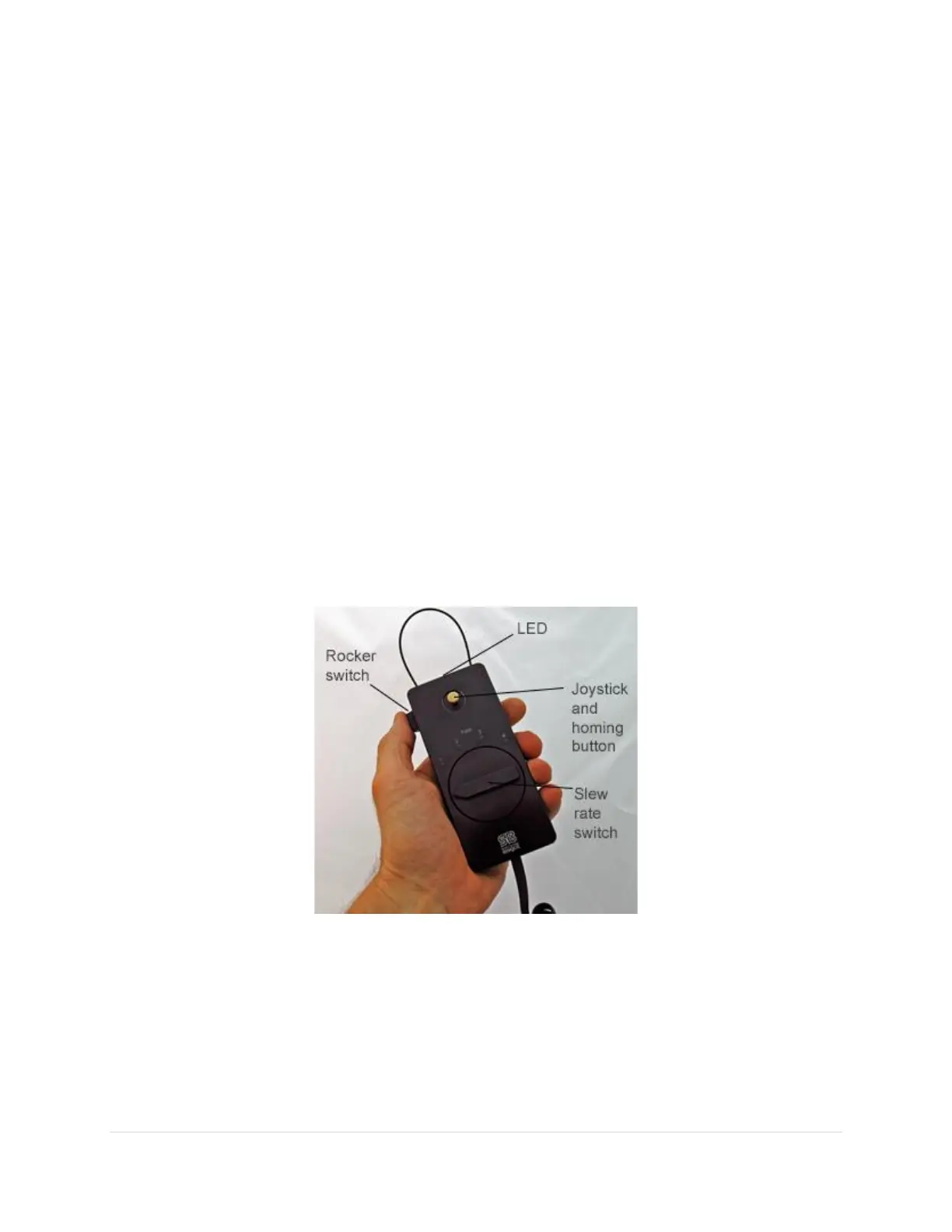
The Paramount includes a hand controller that can be used to slew and home the mount without the need
of TheSky Professional, as well as turn on mount lighting and an integrated LED flashlight.
To use the joystick, plug the RJ12 phone-type connector on the end of the hand controller’s 15-foot coiled
cable into the Joystick port on the Electronics Box (page 67). The hand controller includes an integrated
mini joystick and a large five position rate switch that allows single-handed slews and slew rate control.
Double-tap the joystick to optionally issue the Find Home command (no external software required).
Figure 51: The Paramount hand controller.
Joystick Controller
The mechanical joystick controller has two functions:
• As a standard joystick controller, push the joystick left or right to slew the mount in hour angle.
Up and down slews the declination axis. Move the joystick diagonally to slew both axes at the
same time.



 To Next Page