Paramount GEM User Guide
25 | P a g e
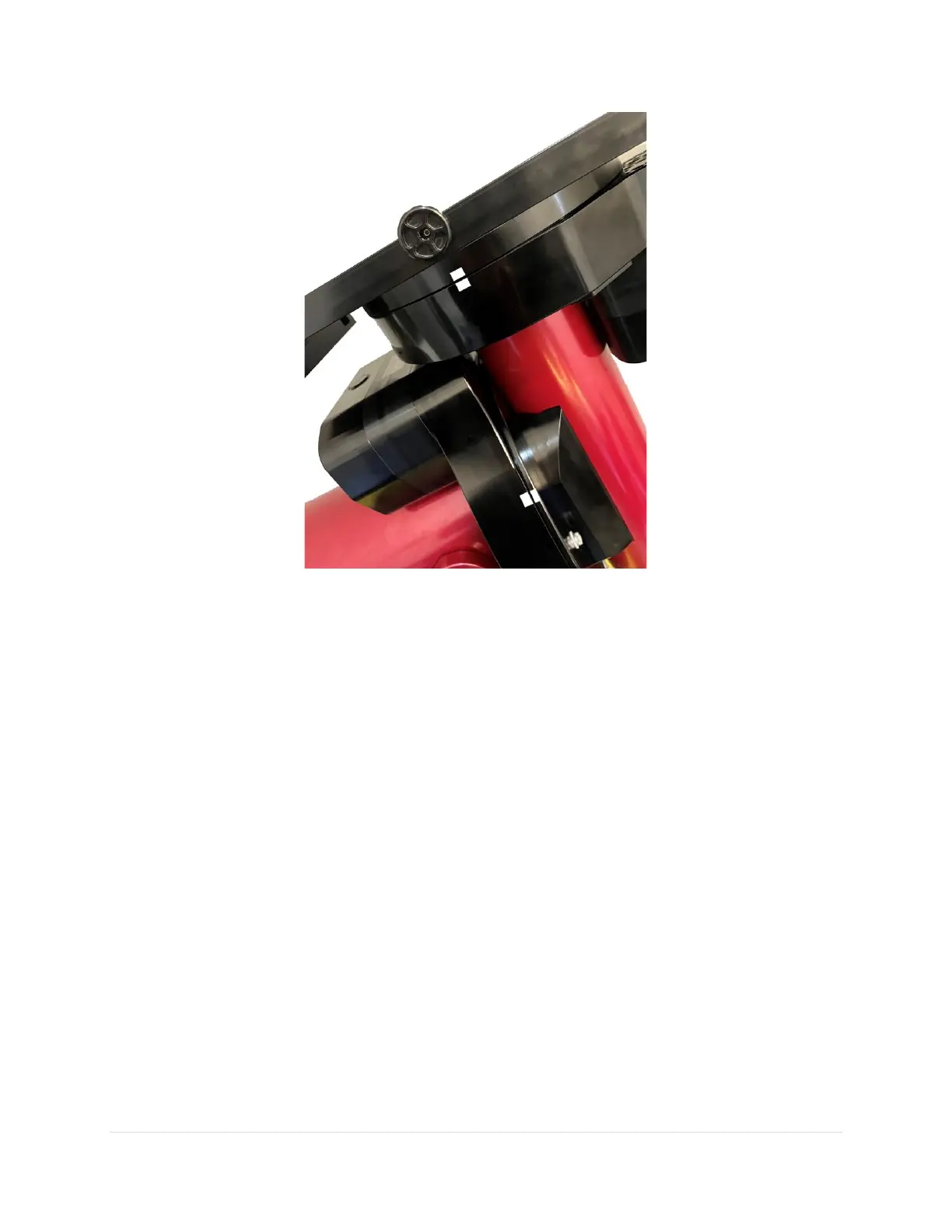
Figure 4: If you think Find Home is not working, mark the home position on both axes with masking tape.
The Paramount will dutifully return to the identical position.
This “homing repeatability test” will hopefully provide confidence that, after finding home, the mount is
always pointing to hour angle 0 and declination 0 (in the northern hemisphere) and will help narrow down
the actual causes of pointing errors (most commonly, incorrect settings in TheSky Professional, incorrect
Versa-Plate or telescope mounting, or poor polar alignment).
Session-to-Session Pointing Repeatability
In subsequent observing sessions, TheSky Professional computes the current equatorial and horizon
coordinates of the telescope using the stored hour angle and declination of the mount and the local
sidereal time.
Please verify the repeatability of the Paramount pointing before proceeding (this test assumes that the
mount’s polar axis is aligned with the celestial pole):
1. Turn the mount off.
2. Turn the mount on (this terminates communication between TheSky Professional and the
Paramount).
3. Home the mount and wait for the process to complete.
4. From TheSky Professional, click Telescope, Connect. The telescope cross hairs appear at the home
position.



 To Next Page