Paramount GEM User Guide
8 | P a g e
Telescope Operation Disclaimer
Robotic telescope mounts do not have an unlimited range of movement. The telescope’s shape, the way
it is mounted, or the addition of accessories can prevent it from pointing at certain parts of the sky. If the
telescope is forced past these points, the telescope, its mounting, or accessories might be damaged.
TheSky Professional includes telescope limit features that let define these inaccessible positions; TheSky
Professional, or the mount’s control system, will try to prevent the telescope from entering or crossing
them. This feature is provided as a convenience, not as a panacea. Since any telescope can run into its
mechanical limits through accident, carelessness, or component failure, Software Bisque cannot be
responsible for any damage to your telescope that occurs when using TheSky Professional to control it.
Furthermore, Software Bisque cannot be held responsible for damage caused by plugging cables into
electronic devices. We strongly recommend turning off all electronic devices (computers, mobile devices,
telescopes, focusers, dew heaters, CCD cameras, etc.) before attaching any cabling or power supplies.
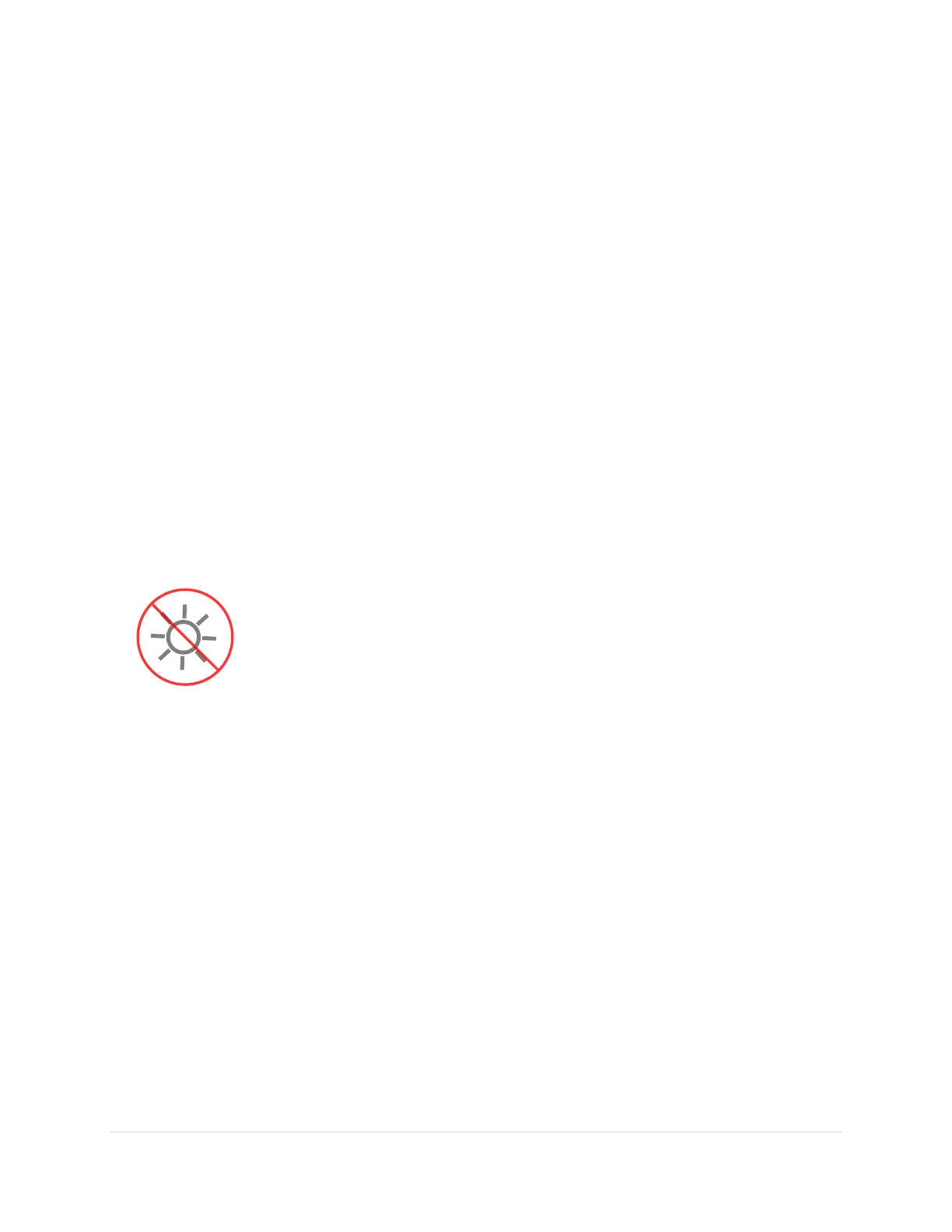
Sun Warning
NEVER attempt to observe the Sun through your telescope! Without a specially
designed solar filter, viewing the Sun – for even a fraction of a second – will cause
instant, irreversible eye damage. When observing during the day, do not point
the telescope near the Sun. Do not use TheSky Professional’s automatic slew
feature to find objects during the day.
TheSky emits an audible “Sun, sun, sun…” warning, when the telescope cross hairs
come near the Sun.



 To Next Page