Paramount GEM User Guide
99 | P a g e
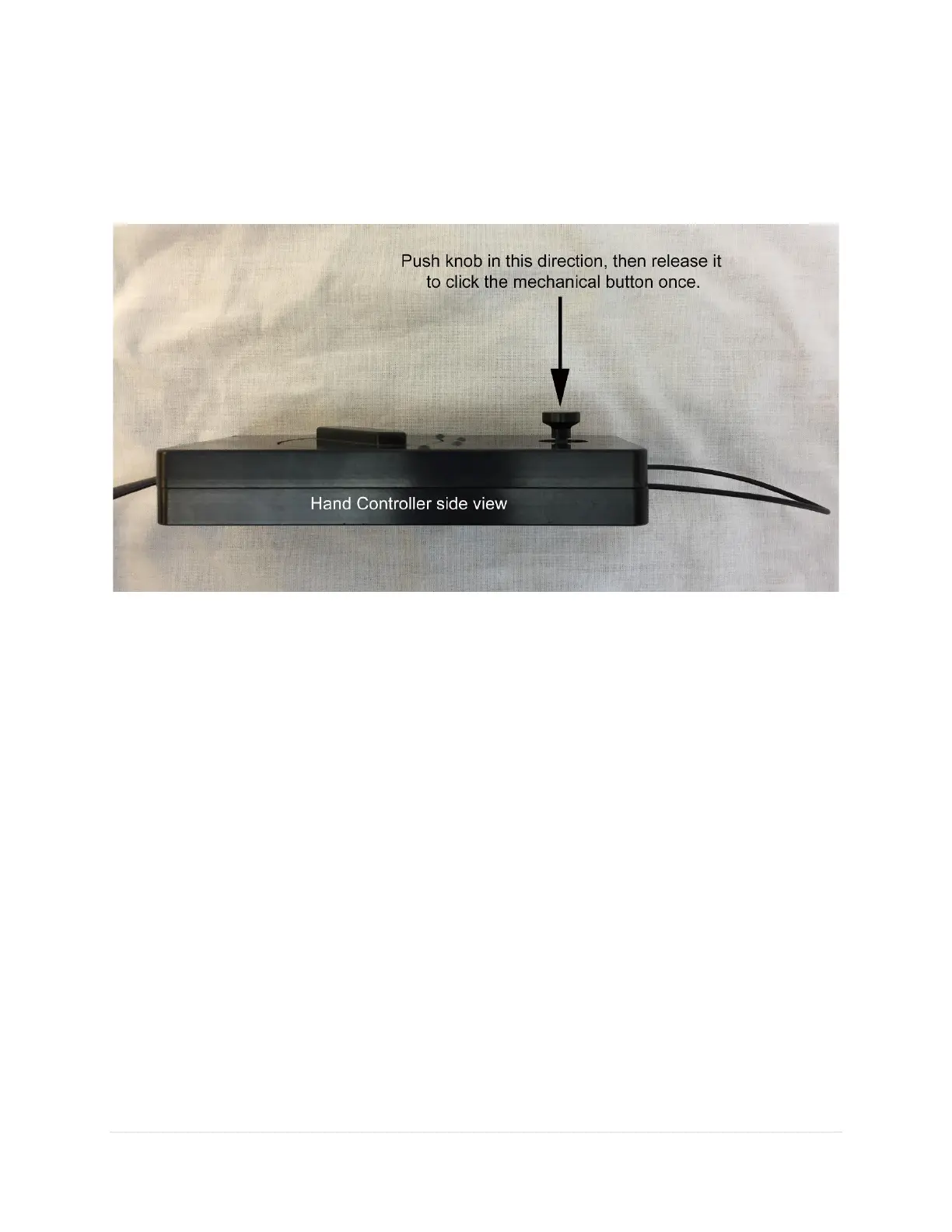
• As a mechanical button, place your thumb on the top of the joystick knob. Without moving the
joystick from the center position, push the knob straight "down" (toward the hand controller
body) and release to click the button. Repeat this process twice in succession, like double-clicking
a mouse button, to issue a Find Home command.
Figure 52: Double-click the mechanical joystick button to issue the Find Home command.
Rocker Switch
A three-position rocker switch is located on the side of the hand controller. It turns the mount’s lighting
features on or off.
• Rock and click the switch downward (toward the bottom of the hand controller) to turn on and
illuminate the bright red LED located on the top of the hand controller housing. The hand
controller now acts as a night-vision preserving flashlight. Return the switch to the center position
to turn the LED off.
• Rock the switch upward (toward the top of the hand controller) to turn on several bright LEDs in
the Electronics Box and Instrument Panel. These “landing lights” can be handy to illuminate your
working area when setting up, during polar alignment or shutting down for the night. When
released, the switch automatically returns to the center position and does not stay in the forward
position. (Note that a Paramount ME equipped with the MKS 4000 control system does not have
landing lights.)
• Press and hold the switch upward to turn on the LED flashlight (while the switch is held in the
forward position) and the landing lights simultaneously.
The large cable loop on the top of the hand controller can be used to hang it in a convenient location
when not in use.



 To Next Page