Paramount GEM User Guide
121 | P a g e
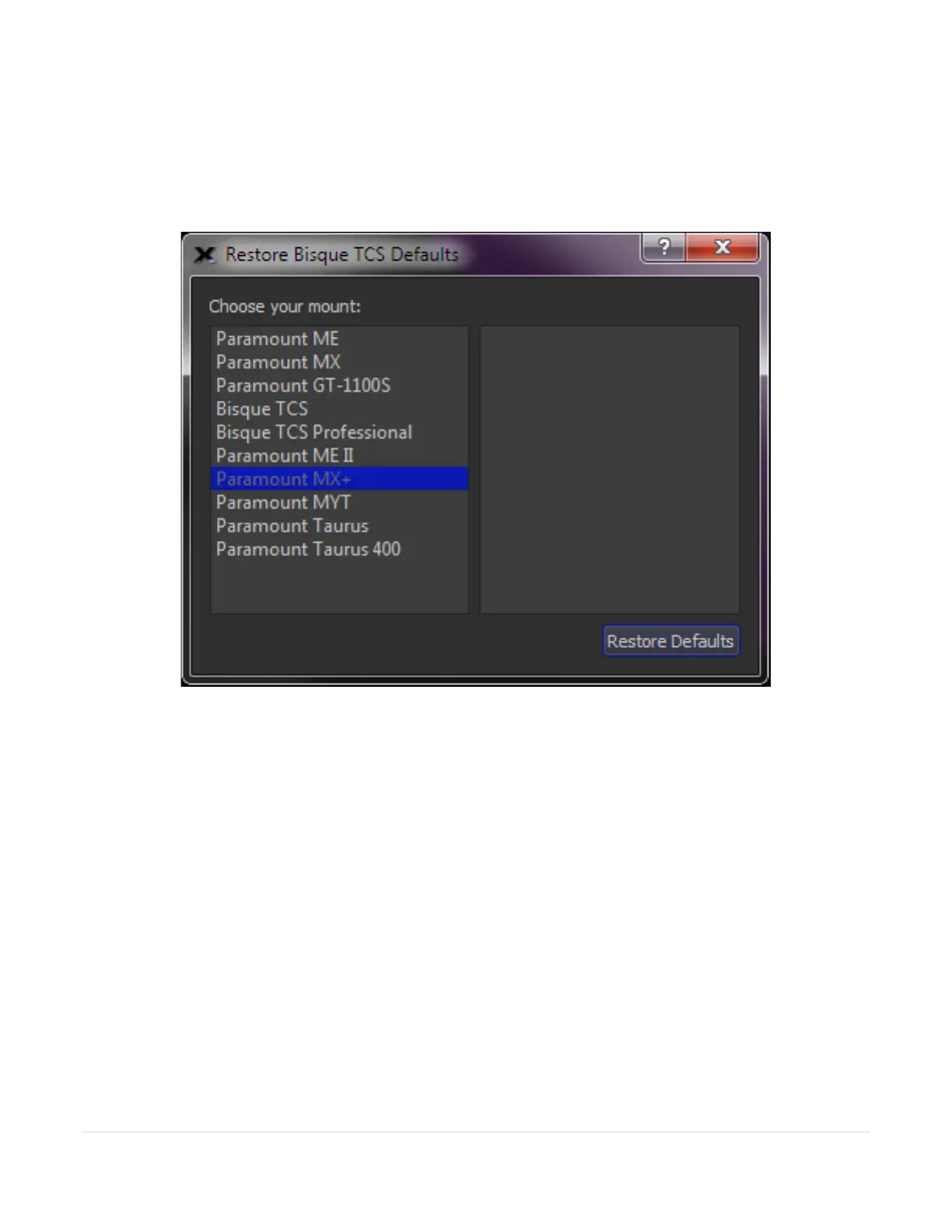
Restore Defaults
Choose this command to display the Restore Bisque TCS Defaults window that can reset all the mount’s
parameters to default values. Note that the mount’s synchronization history and periodic error correction table
are preserved.
Figure 57: The Restore TCS Defaults window.
The right side of the Bisque TCS Configuration window lists the mount models that use the MKS control system.
• Paramount MYT
• Paramount MX
• Paramount MX+
• Paramount ME
• Paramount ME II
• Paramount GT-1100S
• Bisque TCS
• Bisque TCS Professional
• Paramount Taurus Models 500 and 600 (gear driven)
• Paramount Taurus Models 400 and 400 OAE (gear driven)
The default parameters differ for each model mount, so make sure to choose the right one before clicking the
Restore Defaults button. After restoring the default settings, they must be saved to the control system’s non-
volatile memory. To do so, click Commands, Save All Parameters to Mount.



 To Next Page