Starting up
1
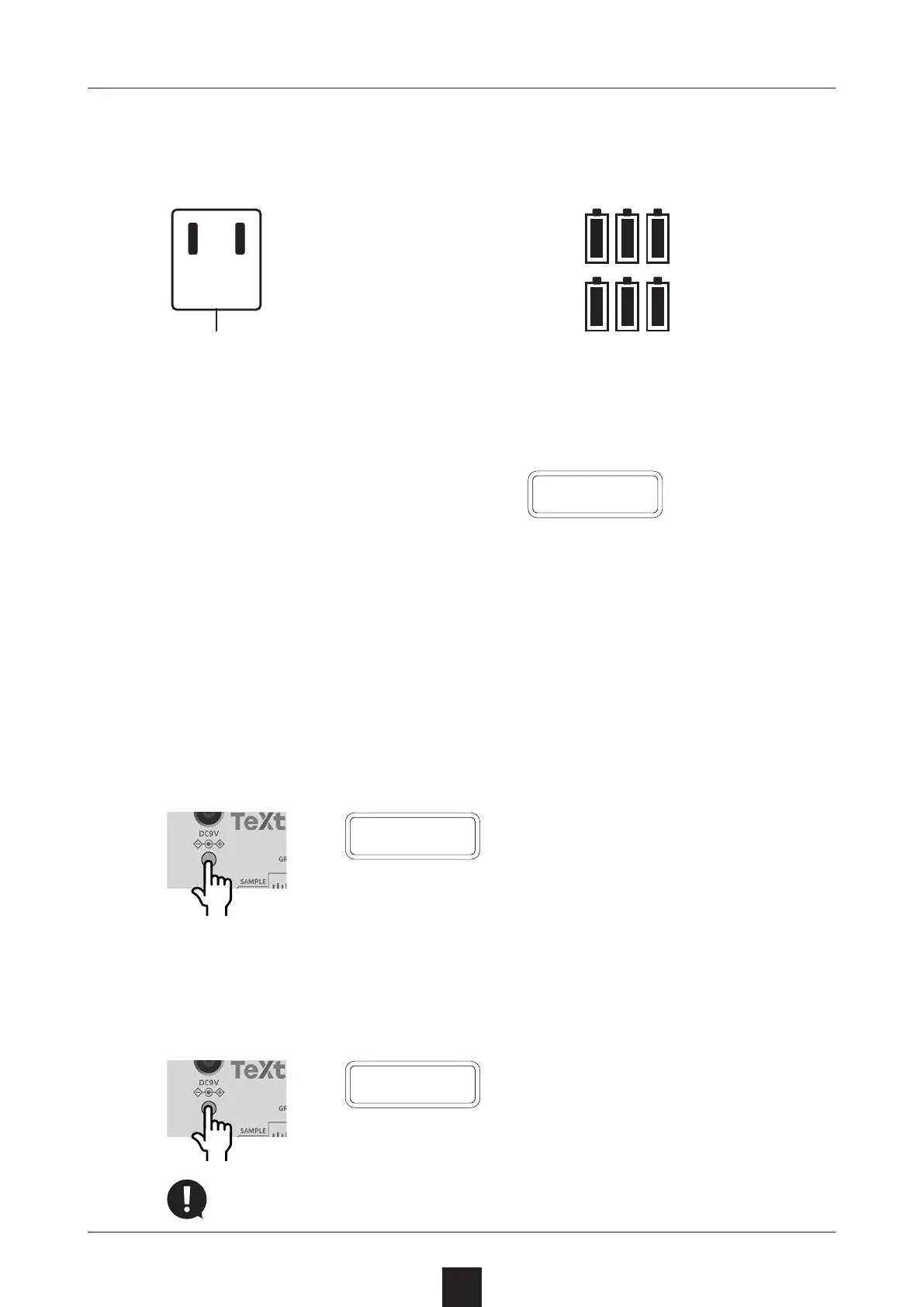
Press and hold the POWER switch until T.LAB (LIVEN Texture
Lab) appears on the display.
T
.
L A B
Turning the unit o
1
Press and hold the POWER switch until the display turns o.
P
.
O F F
Recently made changes will be lost when the unit is turned o.
Save the changes if necessary.
Starting up and shutting down
10
AC adapter (sold separately)
Only use AC adapters that
conform to the specica-
tions. Using an AC adapter
with dierent specica-
tions could cause damage.
AC adapter specications*
Voltage: 9V output
Current: 1A or higher
Connector: EIAJ-03 compliant
(1.7mm inner diameter,
4.75mm outer diameter)
Polarity: center+
*Equivalent to Korg Volca KA350 adapter
Preparing a power supply
6 AA batteries
BT.LO will appear on the dis-
play if the remaining battery
charge is low. Replace the
batteries immediately.
B T
.
L O
When using nickel-metal hydride bat-
teries or lithium batteries, change the
battery setting.
( → P.75)
DC9V
or



 To Next Page