22
Sample settings
Setting the interval used for the sample
A sample can be up to 6 seconds long, but the interval used can be
shortened. Press
+ to set the sample start position or +
to set the sample end position and use to adjust it.
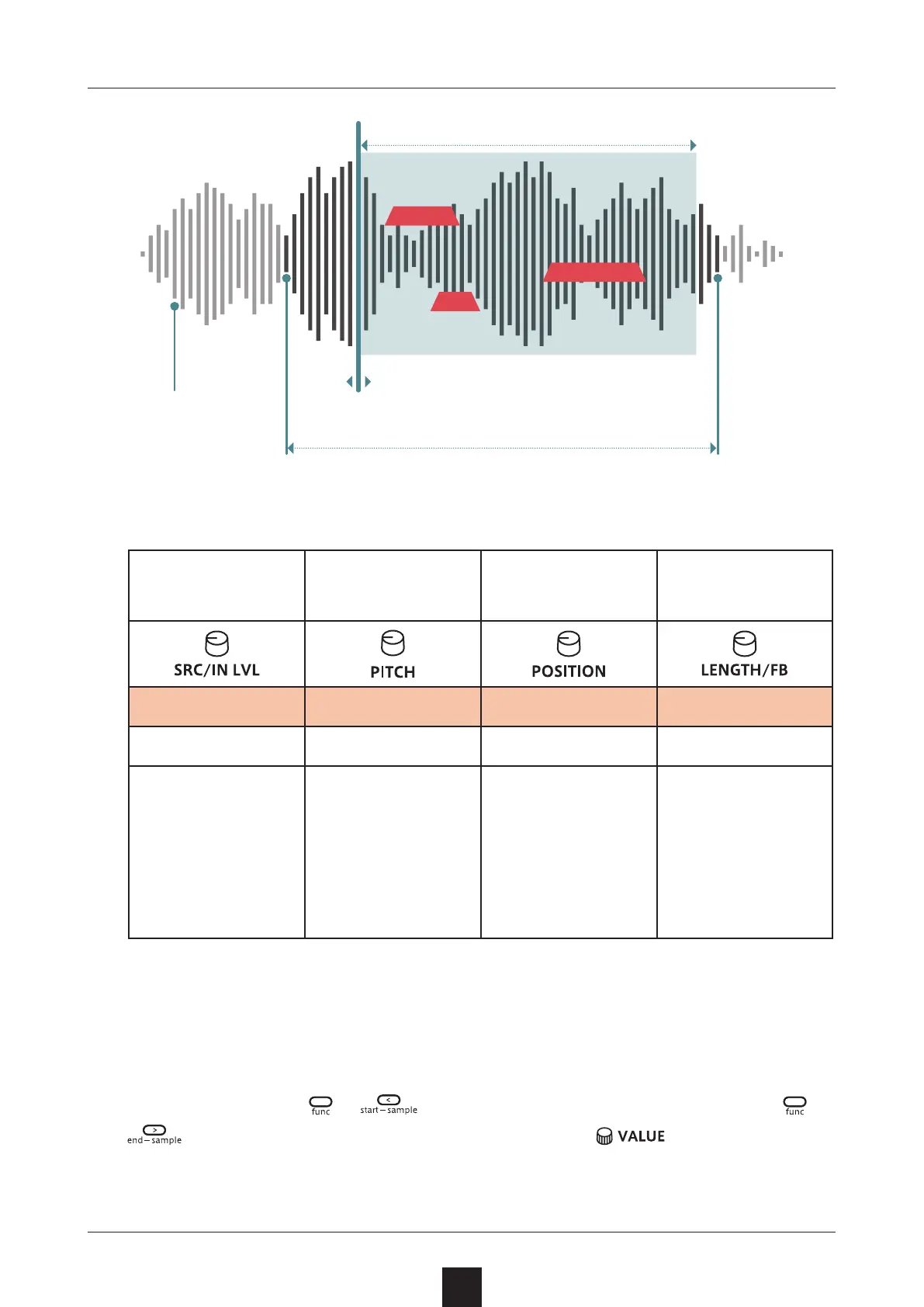
Sample selection Sample pitch
Position where
grains generated
in sample
Range of grain
generation in
sample
Source Pitch Position Length
EPIC – S032 − 24.0 – 24.0 0 – 127 0 – 127
This selects the
sampled sound to
use for grains.
Up to 32 sampled
sounds can be
saved.
See (→ P.31) for
details about sam
-
pling.
This can be adjust
-
ed in a ± 2 octave
range.
This can be set
from 0 to 6 sec-
onds.
By shortening the
sample interval, the
setting precision
can be increased.
This can be set
from 0 to 6 sec
-
onds.
By shortening the
sample interval, the
setting precision
can be increased.
Position where grains generated
(Position)
Sample selection
(Source)
Sample pitch
(Pitch)
Sample interval used
(Sample Start/End)
Range of grain generation
(Length)



 To Next Page