Clock synchronization with
external devices — Clock settings
62
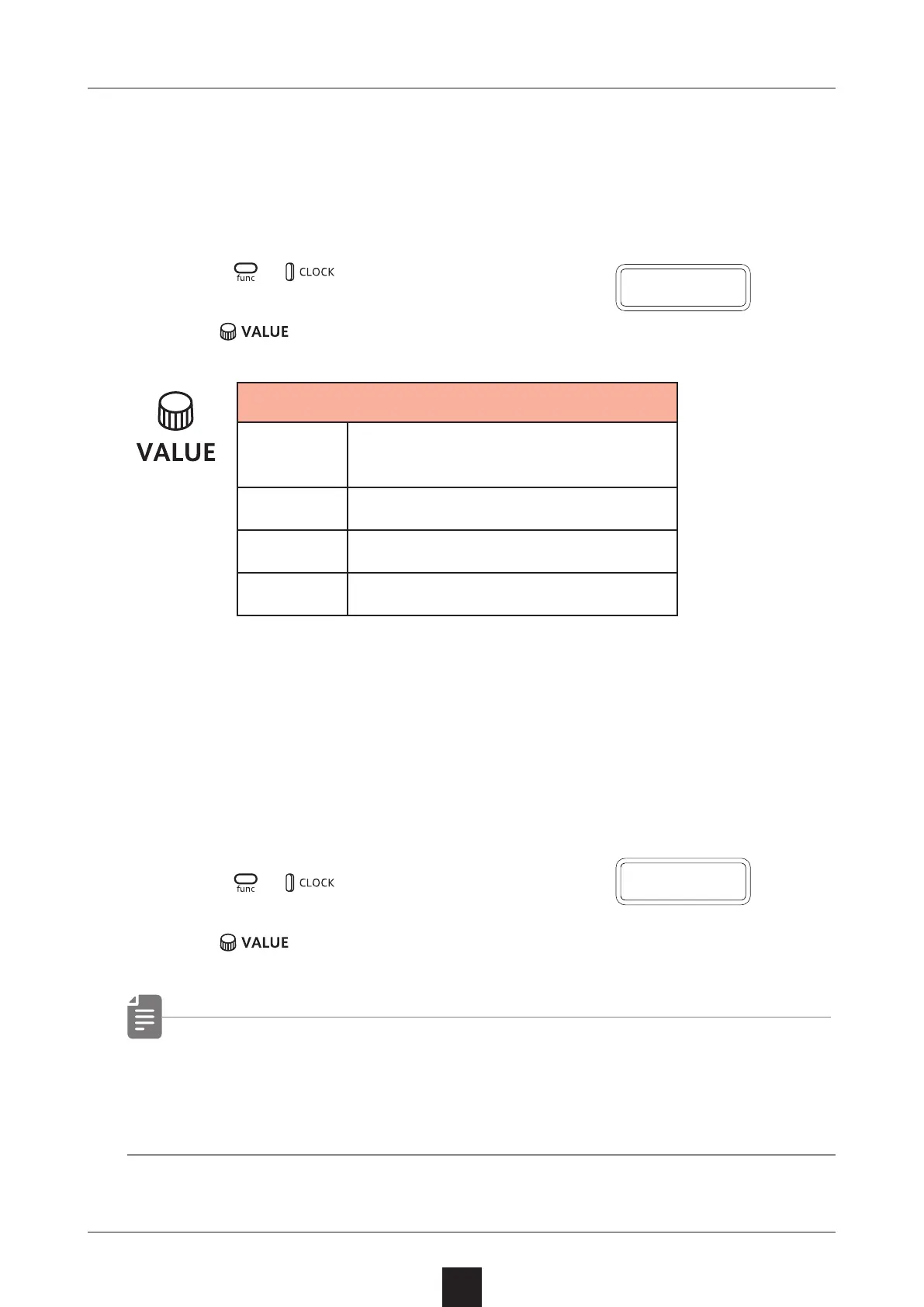
Setting the clock source
When set to INT (internal), the Texture Lab acts as a clock master.
When not set to INT, the external device will be treated as the clock
master.
1
Press + to select SRC.
2
Turn to set the clock source.
Clock Source
INT
Use internal clock of LIVEN
Texture Lab
MIDI
Use clock from MIDI IN
SYNC
Use clock from SYNC IN
LN.IN
Use clock from LINE IN
Setting Audio Sync output
Audio Sync output uses the headphone jack.
For this purpose, make the following setting to use Audio Sync out-
put.
1
Press + and select A.OUT.
2
Turn
to select ON.
• The sync signal will be output from the left channel and a mono
mix of the audio will be output from the right channel of the
headphone jack.
A
.
O U T
S R C



 To Next Page