Sequence eects
54
The Texture Lab has sequence eect functions, including Random
that can randomize phrases, and Stutter that repeats playback of
pressed steps.
Random
1
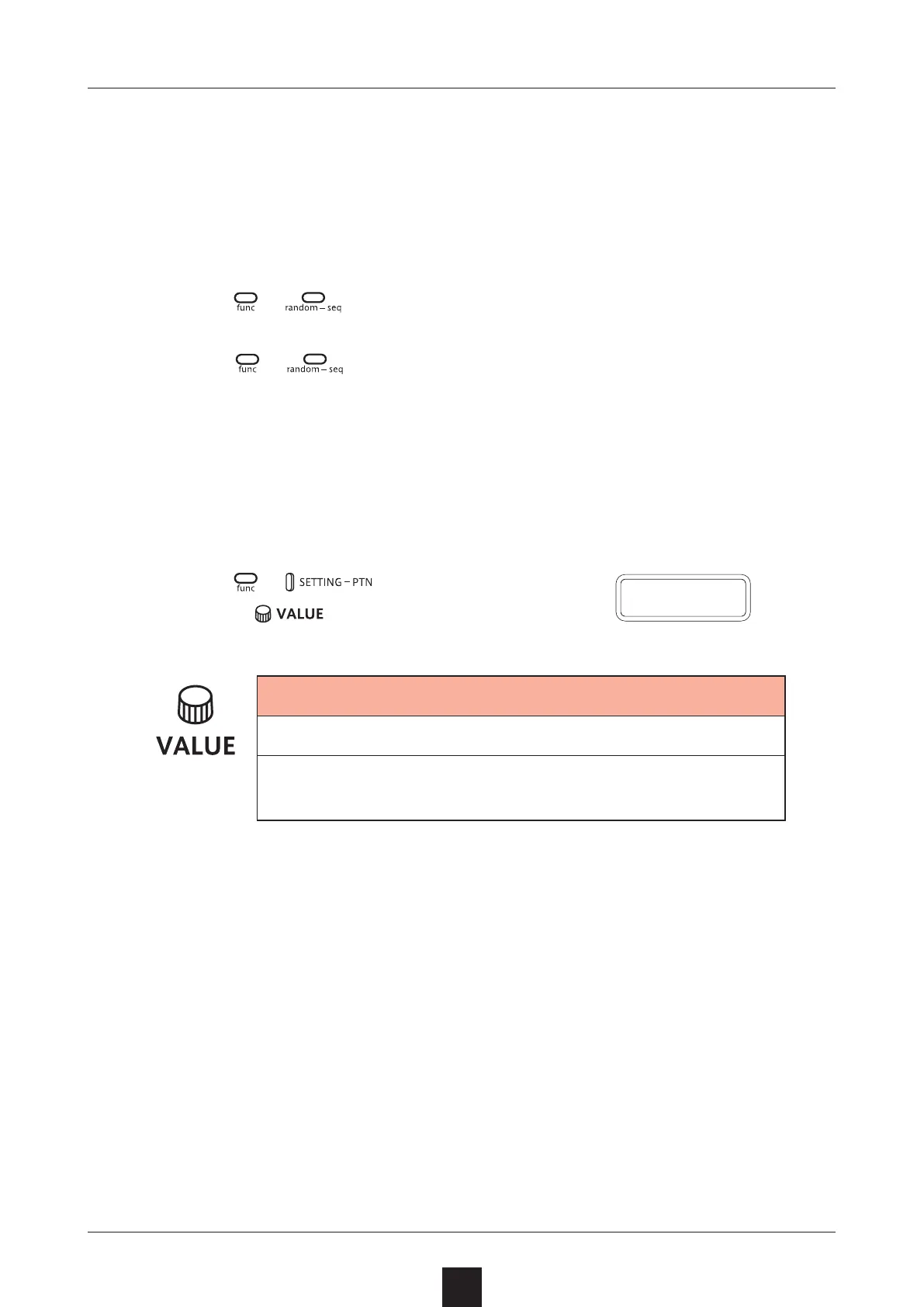
Press + .
When this is on, a randomized sequence will be played back
Press
+ again to turn the random function o.
Random settings
The smallest unit used for randomization during random playback can
be set (for example, 1 step or 4 steps).
1
Press
+
,
and use
to adjust.
Random step unit
OFF, 1, 2, 4, 8, 16 (steps)
If set to OFF, randomization will not occur even if
the random playback function is on.
The random on/o setting is saved with the pattern.
R N D
.
S



 To Next Page