25
Grain settings
Adjusting the mix of the sample and grain
sounds
When set to 0, the sound will be 100% from the sample. When set
to 127, the sound will be 100% from the grains.
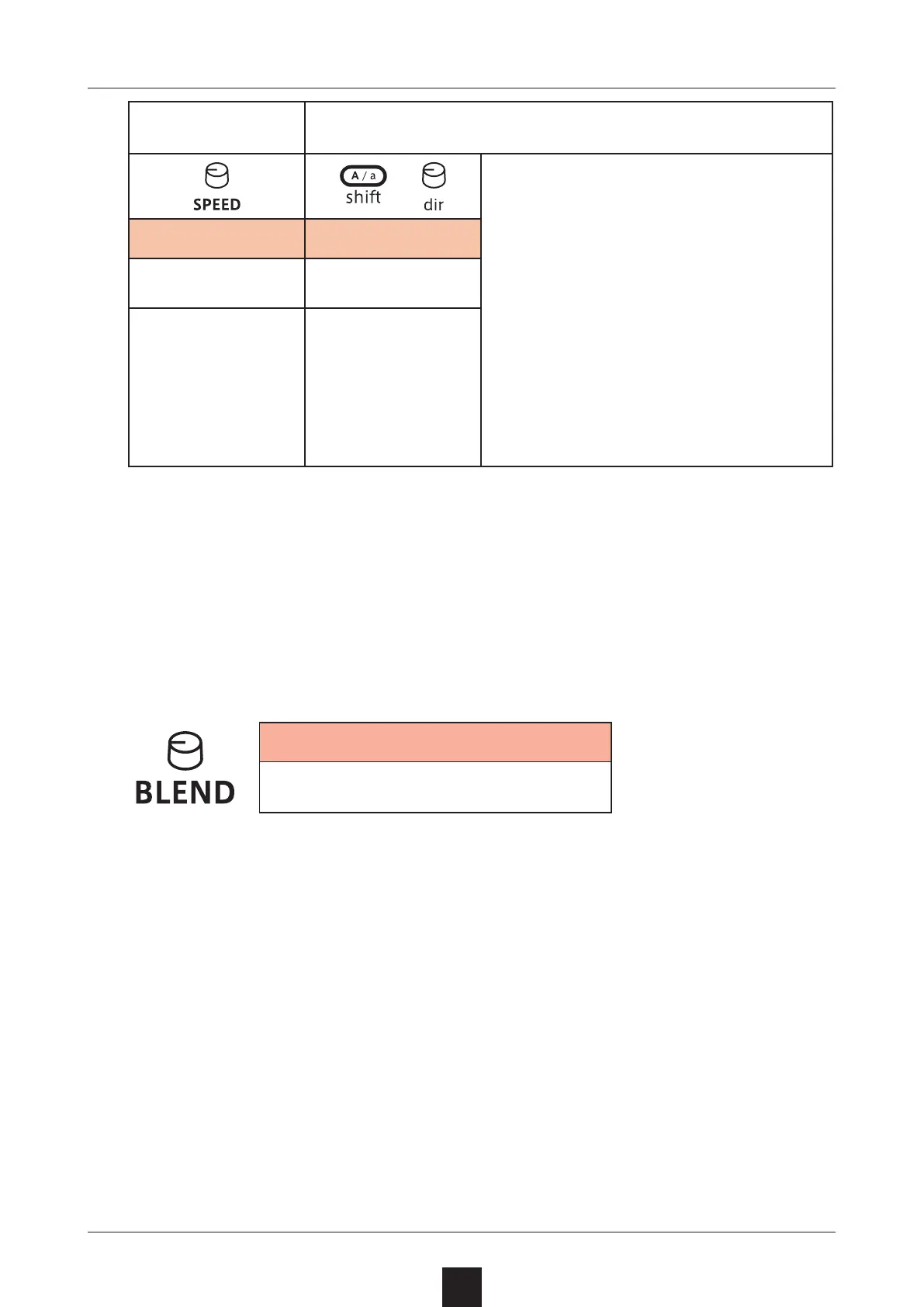
Blend
0 – 127
Grain playback
speed
Grain scanning and playback directions
+
Grain scanning direction . Playback
direction
->.->
->.<-
<-.->
<-.<-
- > . RN (Random)
< - . RN (Random)
> <.->
> <.<-
> <.> <
> < .RN (Random)
< >.->
< >.<-
< >.< >
< > .RN (Random)
RND (Random)
Speed Direction
− 63 – 63
See the list to the
right
The grain playback
speed can be set
from 1/4× to 4×.
The center is ± 0.
This sets the grain
scanning and play
-
back directions.
The values in the
list to the right can
be selected.



 To Next Page