Creating sequences – Step recording
43
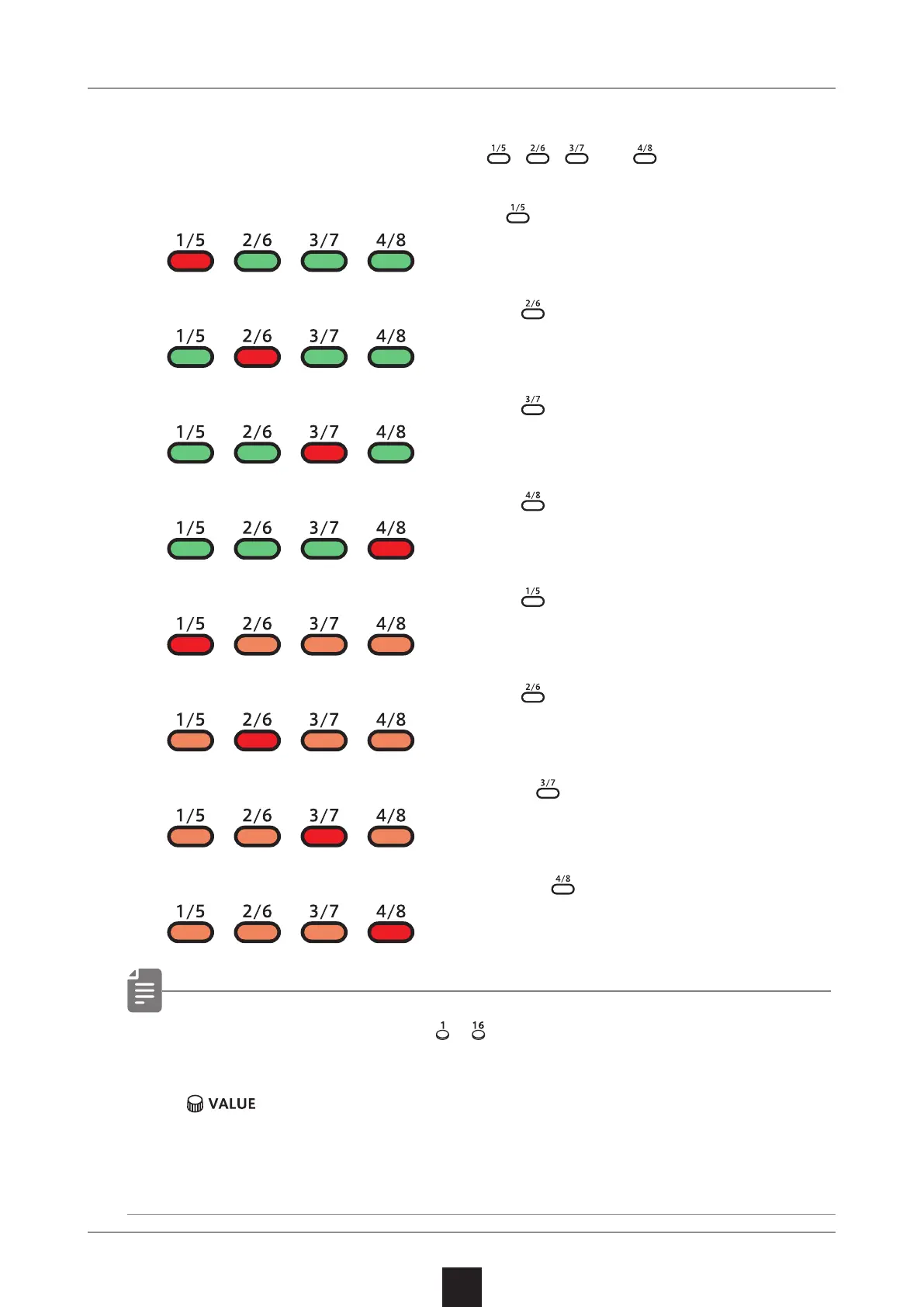
Selecting steps 17 and higher
After procedure number one, press 、 、 and to select steps
17 and higher.
To select steps 1–16, press the button.
To select steps 17–32, press the button.
To select steps 33–48, press the button.
To select steps 49–64, press the button.
To select steps 65–80, press the button twice.
To select steps 81–96, press the button twice.
To select steps 97–112, press the button twice.
To select steps 113–128, press the button twice.
• In procedure 2, pressing – will cause the stored note to
sound continuously. This is by design.
•
can also be used to move between steps.
• Page buttons are enabled or disabled according to the length
of the sequence.



 To Next Page