System settings
75
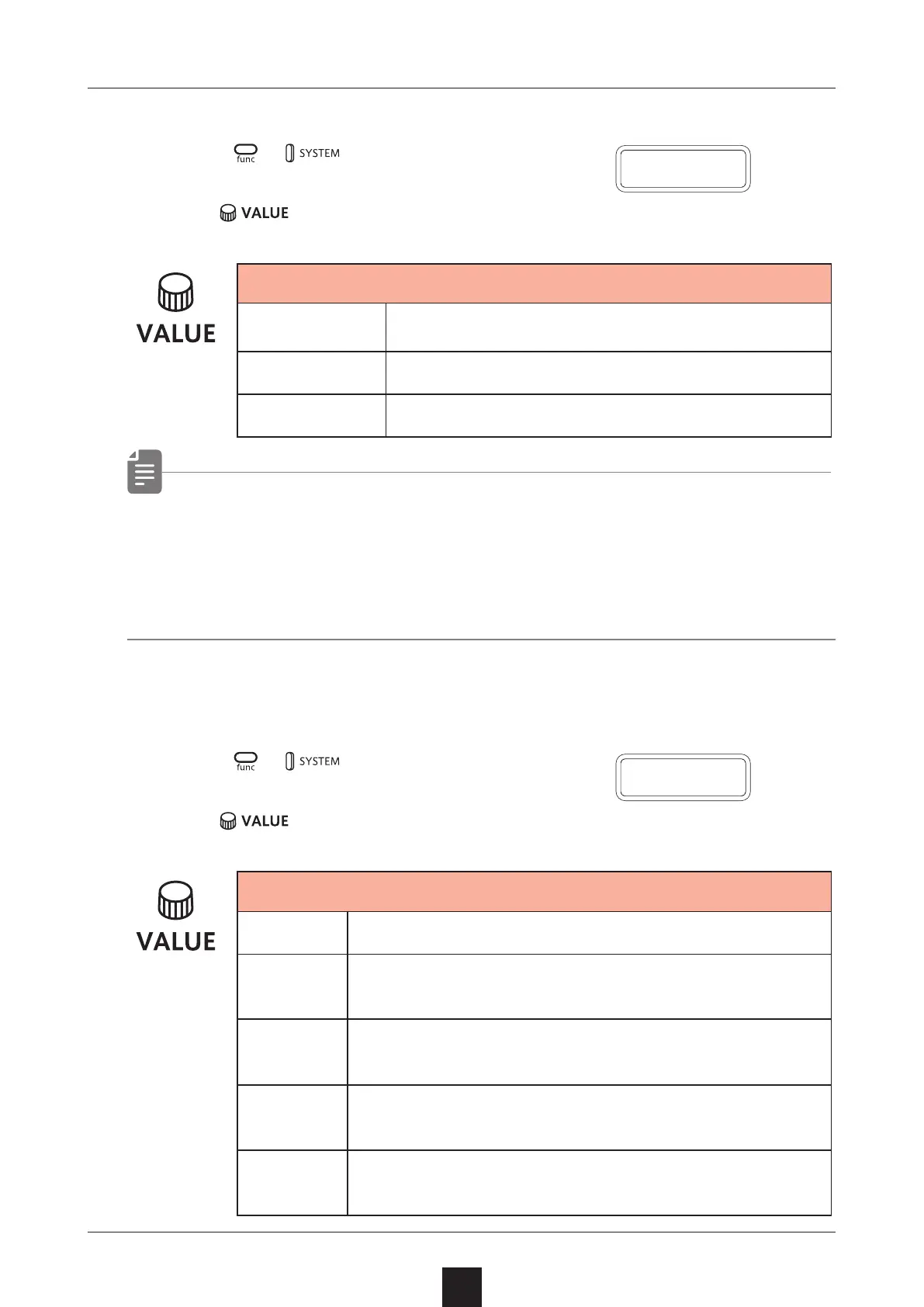
Setting the battery type
1
Press + to select BATT.
2
Turn to select the battery type.
Battery
ALKL
Alkaline dry cell
NIMH
Nickel-metal hydride rechargeable
LTHM
Lithium dry cell
• Please set this correctly because it eects operation time.
• The remaining charge shown could be higher than the actual
amount depending on the type of rechargeable battery.
Setting the automatic power down function
1
Press + and select A.PWR.
2
Turn to select the automatic power down time.
Automatic power down time
OFF
Automatic power down is disabled.
0.5H
Power will turn o automatically after 30 min-
utes without operation.
1H
Power will turn o automatically after 1 hour
without operation.
3H
Power will turn o automatically after 3 hours
without operation.
6H
Power will turn o automatically after 6 hours
without operation.
B A T T
A
.
P W R



 To Next Page