System settings
78
Restoring to factory default settings (factory
reset)
1
Press and hold + the POWER switch to
turn on the LIVEN.
2
Press .
The step LEDs will show the progress.
When nished, OK will appear on the display.
• Press to cancel.
• This will not restore sample waveform data to the factory de-
fault. To restore the sample waveform data, download it from
the SONICWARE website and import it.
Checking the system versions
1
Press and hold + the POWER switch to
turn on the LIVEN.
2
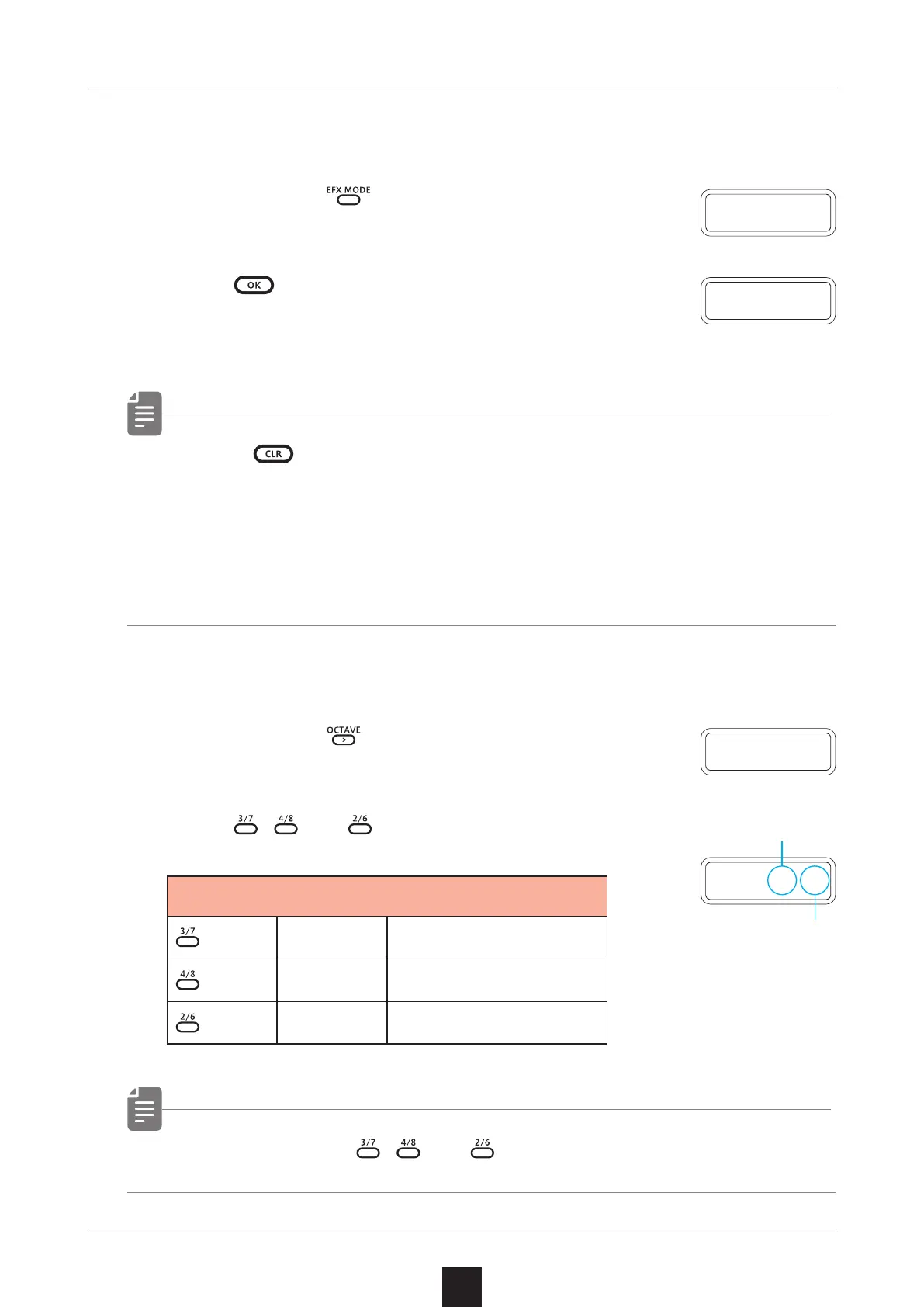
Press , and to check the versions.
Firmware Versions
S X.Y
System version
B X.Y
Boot version
P X.Y
Preset version
• Press the same , and again to show the build number.
F
.
R S T
O K
V E R
Major version
Minor version
S X
.
Y



 To Next Page