Exporting/importing user data
73
Backing up all user data at once
1
Press + the POWER switch to turn on the Texture Lab.
2
Turn to select EXPT.
3
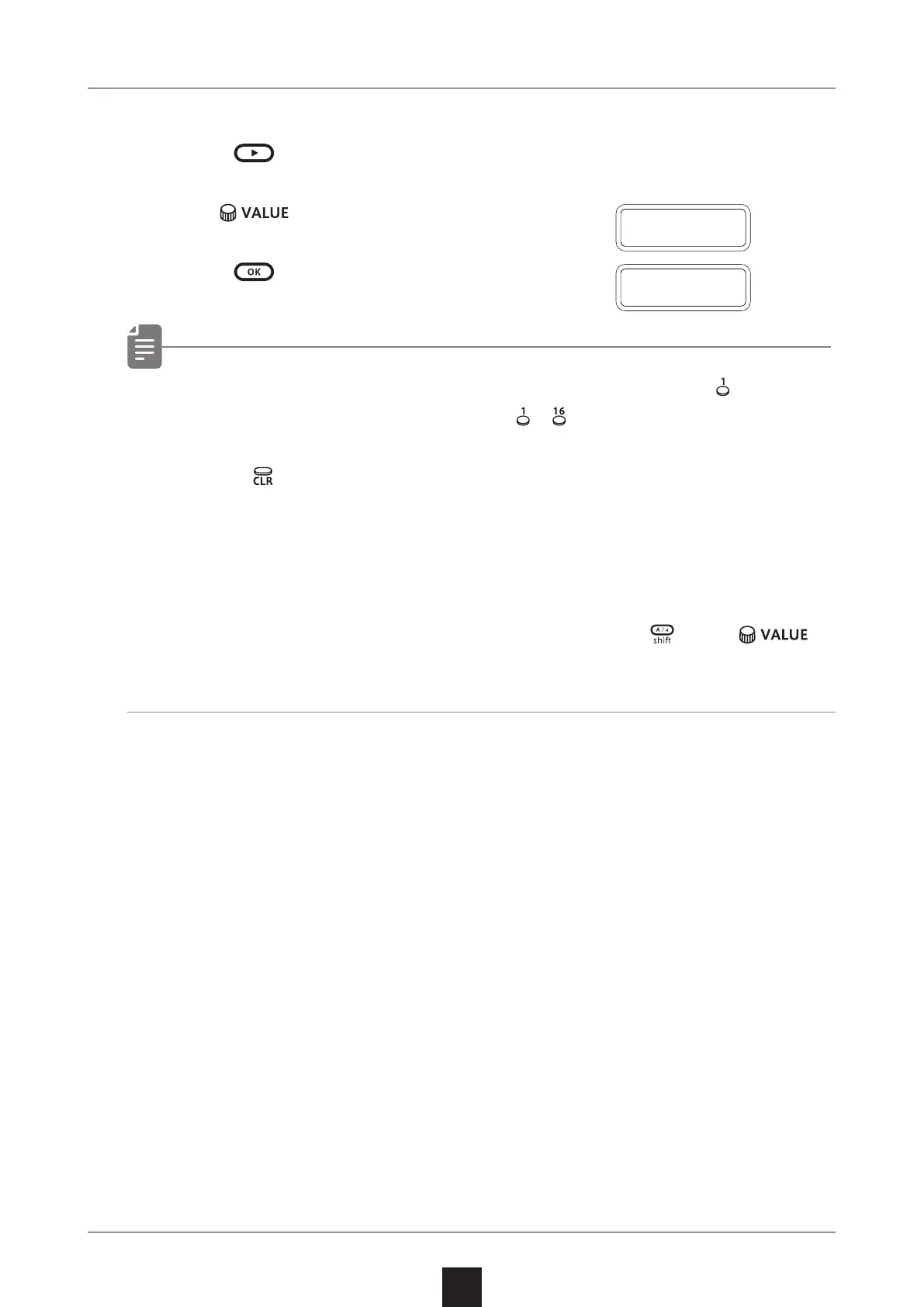
Press .
• The step LEDs show the progress. (They light from in order.
Transmission is complete when
– have all lit.)
• Press to cancel.
• The size of the backup data is 17,164,228 byte.
• If the size of the data is dierent, the backup might have failed.
If this occurs, before step ③ , while pressing
, turn to
increase the transmission interval. (The default value is 0.)
E X P T
D O N E



 To Next Page