36
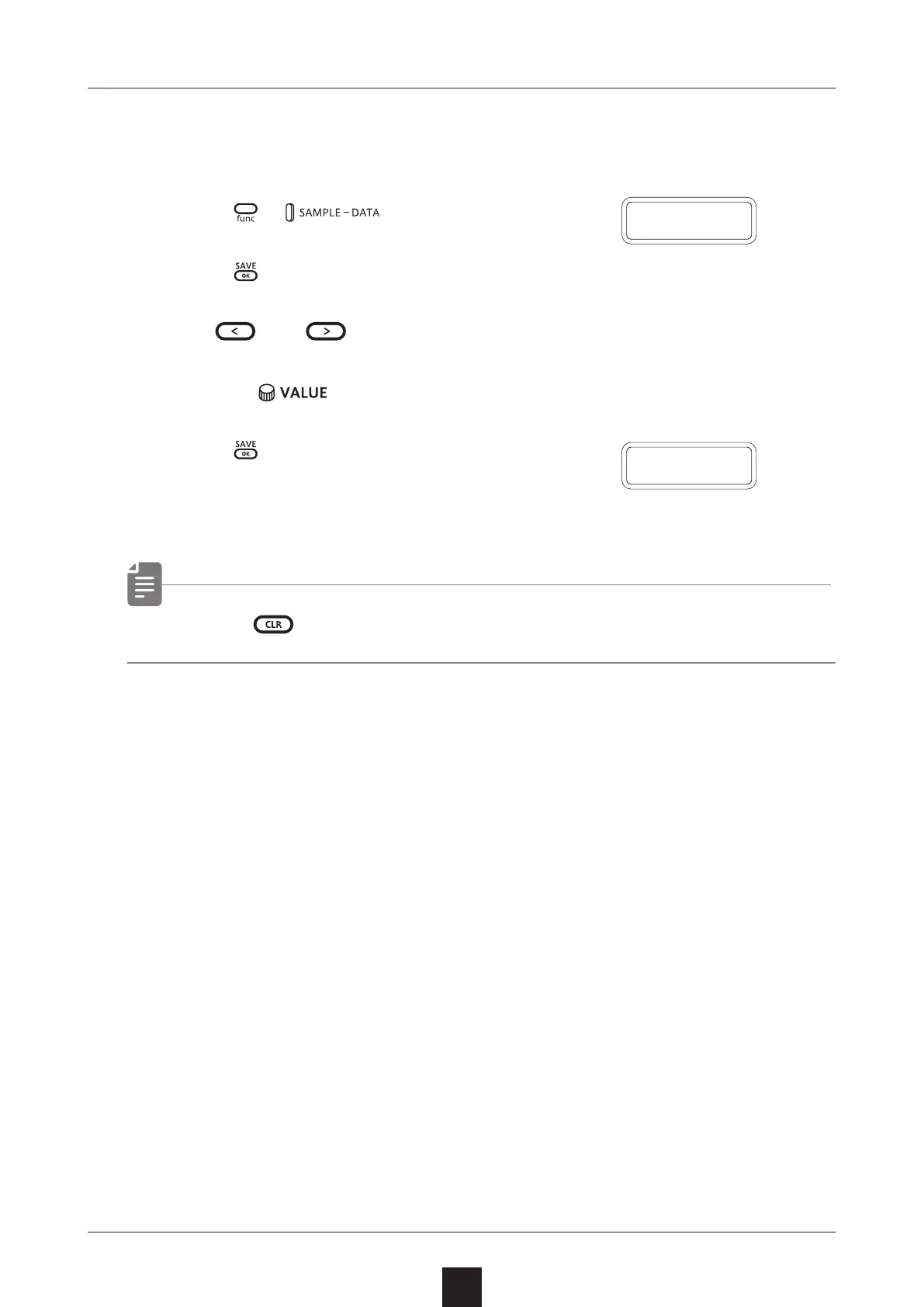
Renaming samples
1
Select the sample you want to rename.
2
Press + to select S.N.ED.
3
Press .
4
Use and to move
the cursor left and right,
and turn to select characters.
5
Press .
This completes the setting.
DONE will appear on the display.
• Press during a procedure to cancel it.
D O N E
Renaming samples
S
.
N
.
E D



 To Next Page