Randomizing grain size and shape
The grain size and shape can be randomized. Press + for
the size or
+ for the shape and use to adjust the
amount.
24
Grain settings
Grain generation timing and quantity
(Timing/Jitter and Density)
Grain size and shape
(Size/Shape)
Grain playback direction and speed
(Direction/Speed)
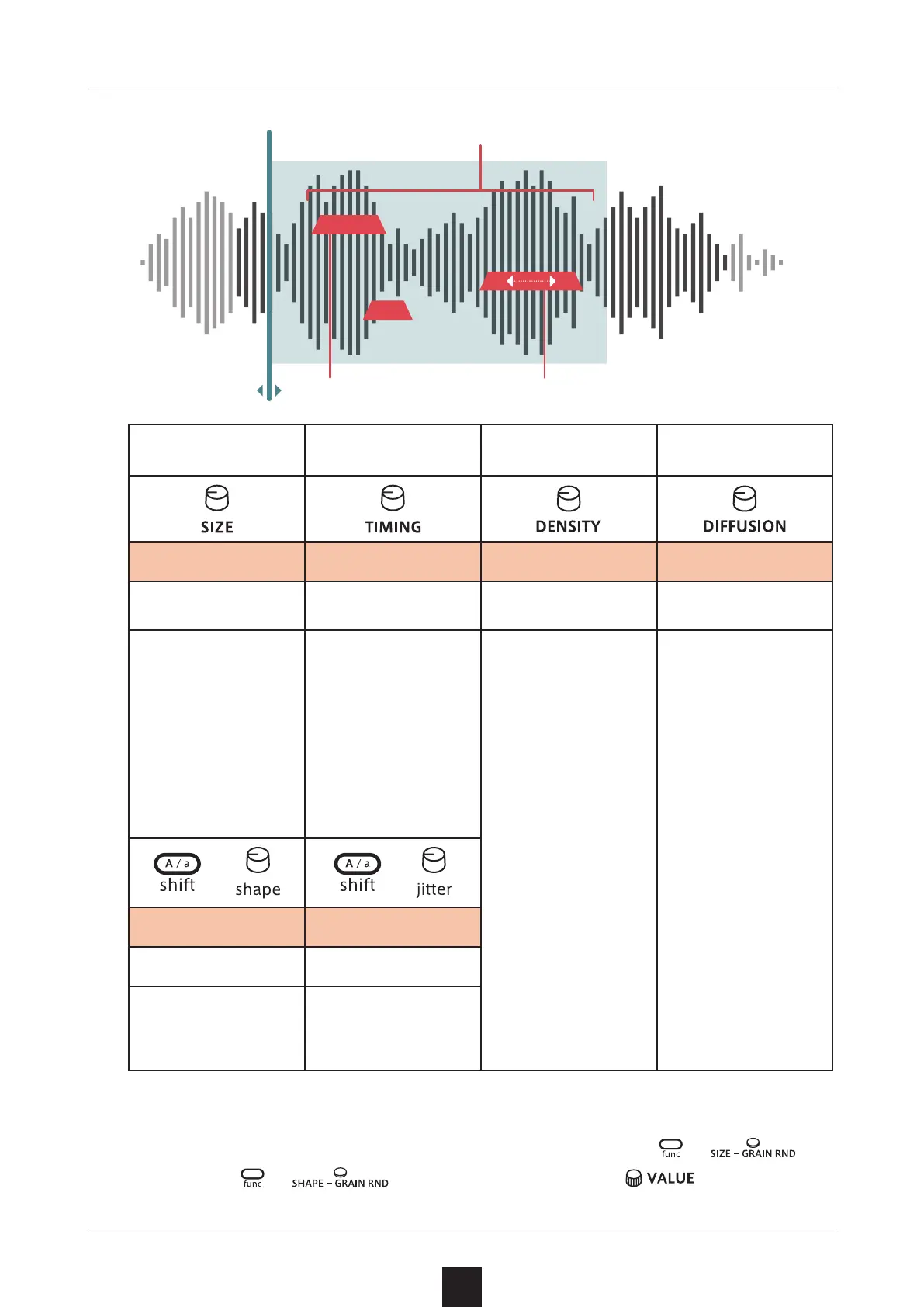
Grain size
Grain generation
timing
Number of grains
generated
Grain spread
Size Timing Density Diusion
0 – 127
M0 – 62, LUSH,
1/32 – 1/1
0 – 127 0 – 127
Grain size can be
set from 2 millisec
-
onds to 1 second.
This sets the grain
generation timing.
Set to LUSH, the
center value, gener
-
ation timing is the
shortest. Turn this
left to increase the
timing. Turn this
right to set genera
-
tion timing to tem-
po-synced values.
This can be set
from 1 to 64
grains.
The maximum den-
sity depends on the
voice mode.
Polyphonic: 16
grains maximum ×
4 voices
Mono: 32 grains
maximum
Legato: 64 grains
maximum
Turning this to the
right of center will
detune the grains.
This spreads the
positions of the
generated grains to
the left and right.
+
+
Shape Jitter
0 – 127 0 – 127
This adjusts the
shape of the grains.
This sets the
amount that grain
generation timing
uctuates.
Grain L–R spread
(Diusion)



 To Next Page