Sampling – Recording
32
1
Connect the output of the
equipment you want to re-
cord to the Texture Lab
LINE IN.
• Mics and guitars cannot
be connected direct-
ly. Use a mixer or other
equipment to convert
their outputs to line sig-
nals.
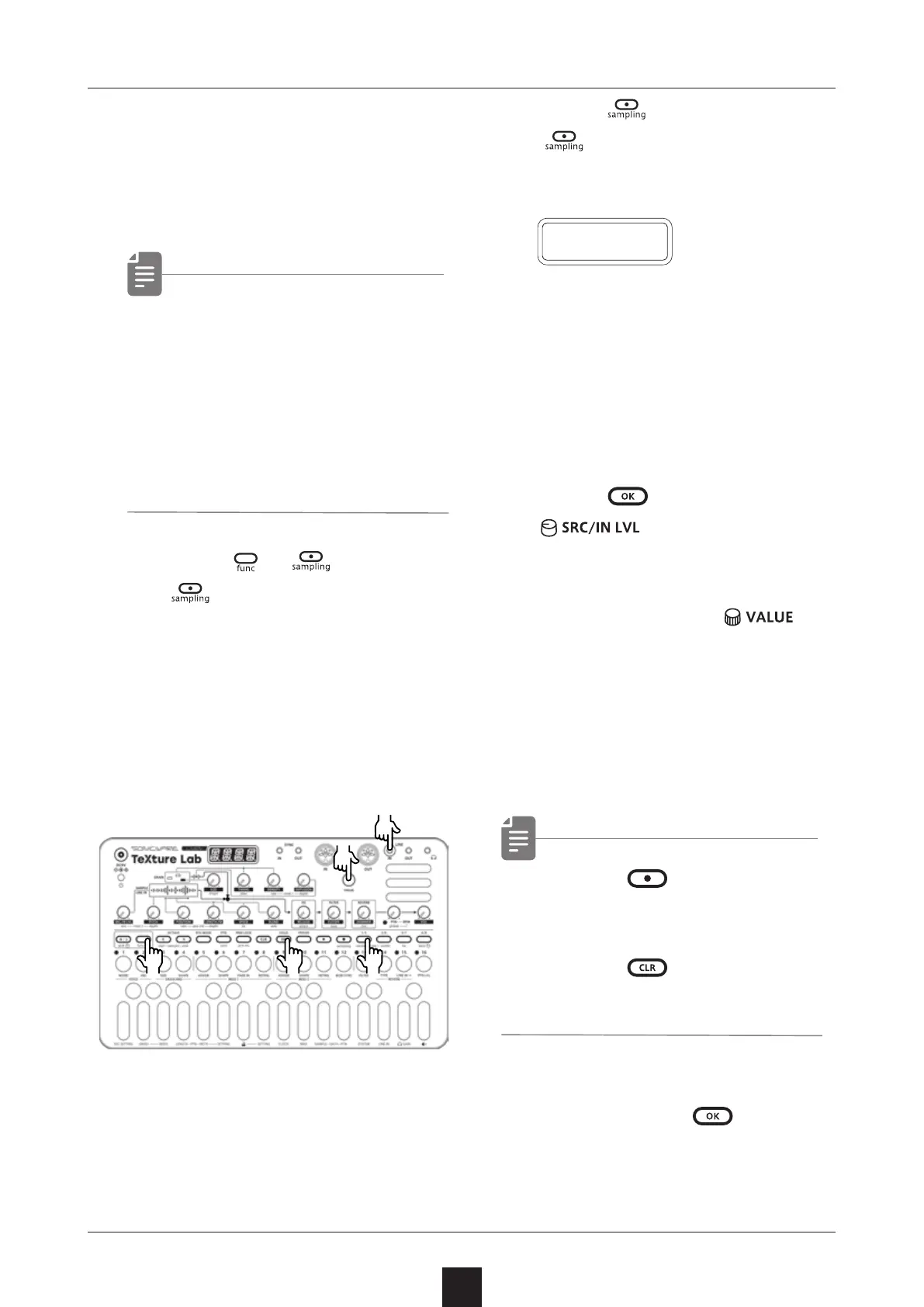
2
Press + .
will blink red.
Use the step keys to check
the recording level.
(Step 12 indicates -6dB,
Step 16 indicates 0dB)
3
Press again.
will light red and record-
ing will automatically start
when a signal is input.
The step keys show the re-
cording progress.
When step 16 lights, record-
ing will stop automatically.
4
Press and use
to select the slot
to save the sample.
You can also use
to
select the slot.
Before saving the sample,
you can audition the sample
of the selected slot by play-
ing it with the keyboard.
• Press to stop immedi-
ately during the recording.
• Press
to cancel the
operation.
5
After deciding which slot to
save to, press
.
R E C
●❶
●❺
●❷●❹
●❸●❺
●●❷



 To Next Page