29
Filters
Changing the lter type
1
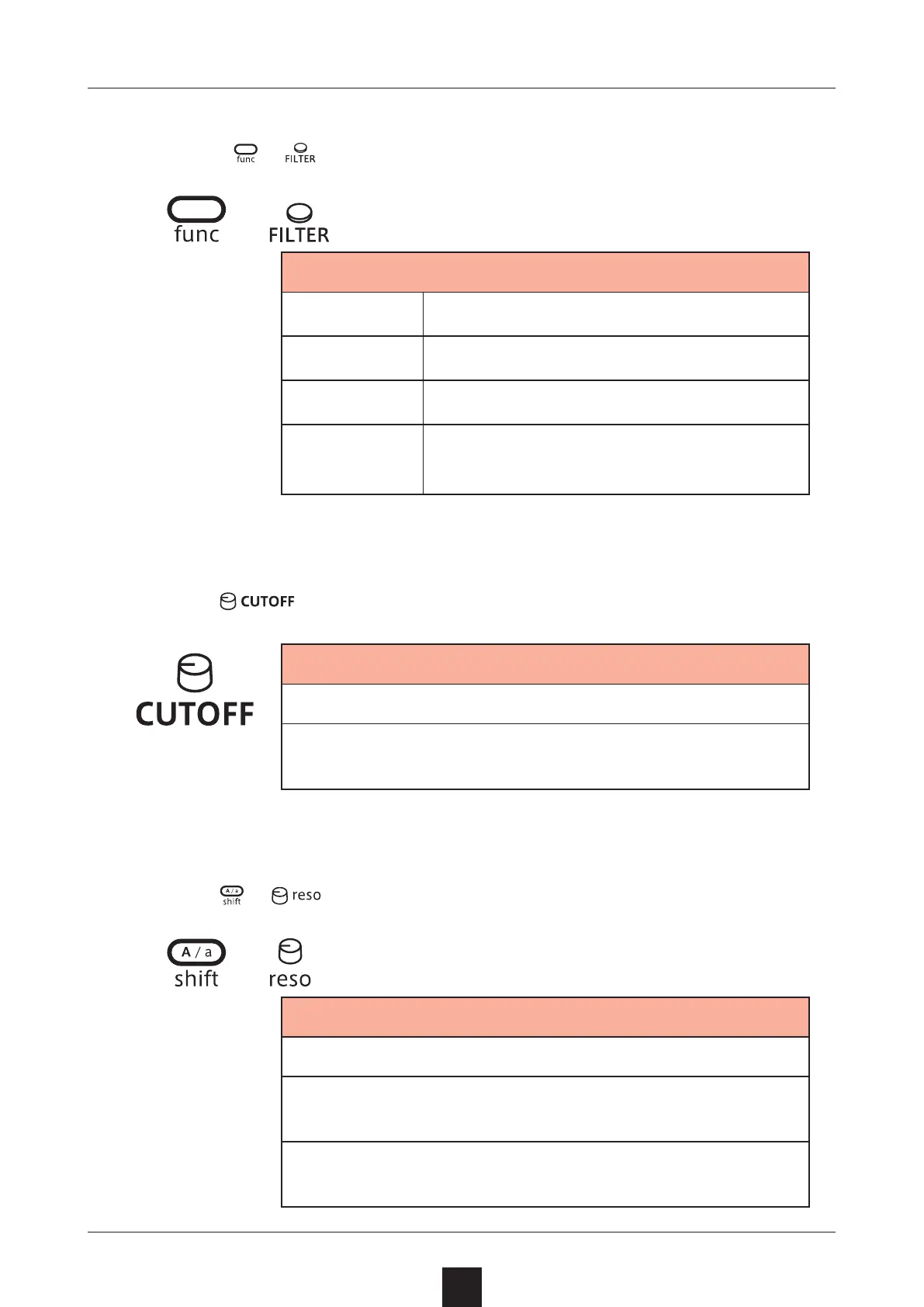
Press + to select the type.
+
Filter type
OFF
No lter used
LPF
Filter that cuts high frequencies
HPF
Filter that cuts low frequencies
BPF
Filter that only allows through fre-
quencies in a specied band
Adjusting the lter cuto frequency
1
Turn .
Cuto
0 – 127
The cuto frequency can be changed in a range of
70 – 14400 Hz.
Adjusting the lter resonance
1
Turn
+ .
+
Resonance
0 – 127
The resonance can be changed in a range of 0.3 –
10.
For BPF, the bandwidth can be changed in a 0.5 –
3.3 octave range.



 To Next Page