Tempo overview
59
The Texture Lab has two BPM modes.
Pattern BPM mode
Whenever a dierent pattern is selected, the BPM is reset using
the tempo saved in that pattern.
Global BPM mode
The current global BPM value will continue to be used even when
a dierent pattern is selected.
Select global BPM mode to maintain a consistent tempo during the
jam session. Use pattern BPM mode when you want the tempo to
change with each pattern.
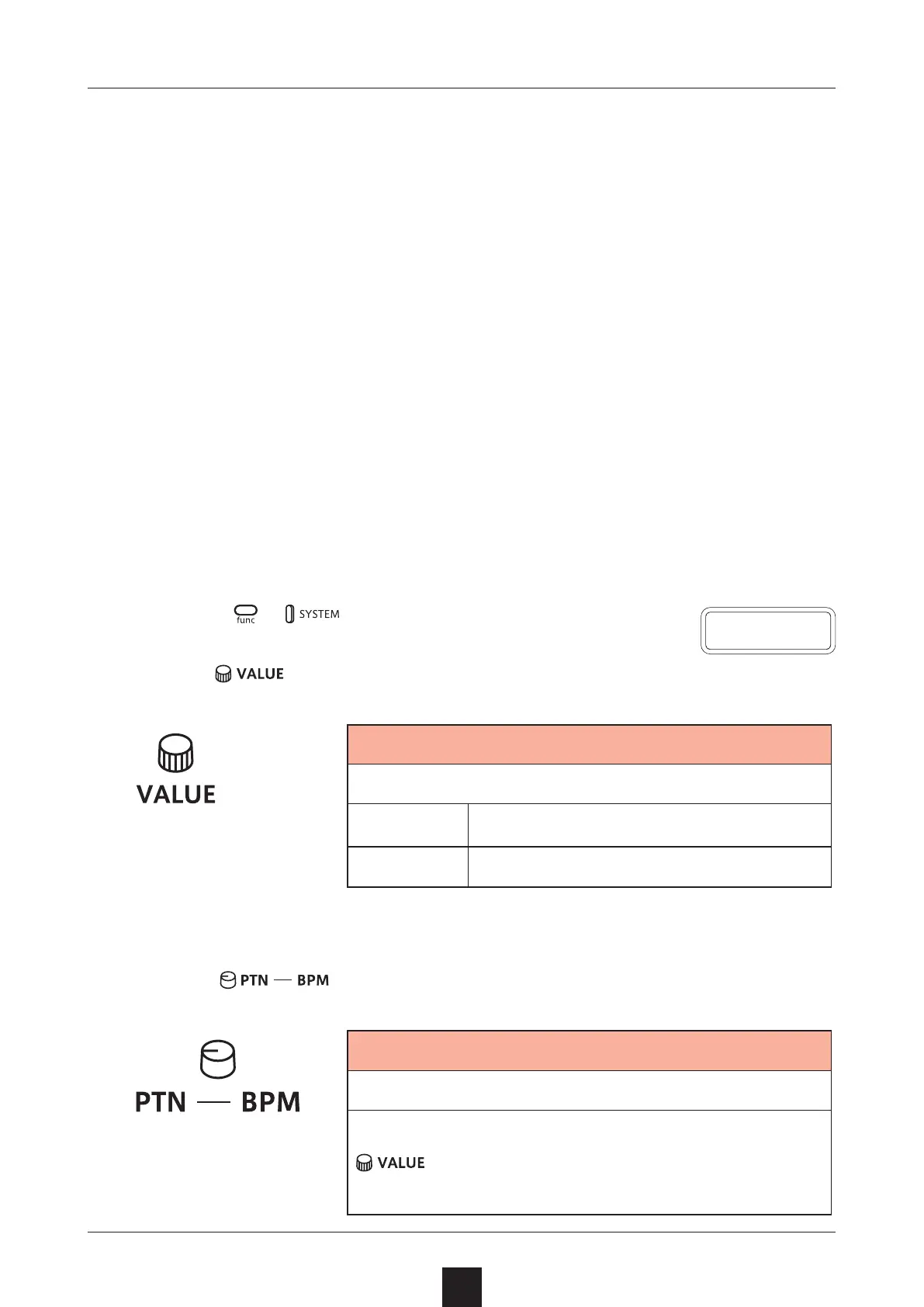
Setting the BPM mode
1
Press + multiple times to select BPM.
2
Use to select the BPM mode.
BPM
BPM mode
PTN
Pattern BPM mode
GLBL
Global BPM mode
Setting the pattern BPM
1
Turn
.
Pattern BPM
40 – 250
When the tempo is shown on the display,
can be turned to change it in 0.1-beat
increments.
B P M



 To Next Page