Step sequencer overview
40
Overview
The Texture Lab step sequencer can play multiple steps in order (a
sequence) with performance and parameter data.
Texture Lab step sequencer features
The sequencer in the Texture Lab has the following features.
Three input methods
Step recording
Record notes to each step with the sequencer stopped
Real-time recording
Record notes to steps by playing the keyboard
Direct recording
Record notes to steps directly during sequencer playback
Flexible sequencing
Sequences with up to 128 steps
The number of steps can be set from 1 – 128 as desired for
each track
Support for various note lengths
The length of each step can be set from 1/32nd note to 1
bar.
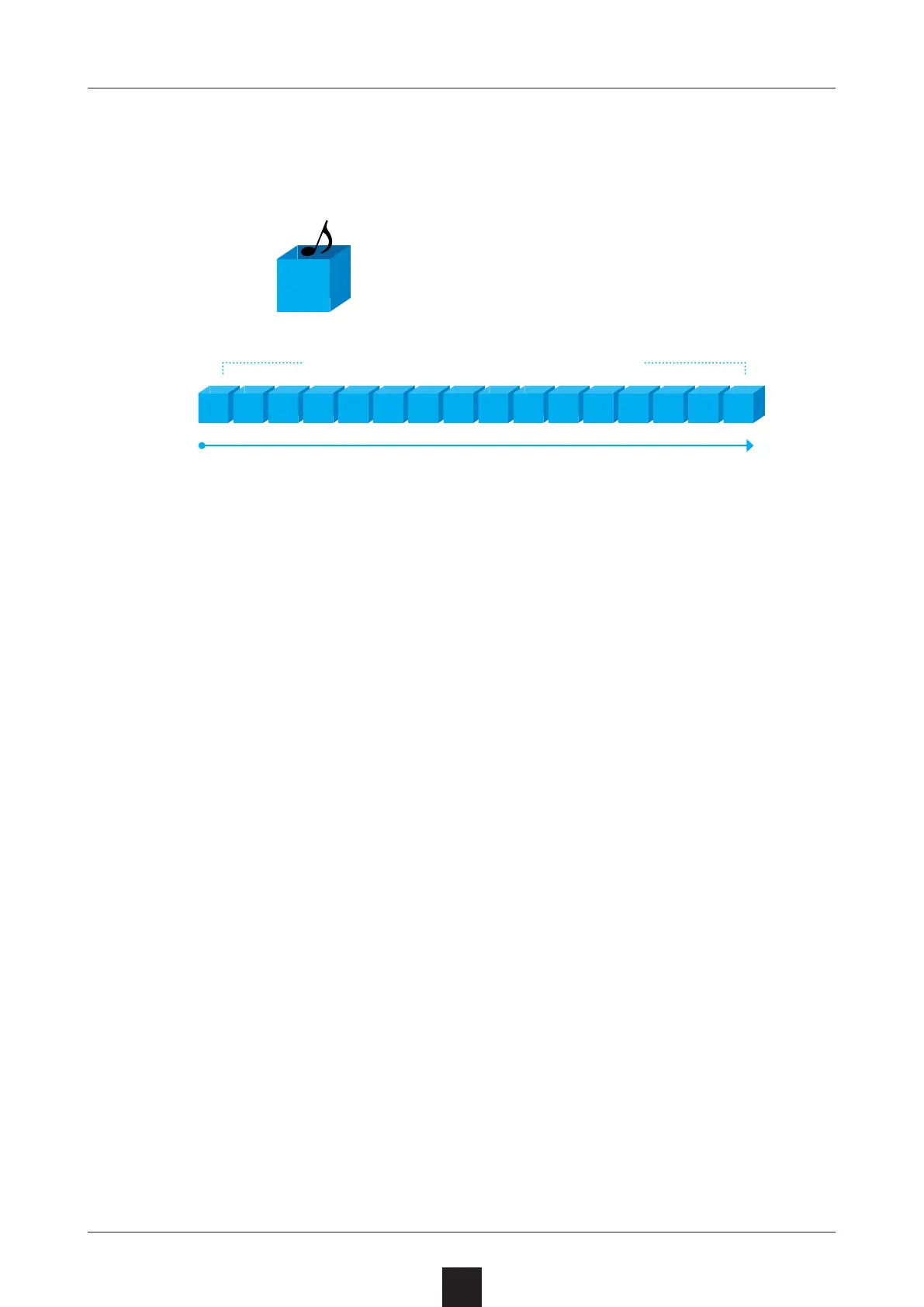
STEP
1
Steps contain note data and param-
eter data.
Sequences play in order from the rst step.
Sequences contain multiple steps.
1 2 3 4 5 6 7 8 9 10 11 12 13 14 15 16



 To Next Page