System settings
79
Updating the rmware
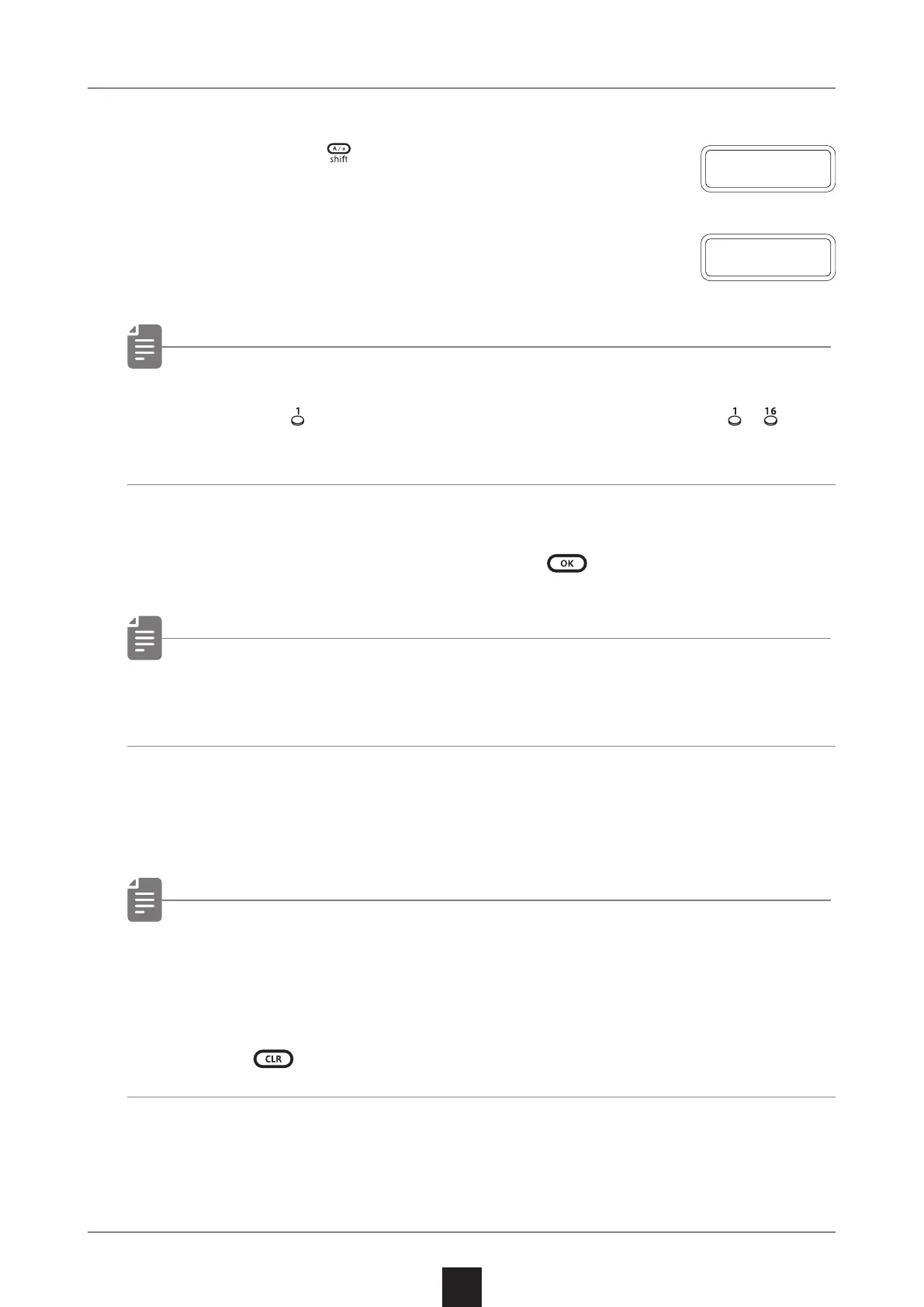
1
Press and hold + the POWER switch to
turn on the LIVEN.
2
Transmit the rmware (Sys Ex data) from
a PC/Mac.
• The step LEDs show the progress of data transmission. (They
light from
in order. Transmission is complete when – have
all lit.)
3
After transmission completes, press to execute the update.
• If the update occurred properly, OK will be shown. ( If a problem
occurred, an error code will be shown.)
4
Restart the unit.
• Use new batteries or an AC adapter.
• Never interrupt the power during a rmware update.
• Press
to cancel the update and start up normally.
U P D T
R C V



 To Next Page