Basic operations
12
Using the func button
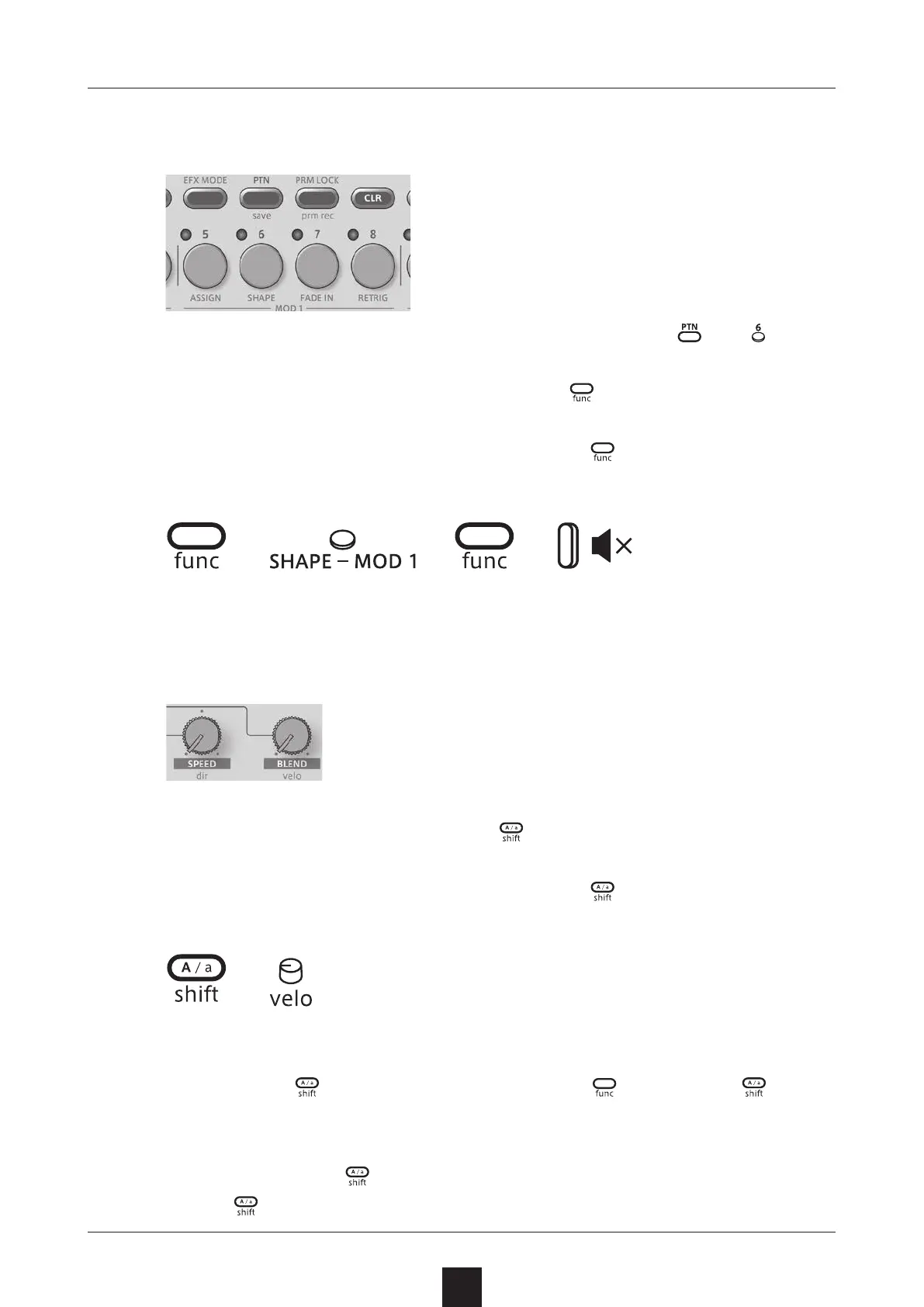
Some Texture Lab buttons have two functions.
In the example above, the secondary functions of the and but-
tons are “save” and “SHAPE”.
Pressing these buttons while pressing the
button will activate
their secondary functions.
In this manual, operations while pressing the button will be shown
as follows.
+
+
Using the shift button
Many Texture Lab knobs have both uppercase and lowercase
names.
Turning a knob alone will adjust the uppercase parameter.
Turning the knob while pressing the
button will adjust the lower-
case parameter.
In this manual, operations while pressing the
button will be shown
as follows.
+
Using the shift button hold function
By pressing the button while pressing the button, the but-
ton hold function can be activated. (The button lights orange.) When
the hold function is activated, lowercase parameters can be adjusted
without pressing the
button.
Press the
button again to deactivate the hold function.



 To Next Page