Performing with
the keyboard and voice modes
18
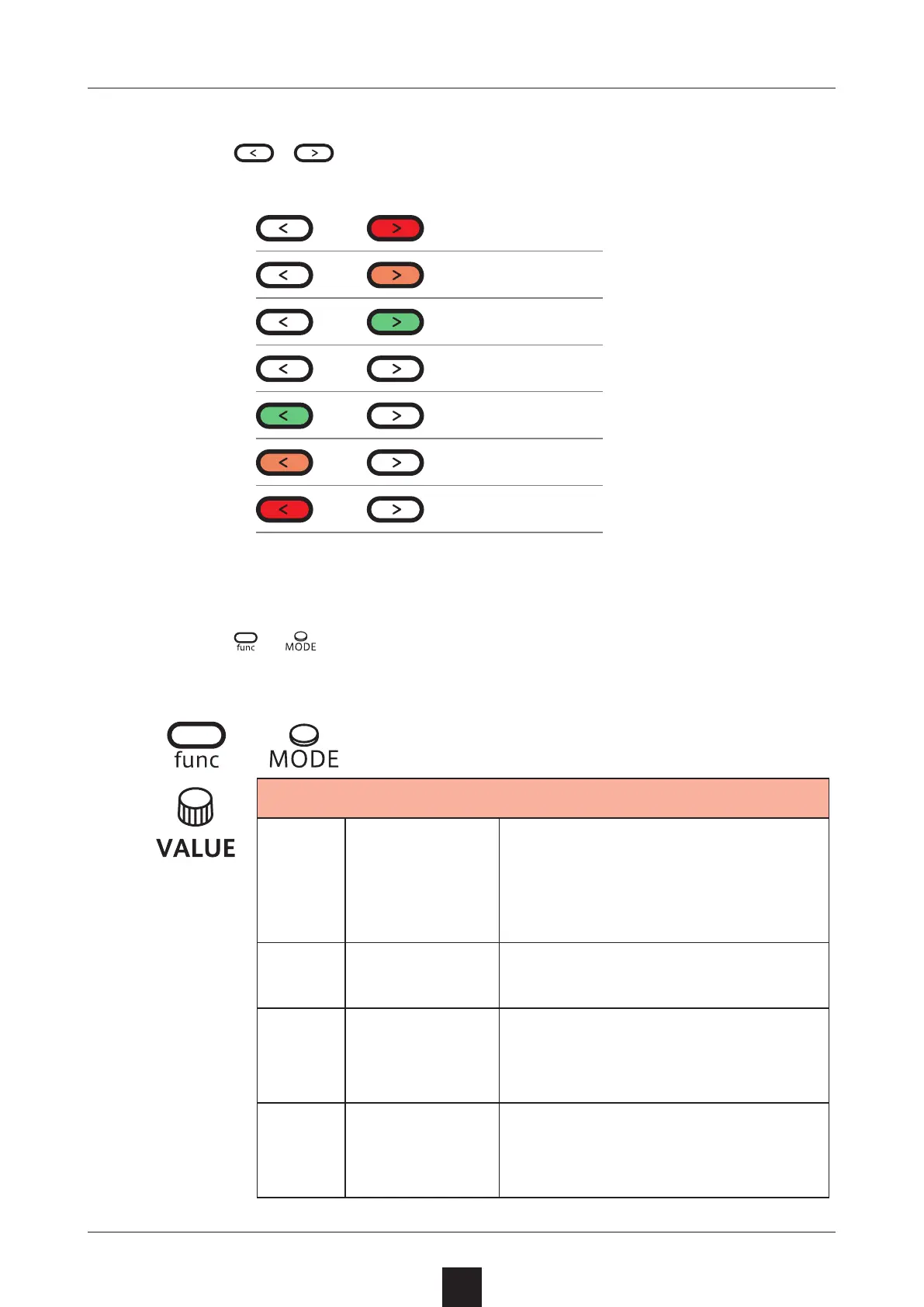
Changing the octave range
1
Press / .
This lowers/raises the range by an octave.
Changing the voice mode
1
Press + .
This selects the voice mode
+
Voice Mode
POLY
Polyphonic
Up to 4 voices can be output
simultaneously in this mode.
(Internal sequencer records up
to 3 voices of polyphony)
MONO
Monophonic
In this single voice mode, each
note retriggers the sound.
LGT
Legato
In this single voice mode,
notes do not retrigger the
sound.
ARP
Arpeggiator
Pressed keyboard keys are
played one at a time in this
mode.
+3 octaves
+2 octaves
+1 octave
− 1 octave
− 2 octaves
− 3 octaves



 To Next Page