Basic operations
11
This section explains basic operations.
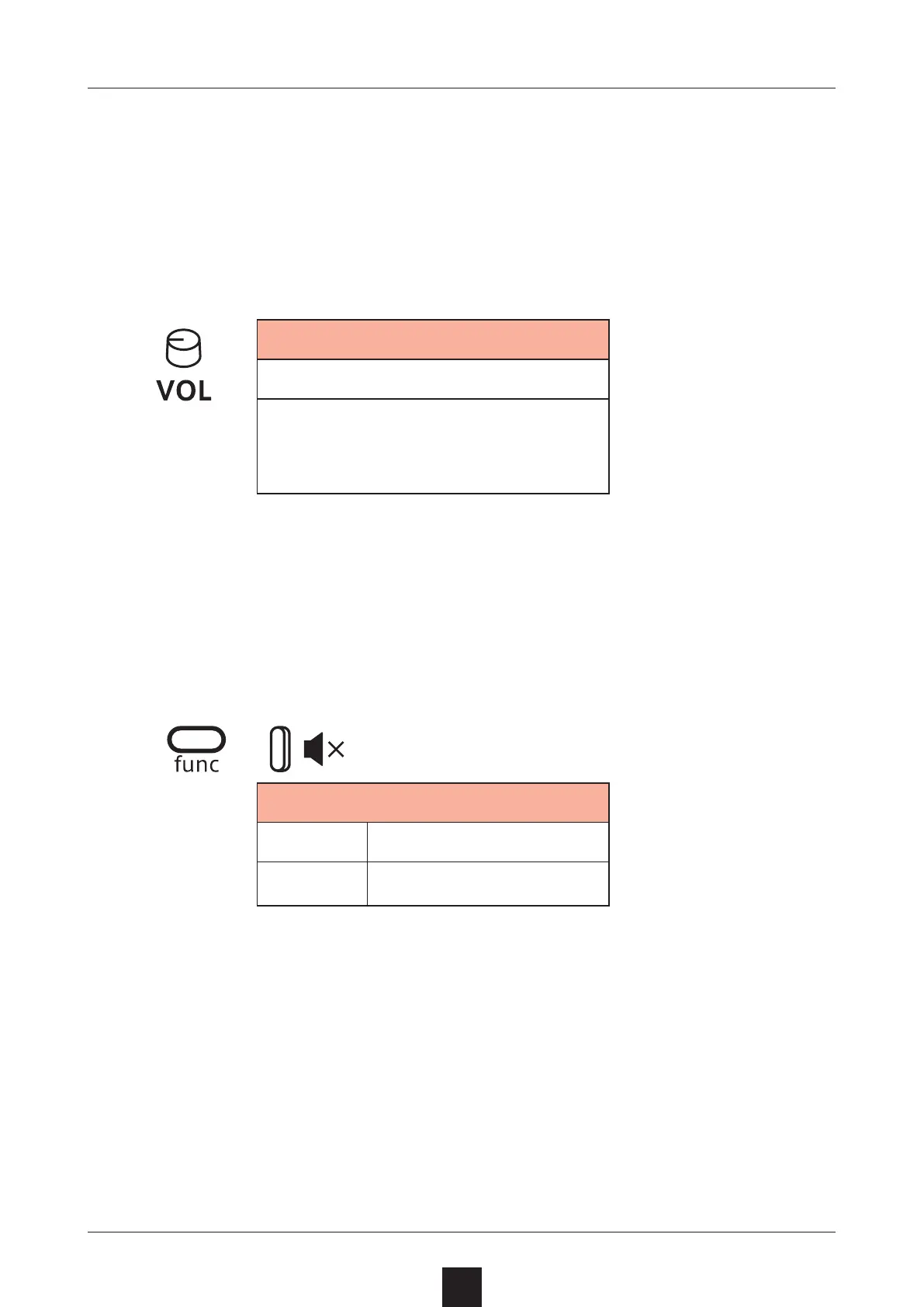
Adjusting the overall volume
The volume from the speaker, headphones and the LINE OUT can be
adjusted.
Volume
0 – 127
This can be adjusted from −∞
to +6 dB with 0 dB as the mid-
dle value (63–64).
Turning on/o the speaker
The built-in speaker can be turned o manually if you want to mute it
without connecting headphones (when only using the LINE OUT, for
example).
+
Speaker
MUTE Speaker o
SPK Speaker on



 To Next Page