Creating sequences
– Real-time recording
47
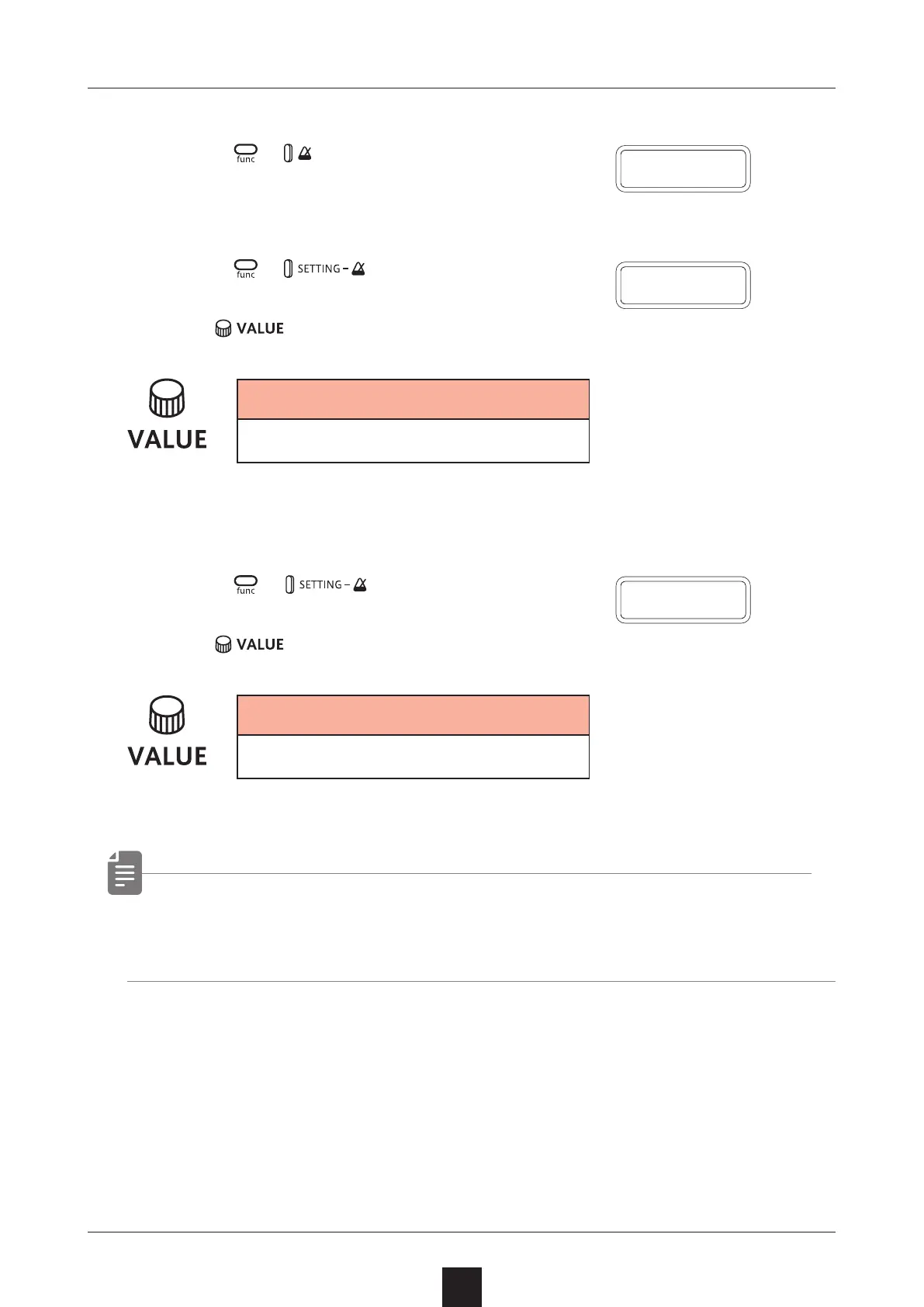
Turning on/o the metronome
1
Press + to switch ON/OFF.
Adjusting the metronome volume
1
Press + to select VOL.
2
Use to adjust the metronome volume.
Metronome
0 – 15
Setting a pre-count
1
Press + to select PR.CT.
2
Use to change the pre-count.
Metronome
OFF, 1 – 8
• When a pre-count is set, recording and playback will start after
the pre-count.
O N
V O L
P R
.
C T



 To Next Page