Clock synchronization with
external devices — Clock settings
63
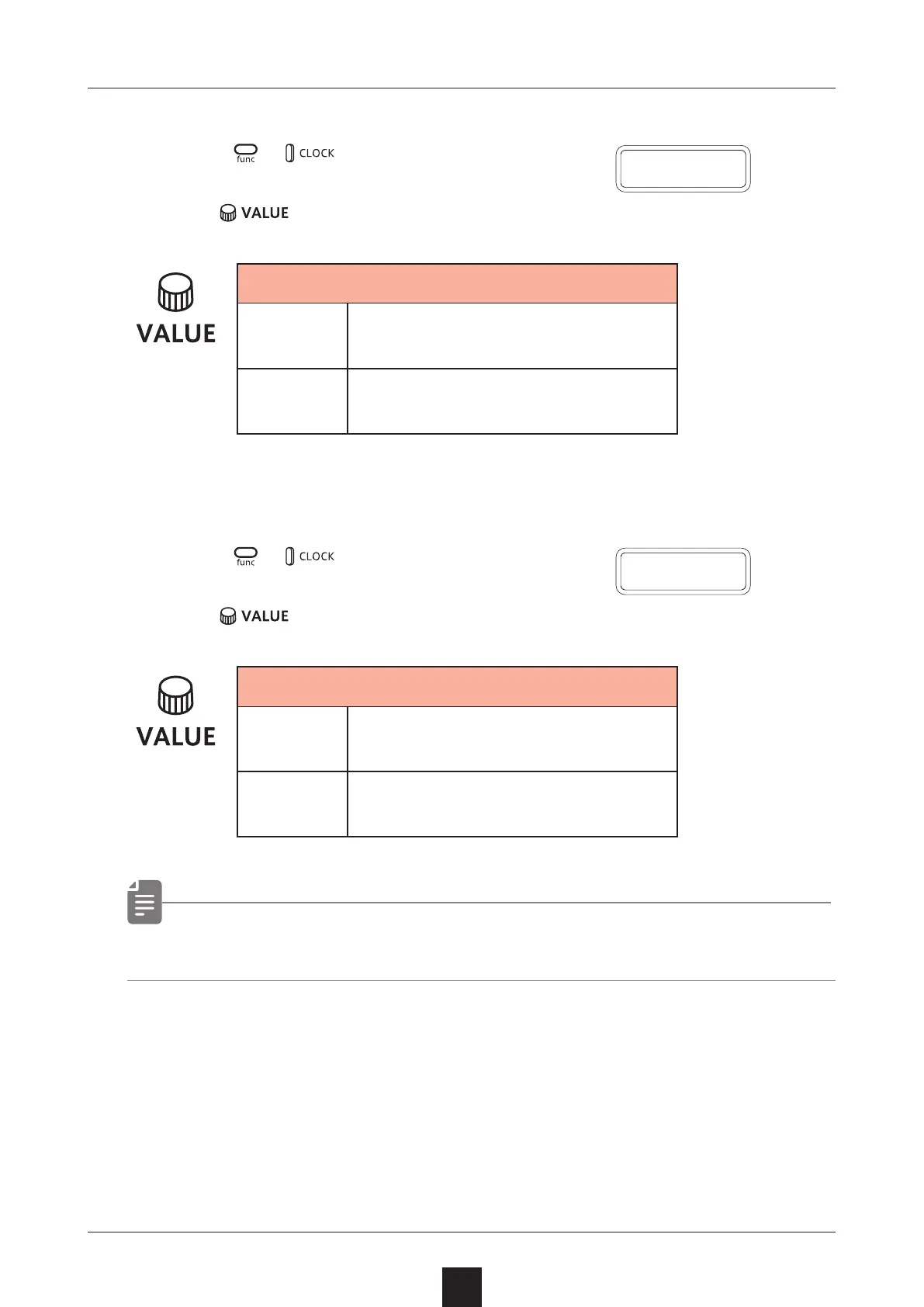
Setting SYNC IN polarity
1
Press + and select S.I.PO.
2
Turn to set the polarity.
Polarity – Sync In
FALL
Synchronize with falling of
sync signal
RISE
Synchronize with rising of
sync signal
Setting SYNC OUT polarity
1
Press + and select S.O.PO.
2
Turn to set the polarity.
Polarity – Sync In
FALL
Synchronize with falling of
sync signal
RISE
Synchronize with rising of
sync signal
• See (→ P.68) for details about setting MIDI clock.
S
.
I
.
P O
S
.
O
.
P O



 To Next Page